Stop Working Slow. This 10-App Windows Secret Actually Changes Everything.
Stop working slow. I’m serious.
After spending three weeks observing how the most elite designers in East London actually interact with their hardware, I realized that "focus" is a lie we tell ourselves to excuse a clumsy workflow—and it’s costing you about four hours of your life every single week.
I used to be the person who bragged about my "deep work" sessions while actually spending forty percent of that time searching for files, resizing windows, and fighting with a default interface that hasn't fundamentally changed since the late nineties.
We treat our operating systems like static furniture when they should be custom-tailored suits.
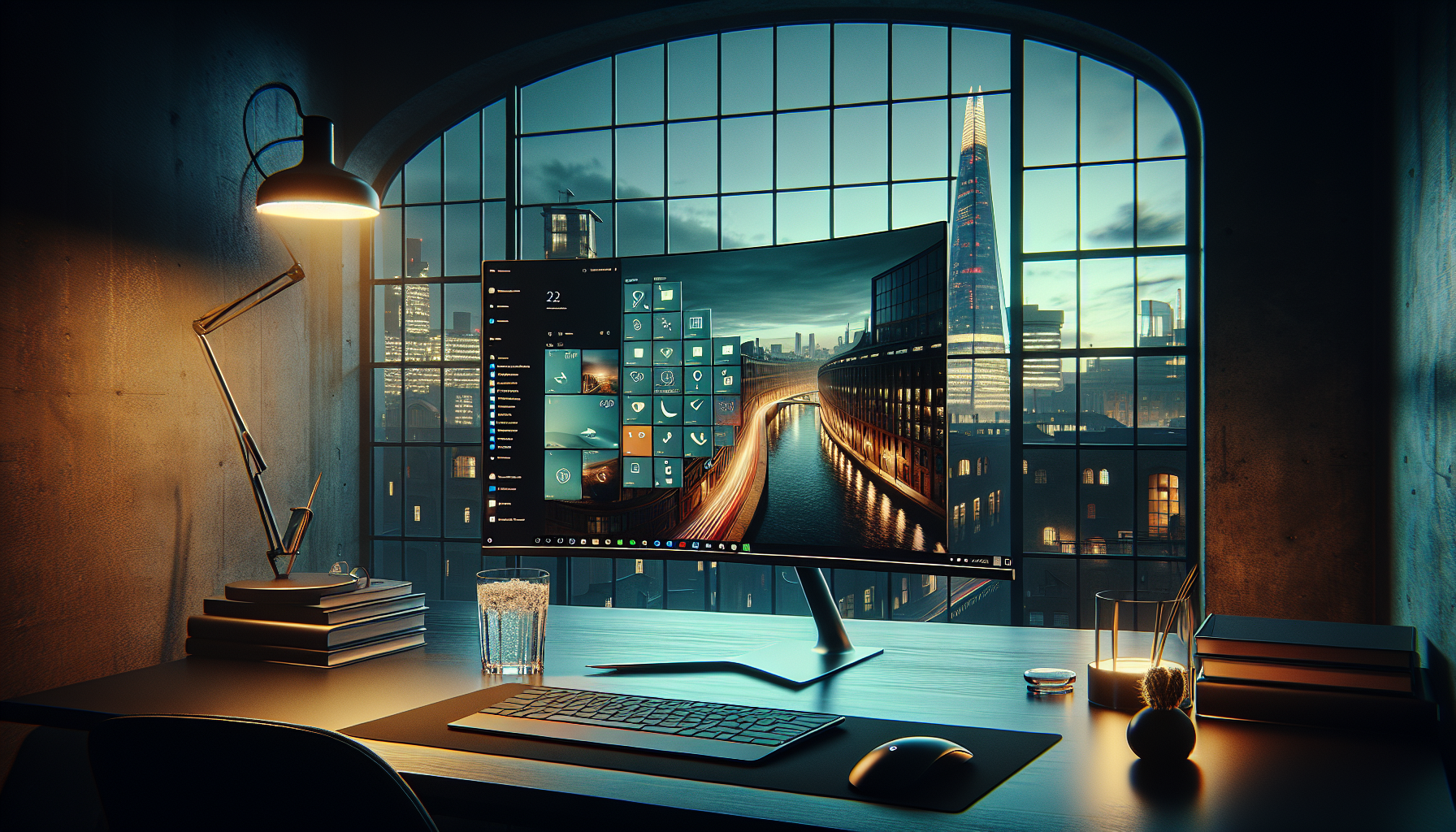
Last month, I sat in a dimly lit studio in Hackney and watched a creative director ship a full brand identity in the time it took me to order a flat white.
He wasn't working harder; he was simply moving without friction.
He had replaced the "clunk" of Windows with a streamlined, ten-app "Fluidity Stack" that made his PC feel like an extension of his nervous system rather than a box of folders.
The Invisible "Friction Tax" on Your Creativity
We are currently living through the most significant shift in work culture since the industrial revolution, yet most of us are still using our computers like it's 2012.
We accept the "Friction Tax"—those three-second delays when searching for a document or the five-second struggle to align two windows—as a natural part of the digital experience.
In reality, these micro-interruptions are the silent killers of the "flow state." Every time your brain has to stop thinking about a creative problem to think about a navigational one, you lose approximately twenty minutes of peak cognitive momentum.
If you are still clicking through the Start menu or dragging windows by their corners, you are effectively paying a tax on your own intelligence.
The secret I discovered isn't about "hustle" or "grind." It’s about architecture.
By the time we hit the mid-2020s, the gap between the "default user" and the "power user" has become a chasm that determines who gets to sign off at 4:00 PM and who stays tethered to their desk until midnight.
The 10-App Secret: Building Your "Fluidity Stack"
To stop working slow, you have to stop using Windows as it was shipped to you.
The following ten applications form a cohesive ecosystem that removes the resistance between your thought and the digital execution.
1. PowerToys (FancyZones): The Grid System for Your Soul
Default window snapping is for amateurs. FancyZones allows you to design a complex architectural grid on your monitor where windows don't just "snap"—they belong.
I have a three-column layout for my research phases and a "cockpit" layout for my writing phases, allowing me to switch mental contexts in a single click.
2. Flow Launcher: The Command Center
If you are still looking for apps by clicking an icon, you are wasting energy.
Flow Launcher is a minimalist search bar that acts as a portal to everything—files, bookmarks, shell commands, and even ChatGPT 5 queries.
It’s the closest thing we have to a telepathic link with our file system, allowing you to trigger complex actions without your fingers ever leaving the home row.
3. Everything (by voidtools): Instantaneous Memory
Windows Search is notoriously sluggish and often inaccurate. Everything is a tiny utility that indexes your entire hard drive and provides results for any file name instantly as you type.
It transforms your computer from a messy filing cabinet into a searchable database that responds in milliseconds, effectively giving you a perfect digital memory.
4. ShareX: The Art of Visual Communication
In 2026, we don't just "send emails"; we communicate through visual context. ShareX is a powerhouse for capturing, annotating, and instantly uploading screenshots or GIFs.
If I need to show a developer a bug or a client a design tweak, I can capture the exact area, blur sensitive info, and have a URL on my clipboard in under four seconds.
5. Espanso: The End of Repetitive Typing
We all have "ghost phrases"—emails, bios, links, or code snippets we type dozens of times a week.
Espanso is a system-wide text expander that allows you to trigger long blocks of text with simple shortcuts like `:bio` or `:meeting`.
It feels like having a personal assistant who anticipates your most common responses, saving thousands of keystrokes a month.
6. Ditto: The Infinite Clipboard
While Windows has included a basic clipboard history (Win+V) since 2018, it lacks the depth required for a high-performance workflow.
Ditto transforms this into a truly infinite resource with superior search and long-term storage, keeping a history of everything you’ve copied—text, images, files—over the last week.
When I’m synthesising a report from three different sources, I don't tab back and forth; I copy everything I need in one go, then "pour" it into my document using Ditto’s history menu.
7. EarTrumpet: Sonic Design
Our digital environments are noisy, and the default volume mixer is buried under too many clicks. EarTrumpet gives you a beautiful, per-app volume control directly in the taskbar.
I can keep my focus-playlist at 20% while my Claude 4.6 voice-interface stays at 80%, managing the "vibe" of my workspace with zero menu-diving.
8. ModernFlyouts: Aesthetic Cohesion
Aesthetics aren't just for show; they reduce the cognitive load of interacting with an ugly UI.
ModernFlyouts replaces the dated, clunky Windows 10/11 audio and brightness sliders with sleek, fluent-design elements.
It makes the OS feel like a premium, cohesive product rather than a patchwork of legacy code.
9. AutoHotkey v2: The Invisible Assistant
This is the "god mode" of Windows.
While it requires a bit of learning, AutoHotkey allows you to script any repetitive action—like opening a specific set of five apps and positioning them perfectly when you press a single key combination.
It’s the ultimate tool for those who want to automate the mundane so they can focus on the meaningful.
10. Files: The Modern Explorer
The default File Explorer is functional but uninspiring. Files is a community-driven replacement that brings tabs, a dual-pane view, and a gorgeous design language to your file management.
It makes navigating your work feel like browsing a high-end gallery rather than digging through a basement.
Why Your "Digital Environment" is Your Real Office
In the age of remote work and hybrid living, we often focus on our physical desks—the Herman Miller chair, the Philips Hue lighting—while ignoring the fact that we actually live inside our screens.
Your operating system is the true architecture of your career. If that architecture is cluttered, slow, and default, your output will be too.
I’ve noticed that when I use this "Fluidity Stack," my anxiety levels drop significantly. The frustration of "where did I put that file?" or "why is this window won't stay put?" disappears.
You stop fighting the machine and start dancing with it. This isn't just about productivity; it’s about the dignity of doing good work without the friction of bad tools.
When I talk to other writers in London, they often complain about burnout.
But when I look at their workflows, I don't see people who are overworked; I see people who are exhausted by the "digital drag" of a poorly optimized life.
They are running a marathon in lead boots and wondering why their legs hurt.
The Reframe: From "Tool" to "Extension"
The most successful people I know in 2026 treat their software as an extension of their cognitive ability. They don't "use" an app; they integrate it.
By the time you've finished reading this, you could have installed three of these tools and already saved yourself ten minutes of tomorrow's workday.
The "10-App Secret" isn't a list of toys; it’s a manifesto for a new kind of professional. It’s for the person who values their time enough to automate the boring parts of their existence.
It’s for the person who wants to work at the speed of thought, not at the speed of a mouse click.
Stop working slow. Not because the world needs more "output," but because you deserve a more elegant way to exist. When you remove the friction, you don't just get faster; you get better.
You find the space to think, the time to breathe, and the energy to create something that actually matters.
Have you noticed a "friction tax" in your own workflow, or have you found a secret app that changed how you work? I’d love to hear your "fluidity" tips—let's talk in the comments.