Nobody Talks About These 10 Windows Apps. They Actually Change Everything.
Stop buying new hardware to fix your burnout.
I’m serious. After spending the better part of 2025 trying to "optimize" my life through expensive ergonomic chairs and minimalist desks, I realized I’d ignored the one thing I stare at for ten hours a day: the cluttered, utilitarian grey box that is the Windows operating system.
It’s a quiet tragedy of modern life that we spend thousands on our physical environments only to inhabit a digital one that feels like a 1990s cubicle.
Our operating systems are the architecture of our minds, yet we accept the default settings as if they were immutable laws of nature.
I’ll admit it: six months ago, my desktop was a graveyard of "Final_v2" PDFs and my notification tray was a digital panic attack.
My Windows setup wasn't a tool; it was a source of low-grade, constant friction that was quietly draining my cognitive battery before I even finished my first coffee in Marylebone.
The Windows Cubicle Crisis
We’ve been conditioned to treat Windows as a purely functional beast—something to be tolerated rather than enjoyed.
This "utilitarian trap" leads to what I call Digital Fatigue Syndrome, where the sheer ugliness and inefficiency of your workspace makes every task feel 20% heavier than it actually is.
I spent years thinking the answer was a Mac, or perhaps a total digital detox, but the reality is that most of us are tethered to Windows for reasons of software, gaming, or corporate necessity.
The breakthrough came when I stopped looking for a new "house" and started renovating the one I already lived in.
By April 2026, the landscape of software has shifted from "more features" to "more presence." There is a subculture of digital minimalists who have stopped fighting the OS and started curating it like a private gallery.
The Discovery of the Digital Sanctuary
The following ten apps aren't just utilities; they are interventions.
They represent a shift toward what I call The Sanctuary Protocol—a way of working that prioritizes visual silence and cognitive ease.
I didn't find these on a "Top 10 Productivity" list; I found them through a desperate search for a workspace that didn't feel like it was yelling at me.
These tools changed how I breathe while I work, and that is a metric no benchmark can capture.
If you’re still using the Windows defaults, you are essentially living in a house with no curtains and fluorescent lighting. It’s time to reclaim your digital senses.
1. Files: The Curator’s Gallery
The default Windows File Explorer is a relic of a time when we organized data like librarians in a basement. It’s cluttered, it’s inconsistent, and it’s frankly depressing to look at.
"Files" (available on the Microsoft Store) is the first step toward visual sanity.
It replaces the cluttered sidebar with a clean, fluid interface that feels like it belongs in 2026.
The use of tabs and "dual pane" views means I no longer have six different windows open just to move a photo from a folder to a draft.
It turns file management from a chore into a curated experience. When your digital storage looks like a high-end design magazine, you find yourself wanting to keep it organized.
2. Lively Wallpaper: Digital Ambient Light
We’ve been told that "live wallpapers" are a distraction or a battery drain, but that’s an outdated perspective from the laptop-scarce era of 2021.
Lively Wallpaper allows you to turn your background into a living, breathing soundscape.
I use a subtle, slow-moving gradient that shifts based on the time of day in London. In the morning, it’s a pale, hopeful cyan; by 5 PM, it’s a deep, contemplative violet.
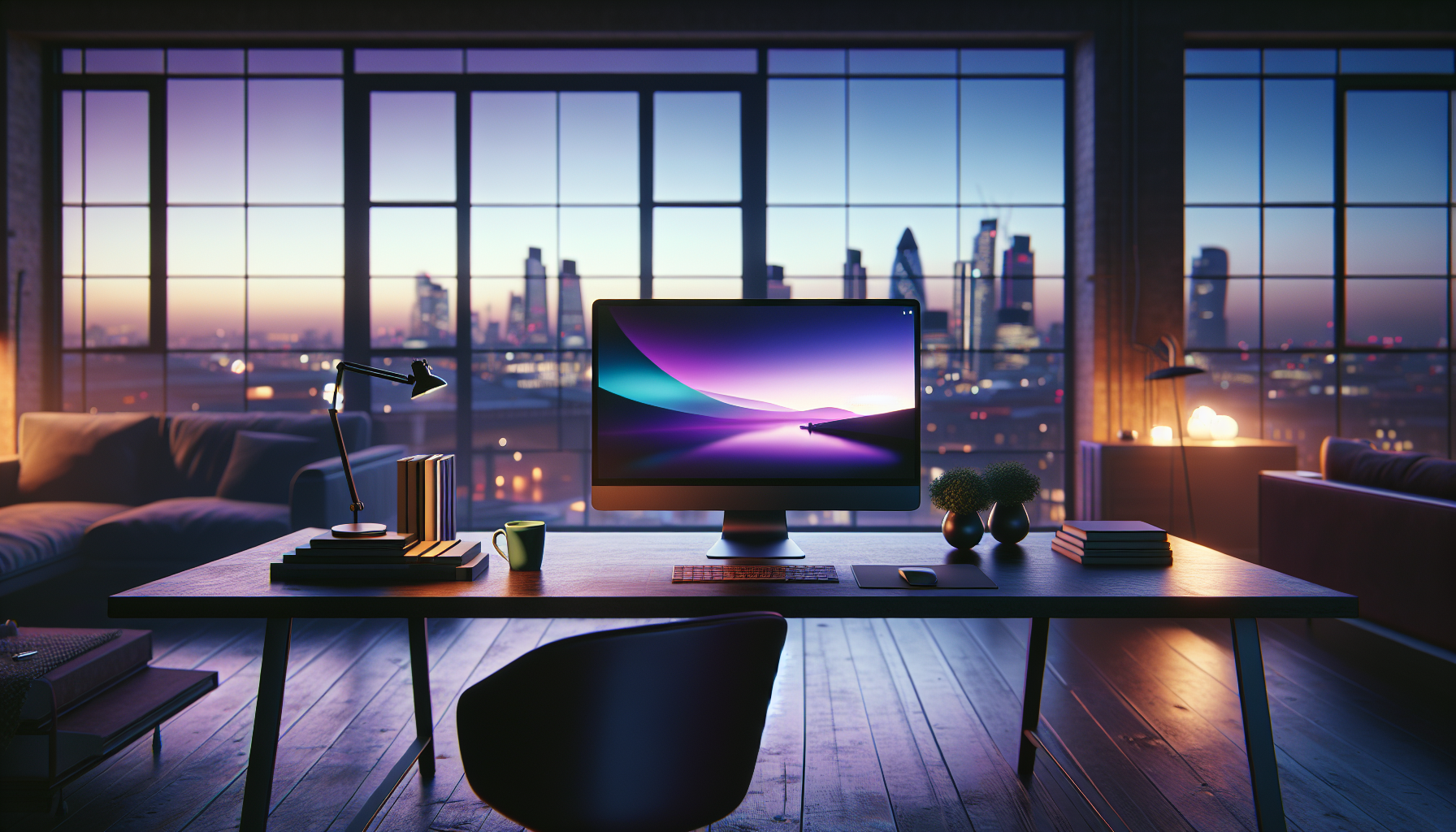
This creates a "Circadian Desktop" that anchors your body to the real world. Instead of a static, glowing image, my monitor feels like a window into a calmer version of reality.
3. Flow Launcher: The Searcher’s Shortcut
Stop clicking the Start menu.
Every time you click that cluttered blue icon and wait for the search to fail, you are breaking your flow state. Flow Launcher is a minimalist search bar that stays hidden until you need it.
It’s fast, it’s elegant, and it searches everything from your files to your Obsidian notes to your Spotify playlists.
It’s the digital equivalent of having a perfectly organized valet who knows exactly where you left your keys.
By moving to a "search-first" workflow, you can hide your taskbar and your desktop icons entirely. Visual silence is the ultimate productivity hack.
4. QuickLook: The Glance Protocol
If you’ve ever used a Mac, you know the "Spacebar to preview" feature is the only thing Windows users truly envy.
QuickLook brings that "Glance" capability to Windows, and it is a game-changer for your nervous system.
Instead of double-clicking a file, waiting for a heavy app to launch, and then closing it, you simply tap the spacebar. A beautiful preview appears instantly—images, PDFs, even zip files.
It reduces the "transaction cost" of information. You can stay in the flow of your thoughts without being hijacked by the loading screens of heavy software.
5. EarTrumpet: Auditory Hierarchy
The Windows volume mixer is a disaster of buried menus. EarTrumpet gives you a beautiful, per-app volume control right in your system tray.
Why does this matter for lifestyle? Because sound is the most overlooked element of our environment. I can keep my focus-music at 20%, my Zoom call at 80%, and my system alerts at 0%.
It allows you to curate an auditory hierarchy so that your computer never "shouts" at you unexpectedly. It’s about taking back control of your sensory boundaries.
6. ModernFlyouts: Aesthetic Consistency
Windows is a patchwork of different design eras—some menus look like 2026, others look like 2012.
ModernFlyouts replaces the ugly, boxy volume and brightness sliders with sleek, fluid animations that match the modern Windows 11/12 aesthetic.
It’s a small change, but micro-aggressions in design add up to macro-stress. When every interaction with your OS feels intentional and polished, you feel more professional and focused.
Consistency is the foundation of digital calm. Don't let your OS remind you of its own messiness every time you change the volume.
7. Microsoft Journal: The Analog Bridge
As a writer, I’ve often felt the "Creative Gap"—the distance between my messy handwritten thoughts and the rigid structure of a Word doc.
Microsoft Journal is an ink-first app that feels like a high-end Moleskine.
It uses AI to recognize gestures; you can scratch out words to delete them or circle them to move them. It’s the first time digital writing has felt visceral and human.
I use it for my morning "brain dumps." It’s a way to bridge the gap between the physicality of thought and the digitality of work.
8. PowerToys (FancyZones): Spatial Intelligence
If you are still manually dragging and resizing windows to fit your screen, you are wasting hours of your life.
FancyZones (part of Microsoft PowerToys) allows you to create "Spatial Templates" for your monitor.
I have a "Writing Zone" that centers my document and keeps a small research window to the left. With one shortcut, every app snaps into its perfect place.
This removes the "decision fatigue" of window management. Your apps shouldn't live wherever they happen to land; they should inhabit a deliberate, spatial architecture.
9. Ambie: Soundscape Curation
In a world of "open-plan" home offices and London street noise, Ambie is a survival tool. It’s a beautifully designed white-noise and ambient-sound app that lives in your taskbar.
Unlike a YouTube video or a Spotify playlist, it’s built for focus. You can mix your own "Soundscape"—a bit of rain, a distant library hum, and a crackling fire.
It creates a "portable sanctuary." Whether I’m in a crowded café or a quiet flat, I can instantly deploy an auditory environment that signals to my brain: "It is time to create."
10. Obsidian: The Intellectual Legacy
While not strictly a "Windows utility," Obsidian is the only way to manage the information overload of 2026. It’s a "Second Brain" that stores your notes as simple text files on your own computer—not in a cloud you don't own.
It allows you to link ideas like a nervous system. Over time, it becomes a map of your own mind.
I’ve stopped trying to remember everything; I just put it in the "vault." The relief of knowing your ideas are safe and searchable is the greatest wellness gift you can give yourself.
The 'Sanctuary Protocol' Framework
To implement these changes effectively, don't just download all ten at once. Follow the 3-Signal System to rebuild your relationship with your PC:
Phase 1: Signal of Space (Visual Silence)
Start by installing Files and Lively Wallpaper. Hide every icon on your desktop. If your desktop isn't empty, your mind isn't clear. Use your desktop only for the task you are doing right now.
Everything else belongs in the "vault" or the bin.
Phase 2: Signal of Intent (The Search Flow)
Install Flow Launcher and QuickLook. Commit to never using the Start menu again. By searching for what you need only when you need it, you eliminate the "browsing" habit that leads to distraction.
You become an intentional actor rather than a passive consumer of your own files.
Phase 3: Signal of Rest (Sensory Boundaries)
Use Ambie and EarTrumpet to control the "vibe" of your workspace. Set a hard boundary: when the "Rain and Coffee" soundscape goes off at 6 PM, the work day is over.
Use your software to enforce your humanity, not the other way around.
The $0.00 Digital Renovation
The most shocking part of this list? Most of these apps are free or cost less than a single avocado toast in Soho.
We’ve been sold a lie that productivity requires a "pro" subscription, when the best tools are often the ones built by passionate developers who just wanted a better way to work.
By mid-2027, I predict we will see a massive "Default Exit" where people stop accepting the factory settings of their lives.
We are realizing that our digital environment is just as real as our physical one.
I no longer feel a spike of dread when I open my laptop. I feel a sense of arrival. My Windows setup is no longer a cubicle; it’s a studio. It’s a library. It’s a sanctuary.
What’s the one part of your digital life that feels like "friction" every single day? Is it your messy files, your loud notifications, or just the grey boredom of it all?
I’d love to hear how you’re hacking your way back to calm—let’s talk in the comments.