10 Windows Apps I Quietly Use Every Day. You’ve Been Doing It Wrong.

Stop trying to "organize" your Windows desktop. I spent three years obsessively cleaning my folders only to realize that the more I organized, the more I was drowning in digital friction.
After rebuilding my entire workflow around what I call "The Quiet Stack" in early 2026, I realized that 99% of people are using their PCs like it’s 2019—and it’s quietly draining their mental energy.
I used to be the person with forty icons on my desktop and a Start menu that looked like a digital junkyard.
I thought I was being "productive," but I was actually just performing a very expensive version of digital hoarding.
The breakthrough came when I realized that your operating system shouldn't be a place you manage; it should be an environment you inhabit.
In London, we talk a lot about "curated living" in our physical spaces, yet we treat our digital homes like a warehouse floor.
If you’re still clicking through folders or waiting for the Windows Search bar to find a PDF, you’re doing it wrong.
Here are the ten apps I quietly use every single day to maintain a state of "digital silence," and why they’ve changed how I live now.
The SOS Protocol: How to Reclaim Your Digital Space
Before we dive into the list, you need to understand the framework.
I call it the Silent Operating System (SOS) Protocol. It’s a three-step mental model designed to eliminate the micro-frustrations that aggregate into burnout.
The first step is Visual Silence: if you can see an app when you aren’t using it, it’s stealing your focus.
The second is Instant Retrieval: if it takes more than two keystrokes to find a file, your system is broken.
The third is Ambient Intelligence: using tools like Claude 4.6 as a layer over your OS rather than just another tab in your browser.
By the time we hit 2027, the "manual" desktop will be a relic of the past.
Transitioning to this protocol today isn't just about speed; it's about preserving your "cognitive load" for the things that actually matter, like writing, designing, or simply thinking.
1. The Foundation: PowerToys and the Art of Organization
Microsoft’s own PowerToys is the most underrated suite in existence, and most people treat it like a nerdy experiment. I use it for one specific feature that changed my life: FancyZones.
It allows me to create a "visual grid" that snaps my windows into place with a single shift-click.
Most people waste ten minutes a day just resizing windows. In my SOS setup, my screen is a curated gallery where every app has a designated home.
I don't "arrange" windows anymore; I inhabit a layout that is pre-defined for my specific mood.
Whether I'm in "Deep Focus" mode or "Ambient Research" mode, FancyZones ensures that my digital environment remains symmetrical and calm.
It’s the digital equivalent of having a perfectly tailored suit—everything just fits where it should.
2. The Gatekeeper: Why I Never Use the Start Menu
If you are still clicking the "Start" button in April 2026, you are living in the past. I replaced my entire navigation system with Flow Launcher.
It’s a minimalist bar that appears when I hit Alt+Space, allowing me to launch apps, search the web, or even do math without moving my mouse.
The Start menu is a distraction engine designed to show you things you didn't ask for. Flow Launcher is the opposite—it is a silent servant that only speaks when spoken to.
It integrates with everything, including my Spotify and my system settings.
I use it to trigger "Quiet Time" scripts that kill my notifications and dim my second monitor.
It’s not just an app launcher; it’s the remote control for my digital life, allowing me to stay in the "flow" without the jarring visual interruption of the Windows UI.
3. The Memory: Finding Anything in 0.2 Seconds
Windows Search is notoriously bad, often showing you web results for a file that is sitting right on your hard drive. I quietly replaced it with Everything (by voidtools).
It’s a tiny utility that indexes your entire hard drive in seconds and allows for instantaneous file retrieval.
I have stopped organizing folders entirely because "Everything" makes them irrelevant. I don't need to remember if a contract is in "Documents" or "Downloads" because I can find it in 0.2 seconds by typing three letters.
This has removed the "search anxiety" that used to plague my workdays.
By treating my hard drive like a giant, searchable brain rather than a filing cabinet, I’ve freed up hours of mental space.
It’s a "quiet" app because it sits in the system tray, invisible until I need to summon a piece of data from the depths of 2023.
4. The Second Brain: Obsidian in the Age of Claude 4.6
We are currently living through the "AI integration" era, and Obsidian has become my central nervous system.
While most use it for simple notes, I use it as a local database that connects directly to Claude 4.6 via the "Smart Connections" plugin.
Your thoughts shouldn't live in a cloud you don't own. Obsidian keeps everything in local Markdown files, which means my "Second Brain" is private, fast, and permanent.
I use it to map out my lifestyle articles and track my cultural observations across London.
With the latest April 2026 updates, I can now ask my local AI to "summarize my thoughts on minimalism from the last six months," and it does so without my data ever leaving my machine.
It’s a sophisticated, elegant way to handle the information overload of the modern world.
5. The Atmosphere: Making Your OS Feel Like Home
Most Windows desktops look like a corporate office in 2005—grey, sterile, and uninspiring.
I use Rainmeter with a highly customized, ultra-minimalist skin to turn my desktop into a "mood board." It shows me nothing but the time, a subtle "focus" quote, and the current air quality in London.
Your digital environment should reflect your aesthetic values, not Microsoft’s branding. By stripping away the taskbar and the system icons, I’ve created a space that feels like a quiet gallery.
It’s about "digital feng shui."
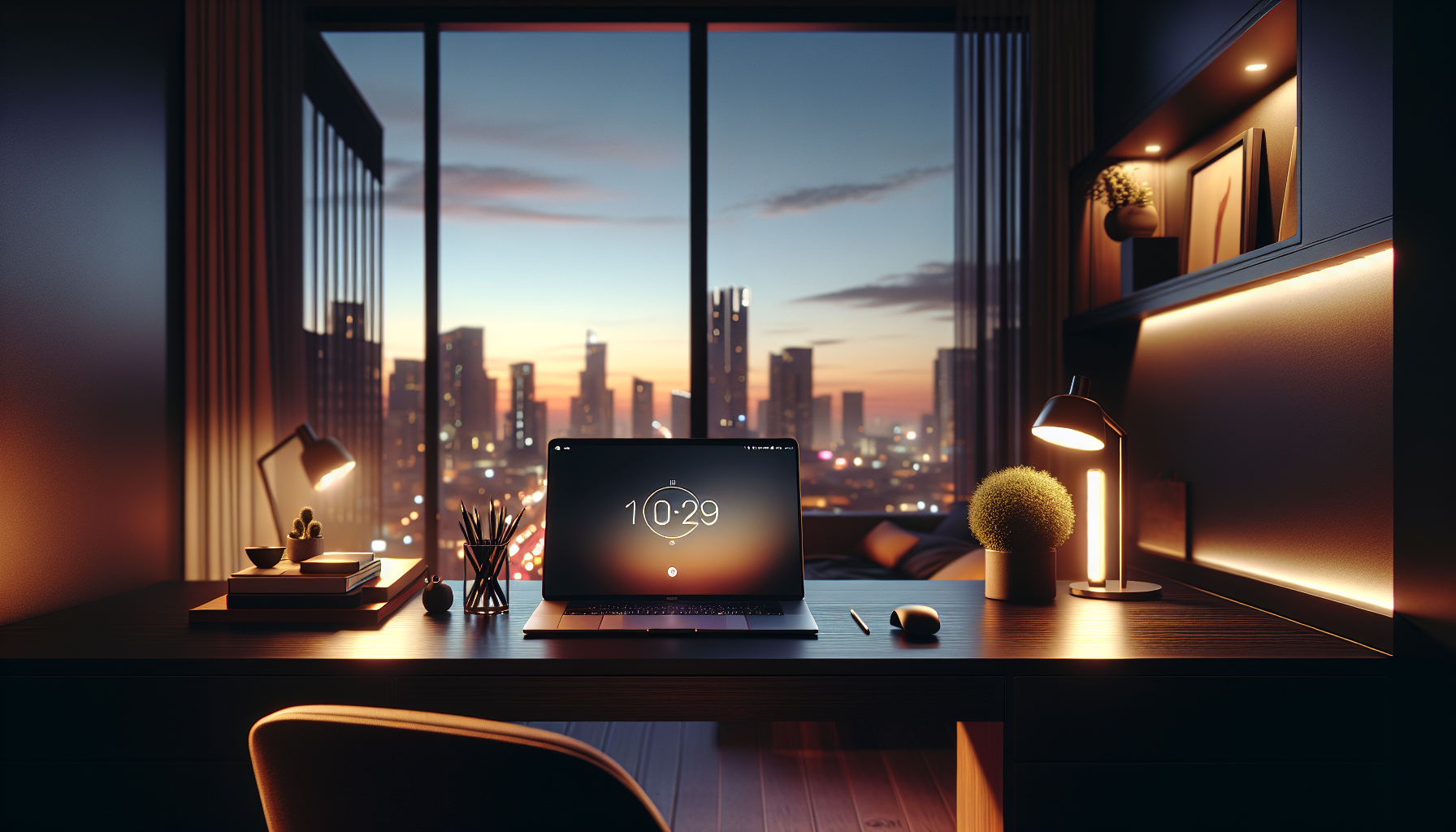
When I wake up and open my laptop, I’m not greeted by a "To-Do" list or a cluttered tray. I’m greeted by a clean, beautiful interface that invites me to create rather than consume.
It’s a psychological "pattern interrupt" that starts my day with intention.
6. The Communicator: Why I ShareX Everything
Communication in 2026 is visual, but most people are still struggling with "Snipping Tool" or—heaven forbid—taking a photo of their screen with their phone.
ShareX is the powerhouse I use to capture, annotate, and upload anything on my screen in a single keystroke.
The ability to communicate a complex idea visually in seconds is a superpower. I use ShareX to record quick "Loom-style" GIFs for my editor or to highlight design flaws in a new website layout.
It’s completely automated; it saves the file, uploads it to my private cloud, and puts the link on my clipboard.
It’s "quiet" because it eliminates the five-step process of "Capture, Save, Open Email, Attach, Send." In my world, that’s a legacy workflow.
ShareX handles the friction so I can focus on the conversation.
7. The Control: Managing the Noise with EarTrumpet
Windows handles volume like a sledgehammer, but our digital lives require a scalpel. EarTrumpet is a beautiful, modern volume controller that allows me to set different levels for every single app.
I can have my "Focus" playlist at 20% while my Zoom call is at 80%.
Sound is the most overlooked element of our digital wellness. Being jarred by a loud notification while you're listening to a podcast is a micro-aggression against your own focus.
EarTrumpet gives me granular control over my acoustic environment.
It looks like a native Windows 11 app—only better. It’s a small change, but once you’ve used it, the default Windows volume slider feels like a toy from a bygone era.
It’s about reclaiming control over the "noise" of your life.
8. The Continuity: Never Lose a Copy Again
We all know the frustration of copying something, then copying something else, and realizing you lost the first thing.
Ditto is a clipboard manager that keeps a searchable history of everything I’ve copied for the last 30 days.
I no longer fear "the overwrite." If I wrote a brilliant sentence three hours ago and deleted it, it’s still there in Ditto. It’s a safety net for my creativity.
I also use it to sync clipboards between my desktop and my laptop, creating a seamless "continuity" across my devices.
It sounds like a small utility, but it removes the "copy-paste anxiety" that many writers feel.
It’s a silent backup of every link, quote, and code snippet I’ve touched, accessible with a quick shortcut.
9. The Polish: ModernFlyouts and Visual Consistency
One of the reasons Windows feels "messy" is the inconsistent UI—half of the menus look like Windows 10, and half look like Windows 11.
ModernFlyouts replaces the dated "Volume" and "Brightness" overlays with sleek, customizable bars that actually match the modern aesthetic.
Visual friction is real, even if you don't realize it. When a big, ugly box pops up on your screen because you changed the volume, it breaks your immersion.
ModernFlyouts makes these transitions feel fluid and intentional.
It’s about "digital polish." If you care about the design of your home and your clothes, you should care about the design of the tools you use for eight hours a day.
It’s the difference between a rough draft and a finished piece of art.
10. The Companion: The Integrated AI Layer
The final piece of my "Quiet Stack" is the Claude 4.6 Desktop app, which I have pinned to a hidden sidebar using PowerToys.
Instead of treating AI as a website I visit, I treat it as a "system-level" companion that helps me synthesize information across all my other apps.
The future of computing isn't apps; it's assistance. I use Claude to draft my replies, analyze my Obsidian notes, and even help me debug my Rainmeter scripts.
By keeping it integrated into my OS, I’ve reduced the "context switching" that usually kills productivity.
As we move toward 2027, the line between the "Operating System" and the "AI" will disappear entirely. By setting this up now, I’m getting a head start on the next decade of computing.
It’s a quiet, powerful presence that makes everything else on this list work better.
The Reality Check: It’s Not About the Apps
After years of tinkering, I’ve realized that the most important "app" you have is your own attention. These tools aren't meant to make you "faster" so you can do more work; they are meant to make you "quieter" so you can do better work.
I see so many people in London coffee shops fighting with their laptops, struggling to find files, and closing a dozen pop-ups before they even start writing.
They are losing the battle before it even begins. By implementing the SOS Protocol, I’ve turned my PC from a source of stress into a source of serenity.
You don't need a new laptop. You don't need a "productivity course." You just need to stop doing it wrong and start curating your digital life with the same care you give your physical one.
The tools are there—you just have to be quiet enough to use them.
Have you noticed your focus slipping because of digital clutter, or have you found your own "Quiet Stack" that works?
I’d love to hear how you’re reclaiming your digital space—let’s talk in the comments.