Stop Using Windows Without These 10 Secret Apps. You've Been Doing It Wrong.

**Stop Using Windows Without These 10 Secret Apps. You've Been Doing It Wrong.**
I spent £2,400 on a new laptop last month, and for the first three days, I hated it.
It wasn’t the hardware — the magnesium chassis was cold and elegant, and the screen was a vibrant OLED dream — but the soul of the machine felt like a cluttered, beige office from 1998.
**We’ve been conditioned to accept the "default" Windows experience as a law of nature, but after ten years of covering culture and design, I can tell you that "out of the box" is just another word for "unfinished."**
Windows is the digital equivalent of a rental apartment: functional, mostly safe, but utterly devoid of personality and filled with friction you didn't ask for.
**If you are still using your PC exactly the way Microsoft handed it to you, you aren’t being efficient; you’re being a tenant in a house you already bought.**
In April 2026, we spend more time looking at our desktops than we do our own living rooms.
**The "Default Trap" is a quiet tax on your productivity and your aesthetic sanity, and it’s one that 99% of people pay every single day without realizing there’s a way out.**
The High Cost of the "Default" Lifestyle
The problem with Windows isn't that it's bad; it's that it's designed for everyone, which means it’s perfect for no one.
**Microsoft builds for the lowest common denominator — the corporate IT department, the grandmother in Leeds, and the student in Seattle — resulting in a "one-size-fits-all" UI that feels like wearing a burlap sack.** It’s functional, sure, but it’s hardly a bespoke experience.

Most of us suffer from what I call "Digital Micro-Stressing." **It’s that half-second delay when you try to find a file, the three clicks it takes to change your audio output, and the visual clutter of a taskbar that looks like a junk drawer from the 90s.** These aren't just minor annoyances; they are cognitive leaks that drain your focus over an eight-hour workday.
We’ve reached a point in 2026 where our tools should anticipate our needs, not demand our patience.
**The following ten apps aren't just utilities; they are a lifestyle intervention for your digital space.** They turn a generic operating system into a curated, high-performance environment that actually respects your time and your eyes.
1. PowerToys: The Essential Architect
If you install nothing else on this list, let it be PowerToys.
**This is Microsoft’s own "experimental" lab, and it’s the only reason I haven’t switched back to Mac in the last 18 months.** It contains a suite of tools, but the crown jewel is FancyZones.
FancyZones allows you to treat your monitor like a custom-designed gallery.
**Instead of the clunky "snap" features Windows provides, you can create complex, invisible grids that hold your windows exactly where you want them.** For anyone working on a 34-inch ultrawide, this isn't a luxury; it’s a necessity for maintaining a sense of order in a sea of pixels.
It also includes "PowerToys Run," a lightning-fast command bar that makes the Start Menu look like a fossil.
**I haven’t clicked the "Start" button since late 2025 because PowerToys Run allows me to launch apps, calculate currency, and search for files with a simple Alt+Space.** It’s the kind of invisible efficiency that makes you feel like the machine is finally keeping up with your brain.
2. Everything: The End of Searching
The Windows search bar is, quite frankly, a polite fiction.
**It claims to search your computer, but it usually just suggests Bing results for things you didn't ask for while ignoring the PDF sitting on your desktop.** "Everything" by Voidtools is the antidote to this incompetence.
Everything is a tiny utility that indexes your entire hard drive in seconds.
**The moment you type a letter, every file containing that letter appears instantly — and I mean instantly, with zero lag.** It makes the act of "organizing" files feel almost redundant because you can find any document, anywhere, in the time it takes to blink.
**Living without Everything is like trying to find a book in a library where the index cards are written in invisible ink.** Once you experience a search function that actually works, you realize how much time you’ve wasted clicking through folders like a digital archaeologist.
3. Flow Launcher: The Command Palette Lifestyle
There is a certain elegance to never touching your mouse.
**Flow Launcher is for the person who wants their PC to feel like a high-end instrument rather than a plastic toy.** It is a community-driven "command palette" that integrates your entire digital life into one search bar.
Want to search Spotify? Type it in Flow. **Need to check a crypto price, find a bookmark in Chrome, or trigger a system command?
Flow handles it without you ever leaving the keyboard.** It’s about reducing the "travel time" between an idea and an action.
In my London flat, I’ve optimized every square inch for flow and ease; my desktop should be no different.
**Flow Launcher removes the visual noise of icons and shortcuts, leaving you with a clean, minimalist interface that only appears when you need it.** It’s the ultimate tool for the "focused" lifestyle.
4. EarTrumpet: Sophisticated Audio Control
Windows handles audio with the grace of a sledgehammer.
**If you want to change the volume of just your browser without affecting your Zoom call, you have to dig through three layers of settings menus like you're debugging a mainframe.** EarTrumpet fixes this with a beautiful, modern interface.
It replaces the default volume icon in your system tray with a multi-slider controller.
**You can see every app currently making noise and adjust their volumes individually with a single click.** It’s a small change that feels massive when you’re trying to balance a podcast against the background noise of a busy afternoon.
**Design is often about solving problems people have simply learned to live with.** EarTrumpet is the perfect example of this — a tool that makes you wonder why the "billion-dollar OS" didn't think of it first.
5. QuickLook: The Mac Feature We Deserve
One of the few things macOS gets undeniably right is the "Spacebar to Preview" feature.
**Windows forces you to double-click and open a whole application just to see if a photo is the right one, which is an absurd waste of resources in 2026.** QuickLook brings that "instant preview" magic to Windows.
Highlight a file, hit the spacebar, and a window pops up instantly showing you the content.
**Whether it’s a high-res image, a video, a PDF, or a ZIP file, you can see what’s inside without "opening" anything.** It’s the digital equivalent of glancing through a window instead of having to unlock the front door and walk inside.
**Efficiency isn't about working harder; it’s about removing the "micro-waits" that disrupt your momentum.** QuickLook turns a two-second task into a half-second one, and over a year, those seconds add up to entire days of reclaimed life.
6. ShareX: Visual Communication for Adults
We live in a visual culture, yet most people are still using the "Print Screen" button like it’s 2004.
**ShareX is a monstrously powerful tool that handles screenshots, screen recordings, and "GIF-making" with professional-grade precision.** It’s the tool I use to capture those "look at this" moments for my editor.
It doesn’t just take a picture; it can automatically upload it to a host, shorten the URL, and copy it to your clipboard in one go.
**If I want to show a designer a specific bug, I can record a five-second scroll, turn it into a GIF, and send the link in less than ten seconds.** It’s the "Swiss Army Knife" of visual communication.
**Being a "power user" isn't about knowing code; it's about knowing which tools allow you to bypass the boring parts of your job.** ShareX is that bypass.
It’s slightly intimidating at first, but once you set your hotkeys, you’ll never go back to the Snipping Tool again.
7. AutoDarkMode: Syncing with Your Circadian Rhythm
The bright white glare of a Word document at 11 PM is a crime against your sleep cycle.
**Windows has a dark mode, but it’s binary and clunky; AutoDarkMode makes it intelligent.** It syncs your system’s theme with the actual sunrise and sunset in your specific location.
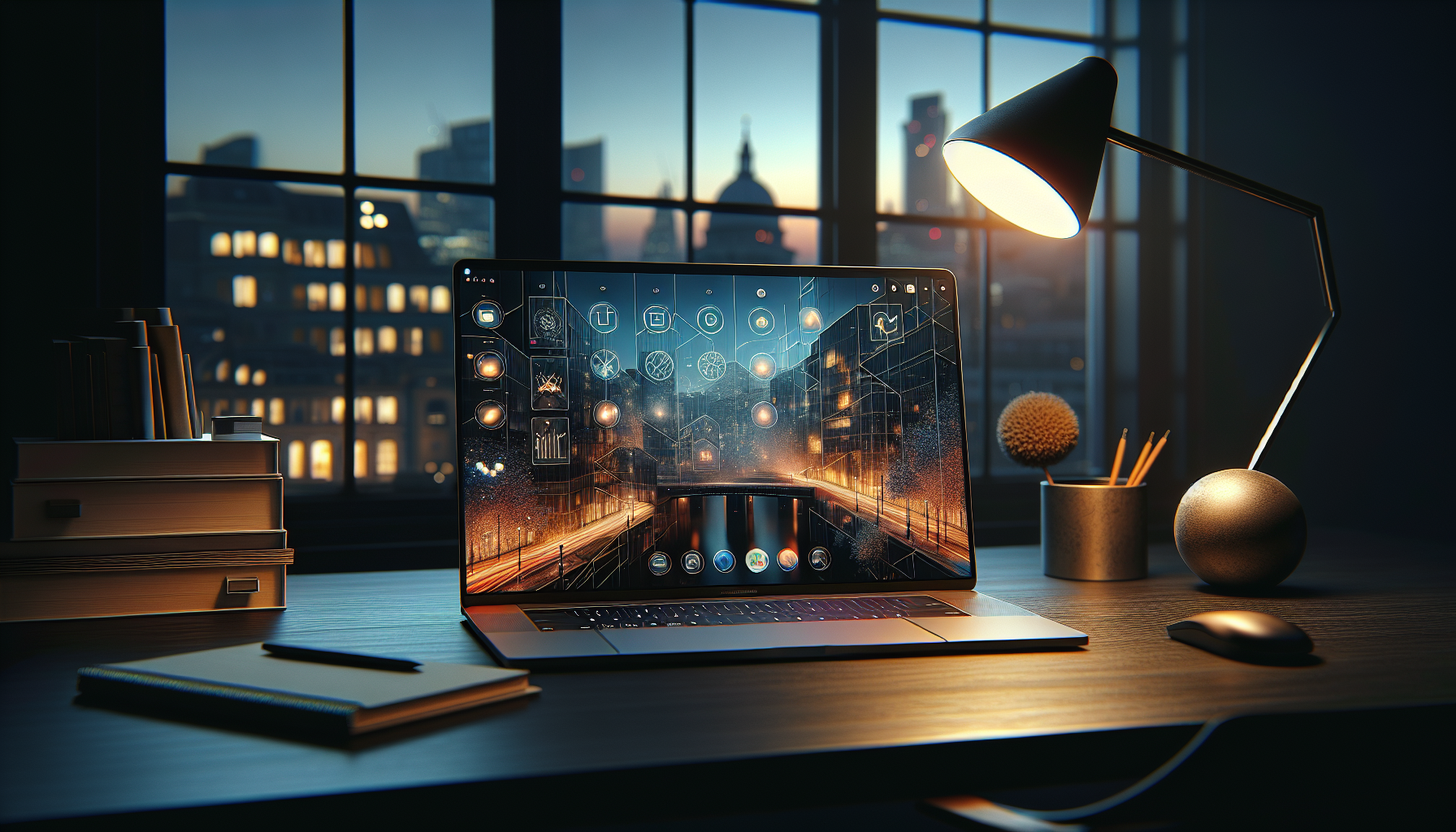
As the sun sets over the Thames, my laptop slowly shifts from a crisp, productive light mode to a soft, amber-toned dark mode.
**It’s a subtle shift that tells my brain it’s time to wind down, integrating my digital environment with the natural world.** It’s digital hygiene at its finest.
**We talk a lot about "wellness" in our homes and our diets, but we rarely apply it to the screens we stare at for ten hours a day.** AutoDarkMode is a simple, set-it-and-forget-it way to be kinder to your eyes and your nervous system.
8. TranslucentTB: The Aesthetic Cleanse
The Windows taskbar is a thick, opaque bar that cuts off your wallpaper and makes your screen feel smaller than it is.
**TranslucentTB does one thing: it makes that bar completely transparent.** It sounds like a minor tweak, but the visual impact is startling.
Suddenly, your wallpaper breathes.
**Your icons appear to float gracefully at the bottom of your screen, and the entire UI feels lighter, more modern, and less "Windows-y."** It’s the digital equivalent of replacing heavy velvet curtains with sheer linen.
**Lifestyle is about the details we choose to notice.** By removing that one block of solid colour, you change the entire "energy" of your desktop.
It feels like moving from a cubicle to a corner office with a view.
9. Espanso: The Gift of Time
How many times a day do you type your email address? Or your home address? Or that "I hope this finds you well" sentence that we all use but no one actually means?
**Espanso is a text-expander that saves you from the soul-crushing repetition of typing the same things over and over.**
You create "triggers" — for example, typing `;email` — and Espanso instantly replaces it with your full email address.
**I have triggers for my bio, my Zoom links, and even complex Markdown templates for my articles.** It works across every app, from Slack to Chrome to Word.
**Your time is the only non-renewable resource you have.** Spending it typing "London, SW1A 1AA" for the thousandth time is a waste of a human life.
Espanso is the "secret" tool that makes you look like a typing wizard while actually doing less work.
10. Files: The Explorer, Reimagined
The default Windows File Explorer is "fine," in the same way that a plastic fork is "fine." **"Files" (available on the Microsoft Store) is the File Explorer Windows should have had five years ago.** it features tabs (real, functional tabs), a beautiful sidebar, and a design language that actually matches the rest of 2026.
It feels fluid.
**Moving files between folders is intuitive, the previews are rich, and it supports "Tags" so you can organize your projects by colour rather than just name.** It’s a more "human" way to interact with your data.
**We shouldn’t have to fight our tools to use them.** "Files" turns the act of file management from a chore into a seamless part of the creative process.
It’s the final piece of the puzzle in turning a generic PC into a bespoke workstation.
The "One Saturday Afternoon" Rule
I know what you’re thinking: "Sophie, I don't have time to download ten apps." **But here is the truth: it takes exactly one Saturday afternoon to set these up, and they will save you a hundred hours by this time next year.**
We are living in a transition period.
**By 2027, our OS will likely be a fully AI-driven "agent," but until then, we are stuck with the tools we have.** The difference between a frustrated user and a "vulnerable expert" is the willingness to admit that the default isn't good enough.
**Your digital environment is an extension of your mind.** If it’s cluttered, slow, and ugly, your thoughts will follow suit.
By taking control of these "secret" apps, you aren't just "fixing your computer" — you’re designing a better way to live in the digital age.
**Have you found a "secret" app that changed how you work, or are you still fighting with the Windows search bar every morning? I’d love to hear your setup in the comments.**
---