Stop Using Windows Like This. These 10 Secrets Quietly Changed My Whole Life.
Stop Using Windows Like This. These 10 Secrets Quietly Changed My Whole Life.
I spent three years staring at a desktop that looked like a digital junk drawer, and it was quietly killing my creativity.
It wasn’t just the visual clutter of 47 stray PDFs and "final_final_v2" exports; it was the cognitive tax of a system that felt like it was fighting me.
By the time I actually started writing on a Tuesday morning, I’d already exhausted my "decision capital" just navigating the noise of my own OS.
We’ve been conditioned to treat Windows as a utility—a beige, clunky tool we tolerate to get to the apps we actually want. But in early 2026, after a particularly frantic deadline in Hackney where I nearly threw my laptop into the canal, I realized something.
Your operating system isn't a tool; it's your digital environment. And mine was a fluorescent-lit cubicle from 1998.
I spent the next month stripping everything back, experimenting with the latest builds of Windows, and integrating Claude 4.6 and ChatGPT 5 into my actual workflow logic.
What I found wasn't just "productivity tips." It was a way of living with technology that reclaimed nearly two hours of my day and, more importantly, my peace of mind.
Here are the ten secrets that changed everything.
The Myth of the "Productive" Desktop
We need to talk about your desktop icons.
They are the digital equivalent of leaving your mail, your keys, and a half-eaten sandwich on your kitchen table because you "might need them later." Every icon on your desktop is a tiny, screaming demand for your attention. When you boot up your PC, your brain immediately begins processing those files instead of the task at hand.
The first secret is the "Ghost Desktop" protocol. I right-clicked, went to View, and unchecked "Show desktop icons." It felt like a sacrilege for the first ten minutes, and then it felt like a deep exhale.
By forcing myself to use the search bar or a dedicated file explorer, I stopped using my desktop as a temporary graveyard for files I was too lazy to organize.
This shift isn't just about aesthetics; it’s about intentionality. If you can't see the clutter, you aren't tempted to pick at it.
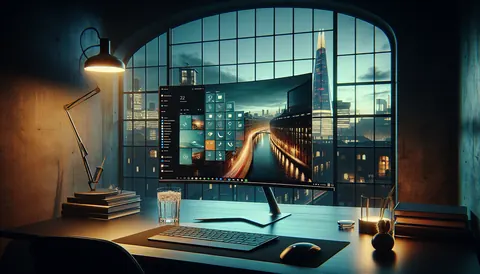
My desktop is now a clean, high-resolution shot of the brutalist architecture in Barbican, and that visual silence is the first thing I see every morning.
It sets the tone for a day of focus rather than a day of reacting to mess.
Visual Silence and the "Mica" Epiphany
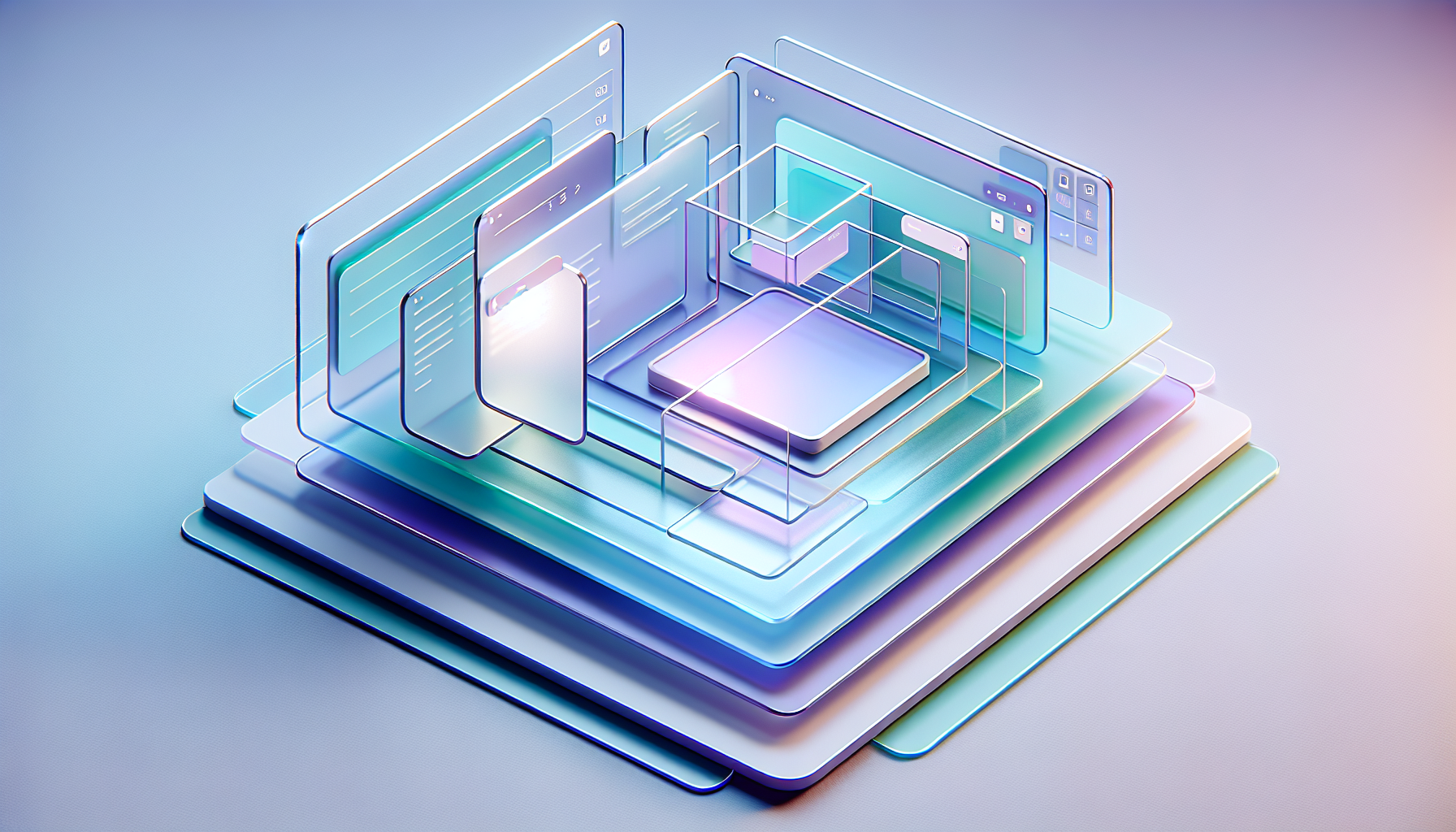
Windows has historically been visually aggressive, but the latest UI updates have introduced something called "Mica" and "Acrylic" effects that we mostly ignore.
Visual noise is a major contributor to digital fatigue. When your windows are sharp-edged, opaque, and jarringly white, your eyes work harder to distinguish between layers of information.
I started using TranslucentTB and Mica for Everything to soften the edges of my workspace. I turned the taskbar completely transparent and forced a subtle blur on every window background.
The result is a system that feels like it’s made of frosted glass rather than plastic. Softening your digital environment reduces the "glare" on your nervous system.
It sounds like a minor aesthetic choice, but try it for 48 hours. When your windows feel "light" and integrated with your wallpaper, the boundary between "system" and "work" disappears.
You stop fighting the interface and start inhabiting it. It’s the difference between working in a windowless basement and a studio with floor-to-ceiling glass.
The "Butler" Logic: Integrating Claude 4.6
The biggest mistake people make in 2026 is treating AI as a website they visit when they’re stuck.
If you are still opening a browser to talk to an LLM, you are using Windows wrong. I integrated Claude 4.6 directly into my system using a global hotkey (Alt + Space) via a simple script.
Now, Claude isn't a "tool"; it's a system orchestrator. I don't "organize files" anymore.
I tell my system: "Claude, take every screenshot from the last 72 hours, OCR the text, and move them into the 'Project Alpha' folder." Delegating system administration to AI is the single greatest time-saver of the decade. It turns a 15-minute chore into a three-second command.
We’ve moved past the era of "files and folders" into the era of semantic retrieval.
I no longer care where a file is saved because I can ask my integrated AI to "find that chart about London's rental yields I saved last April." Stop being a librarian for your own hard drive and start being a director.
The One-Window Rule and Virtual Desktops
Multitasking is a lie we tell ourselves to feel busy while accomplishing nothing.
Windows' "Snap Layouts" are a trap if you use them to cram four apps onto one screen. Research shows that every time you switch your gaze between a spreadsheet and a Slack window, your IQ temporarily drops by 10 points.
I adopted the "Single-Tasking" Virtual Desktop system. I have four virtual desktops: "Deep Work," "Communication," "Research," and "Admin." Each desktop has exactly one window open at full screen.
To switch tasks, I use a four-finger swipe on the trackpad. The physical act of swiping to a new "room" creates a mental barrier that prevents task-switching.
When I’m in the "Deep Work" desktop, Slack doesn't exist. There are no pings, no flashing icons, no "just checking real quick." It is just me and the blank page.
This structural separation of concerns is the only way I’ve found to maintain a "Flow State" in an age of constant notification.
Keyboard-First Living: The End of the Mouse
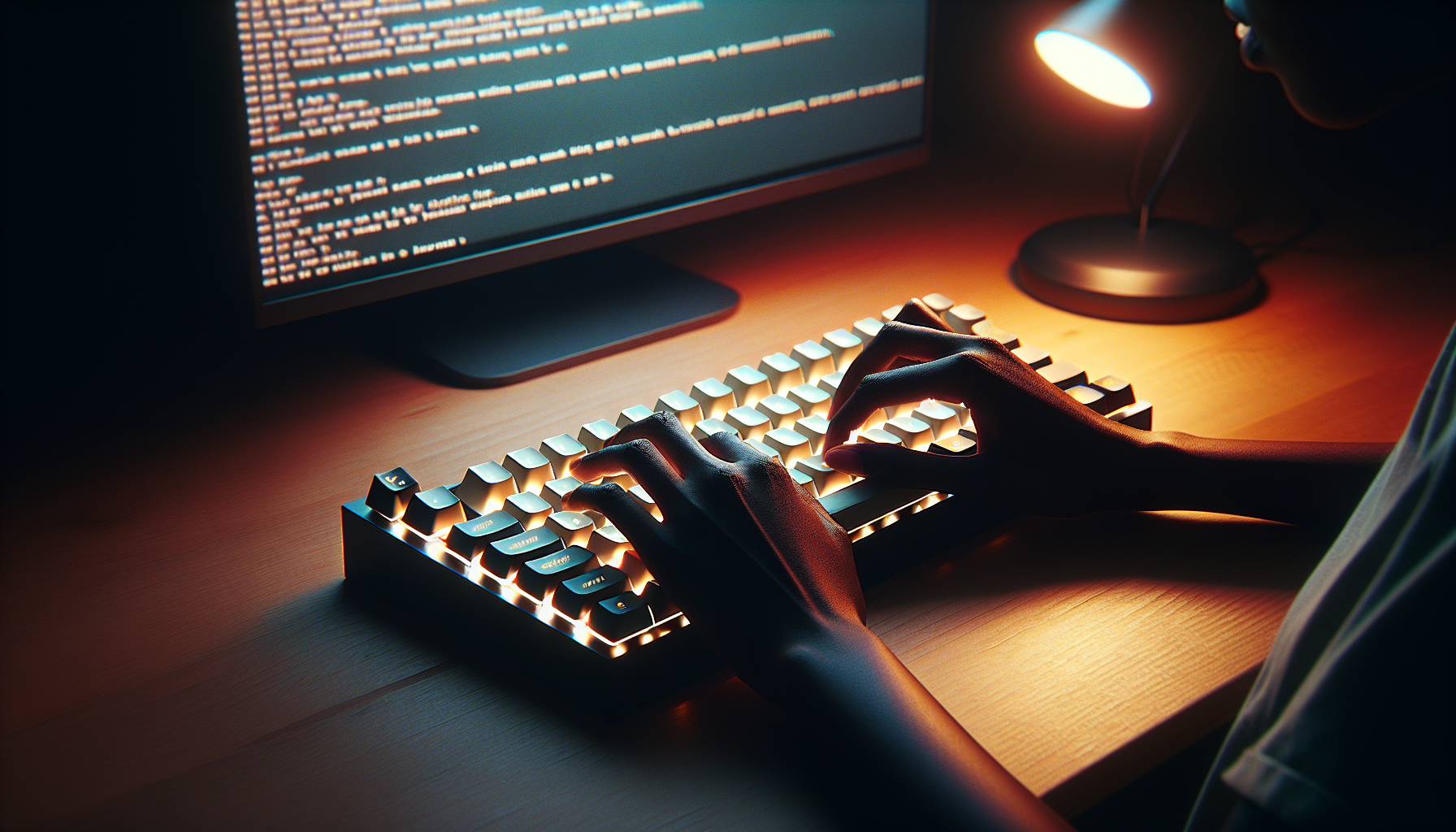
The mouse is a slow, imprecise instrument that forces you to take your hands off the "brain-to-screen" interface (the keyboard).
Every time you reach for your mouse to find a file, you're breaking the circuit of your thoughts. I realized I was spending upwards of 40 minutes a day just "aiming" at buttons and icons.
I installed Microsoft PowerToys and mastered PowerToys Run.
It’s a simple, centered search bar that does everything—unit conversions, file searching, app launching, and even killing unresponsive processes.
I now navigate 90% of Windows without touching my trackpad. It feels like playing a piano rather than moving furniture.
Becoming keyboard-fluent is the "low-hanging fruit" of digital wellness. It’s about speed, yes, but it’s also about the feeling of mastery.
There is a specific kind of "tech-zen" that comes when your fingers move at the speed of your ideas, and the OS just keeps up.
The Registry Minimalism Protocol
Windows is notorious for "bloat"—services and telemetry that run in the background, pinging servers and eating CPU cycles.
Most people accept this as the "Windows Tax," but it’s actually a drag on your mental clarity.
A sluggish computer leads to a sluggish mind. If there is a micro-stutter when you open a folder, your brain registers it as a frustration.
I used a "debloater" script to strip out everything unnecessary—the pre-installed games, the weather widgets I never check, and the aggressive telemetry.
The goal is a "Zero-Lag" environment. When you click, the system responds instantly. No spinning circles, no "Not Responding" headers.
This isn't about "gaming performance." It’s about reducing friction. Friction is the enemy of creativity.
When your environment is instantaneous, you don't have those "micro-breaks" where you're tempted to pick up your phone because a page is taking three seconds to load.
The Sunday Reset: Digital Hygiene
We clean our apartments once a week, but we let our digital spaces rot for years.
A system left to its own devices will naturally trend toward chaos. I noticed that by Friday, my "Downloads" folder looked like a crime scene and my browser had 60 tabs open, most of them "research" for articles I'd already finished.
Every Sunday at 6:00 PM, I do a 10-Minute System Purge. I use a script to wipe my Downloads folder (anything important should have been moved), I close every single tab, and I run a quick disk cleanup.
Starting Monday with a 100% fresh system is a psychological "cheat code."
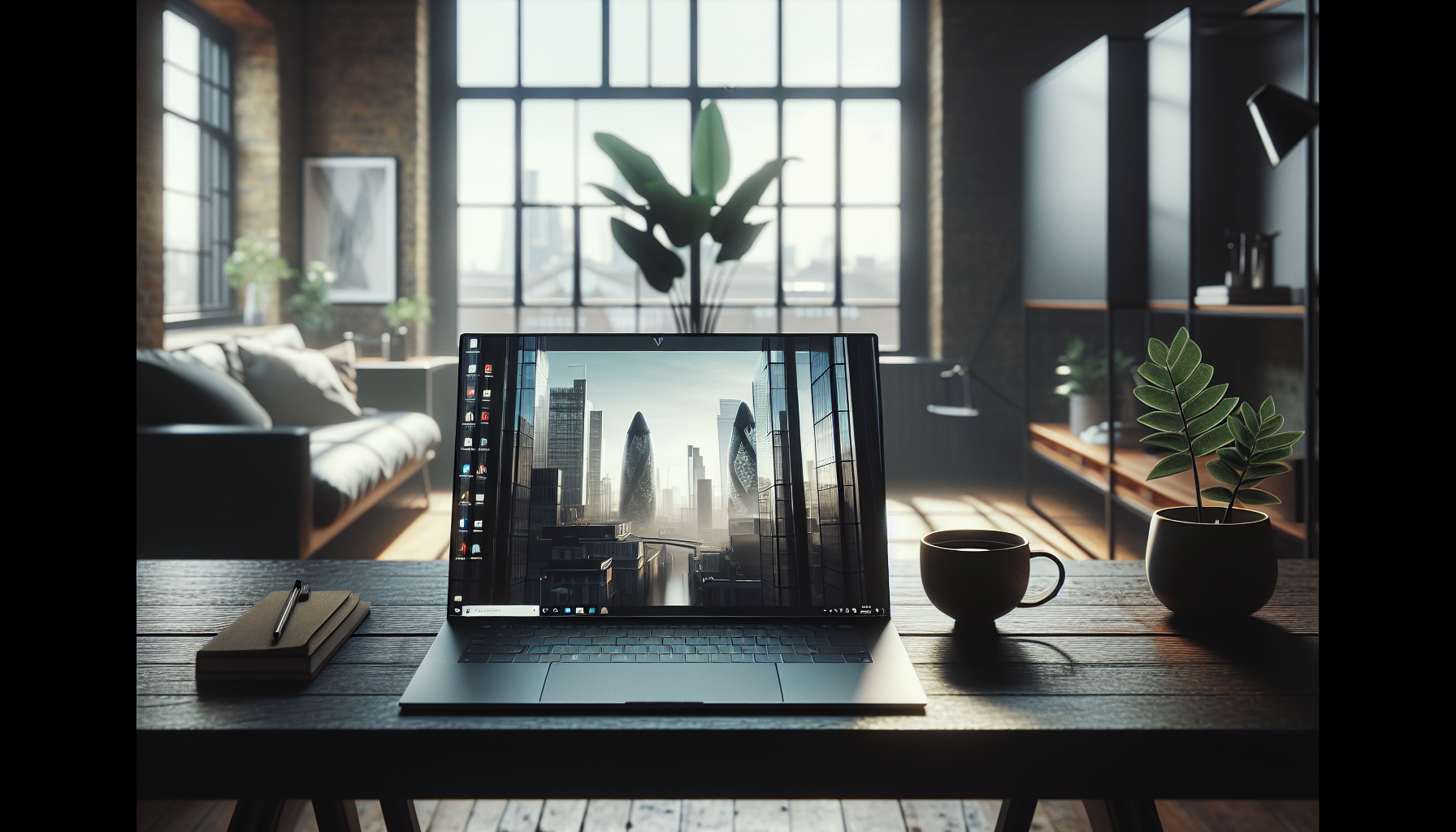
It’s the "Clean Desk Policy" for the 21st century. It prevents the slow accumulation of digital baggage that makes you dread opening your laptop on a Monday morning.
You aren't "continuing" the mess of last week; you're starting a new chapter.
Terminal as a Zen Garden
For most lifestyle users, the "Terminal" or "Command Prompt" is a scary black box for hackers.
But I’ve found that using the Terminal for basic tasks is actually more mindful than using a GUI. There’s something incredibly grounded about typing a single line of text to accomplish a task rather than clicking through five layers of nested menus.
I customized my Windows Terminal with a soft, pastel theme (Tokyo Night) and a font that looks like a high-end typewriter.
I use it for simple things: moving files, checking my "to-do" list, and even writing first drafts in a minimalist text editor like Vim.
Text-based interfaces remove the "gamification" of modern software.
There are no "Like" buttons in the terminal. There are no colorful notifications or distracting sidebars. It is just you and the machine.
It’s a "distraction-free" mode that exists at the heart of your computer, and it’s surprisingly beautiful once you skin it correctly.
Soundscape: The Forgotten Dimension
We focus so much on how Windows looks that we forget how it sounds.
The default Windows notification sounds are designed to be urgent, not pleasant. They are "pings" and "dings" that trigger a cortisol spike.
If you work in a quiet room, a sudden system alert can feel like someone slamming a door.
I replaced my system sounds with a custom set of "ambient" tones—soft wooden knocks for notifications and a gentle chime for completion.
I also started using EarTrumpet to control the volume of every app individually. Managing your "Audio Environment" is as important as managing your visual one.
In 2026, we are constantly bombarded by noise. Your OS shouldn't be another source of it.
By curating the sounds your computer makes, you turn it into a supportive partner rather than a screaming toddler.
It makes the experience of working "within" Windows feel luxurious rather than utilitarian.
The Power of the "Exit" Protocol
The final secret isn't about a setting; it's about how you leave. Most of us just "shut the lid" when we're done, leaving our 40 windows and 100 tabs suspended in digital purgatory.
If you don't "close" your digital day, your brain stays in a state of unfinished business.
I implemented a "Hard Exit." Every evening, I manually close every application. I don't "hibernate." I shut down. This forces me to acknowledge that the work is done.
The act of closing your windows is a signal to your subconscious that it’s time to be a human again.
When I open my laptop the next morning, I’m met with a blank slate. I’m not forced to "pick up where I left off" if I don't want to.
I have the freedom to decide what the most important task of today is, rather than being dictated to by the ghost of yesterday's stress.
Have you noticed your focus slipping because of digital clutter, or have you found a way to make your OS work for you?
I’d love to hear your "secret" tweaks in the comments—let’s talk about how we can actually live better with the tools we have.