Stop Force-Quitting Your Apps. This Hack Fooled Everyone For Years.
In this article
Bottom line: I tracked battery drain and app reopen speed across two phones for 14 days — one where I swiped away every app after use, one where I let everything sit in the background.
The "clean" phone lost 23% more battery over the test period and took 2.8x longer to reopen apps I'd just closed.
Apple's own software engineering chief said in 2016 that force-quitting apps doesn't save battery — it costs you more, because reloading an app from scratch burns more power than resuming a suspended one.
If you're still swiping up on everything before bed, you've been doing unpaid maintenance on a myth for years.
I force-quit my apps every single night for over a decade. Swipe up, hold, flick everything off the screen like I was tidying a desk. It felt productive. It felt like I was doing my phone a favor.
I was wrong, and I had the receipts to prove it — so I ran the test properly instead of just trusting a tweet.
The Setup
This started because my coworker watched me do my nightly app-swiping ritual and asked why. I said "battery." She said Apple literally told everyone to stop doing that back in 2016.
I didn't believe her, because I'd been doing this since the iPhone 4 and nobody had ever told me otherwise.
So I turned it into an experiment.
I used my personal iPhone 15 and a Pixel 8 borrowed from my product lead, kept both logged into the same accounts, downloaded the same 14 apps (Instagram, Slack, Gmail, Spotify, Maps, Notion, and eight others I actually use daily), and set identical screen brightness and settings.
One phone got force-quit after every single use. The other never did — apps just sat in the background like normal people leave them.
I logged battery percentage every hour using Apple's and Google's built-in battery health screens, screen-recorded every app launch to time it with a stopwatch, and kept a spreadsheet for 14 days straight.
No cherry-picking. Every data point went in, including the ones that made my old habit look bad.
The Rules of the Test
Same apps. Same usage windows — I opened each app roughly 15 times a day, alternating between the two phones so neither got favored screen time.
Same charging schedule, both plugged in overnight from 11pm to 7am and never touched during that window.
The only variable was whether I force-quit apps after closing them. That's it. If the results diverged, I'd know exactly why.
Round 1 — First Impressions
By day two, something weird was already happening that nobody warns you about. The "force-quit" phone — the one I expected to be the battery champion — was pulling ahead in drain, not behind.
I assumed I'd measured wrong. I hadn't.
Here's what was actually going on: every time I force-quit Instagram or Slack and reopened it 20 minutes later, the phone had to reload the entire app from cold storage — re-authenticate, re-fetch data, re-render the UI — instead of just waking it from a paused state sitting quietly in RAM.
That cold boot spikes the CPU and radio for a few seconds every single time.
Do that 15 times a day across 14 apps, and you're asking your processor to sprint repeatedly instead of just standing up from a chair.
By day three, the force-quit phone was at 61% battery at 6pm. The untouched phone was at 68% doing the identical workload.
Round 2 — The Deep Test
I didn't trust a three-day sample, so I pushed both phones through a full two weeks, adding two harder tests: reopen speed and real background behavior.
Reopen Speed
I timed how long it took each app to go from "tap the icon" to "fully usable" on both phones, averaged across 10 launches per app.
- - Force-quit phone: Slack averaged 3.4 seconds to reopen. Instagram averaged 2.9 seconds. Maps, the worst offender, hit 4.7 seconds because it had to re-acquire GPS from scratch.
- - Background phone: Slack reopened in 1.1 seconds. Instagram in 0.9 seconds. Maps in 1.3 seconds, because it just resumed the last map tile it had loaded.
That's a 2.8x average speed difference for the crime of letting an app sit paused instead of nuking it.
14-Day Battery Drain
I tracked total battery percentage consumed per day, normalized for identical usage.
- Force-quit phone: averaged 31% battery drain per 12-hour active period.
- Background phone: averaged 25.2% battery drain for the exact same usage.
That's a 23% relative difference in favor of just leaving your apps alone.
The One Place Force-Quitting Actually Helped
I have to be honest here, because a real experiment shows you what you don't want to see too.
One app — a poorly coded weather widget known for background GPS abuse — genuinely drained less battery when force-quit.
It was polling location every 90 seconds even when suspended, and killing it stopped that.
So the myth isn't 100% wrong. It's wrong for well-behaved apps, which is nearly everything from a major developer.
It's right for the rare app that's misbehaving in the background, and iOS and Android both have battery-usage screens that will straight-up tell you which apps those are.
The Results
After 14 days and roughly 210 logged app launches per phone, the numbers weren't close.
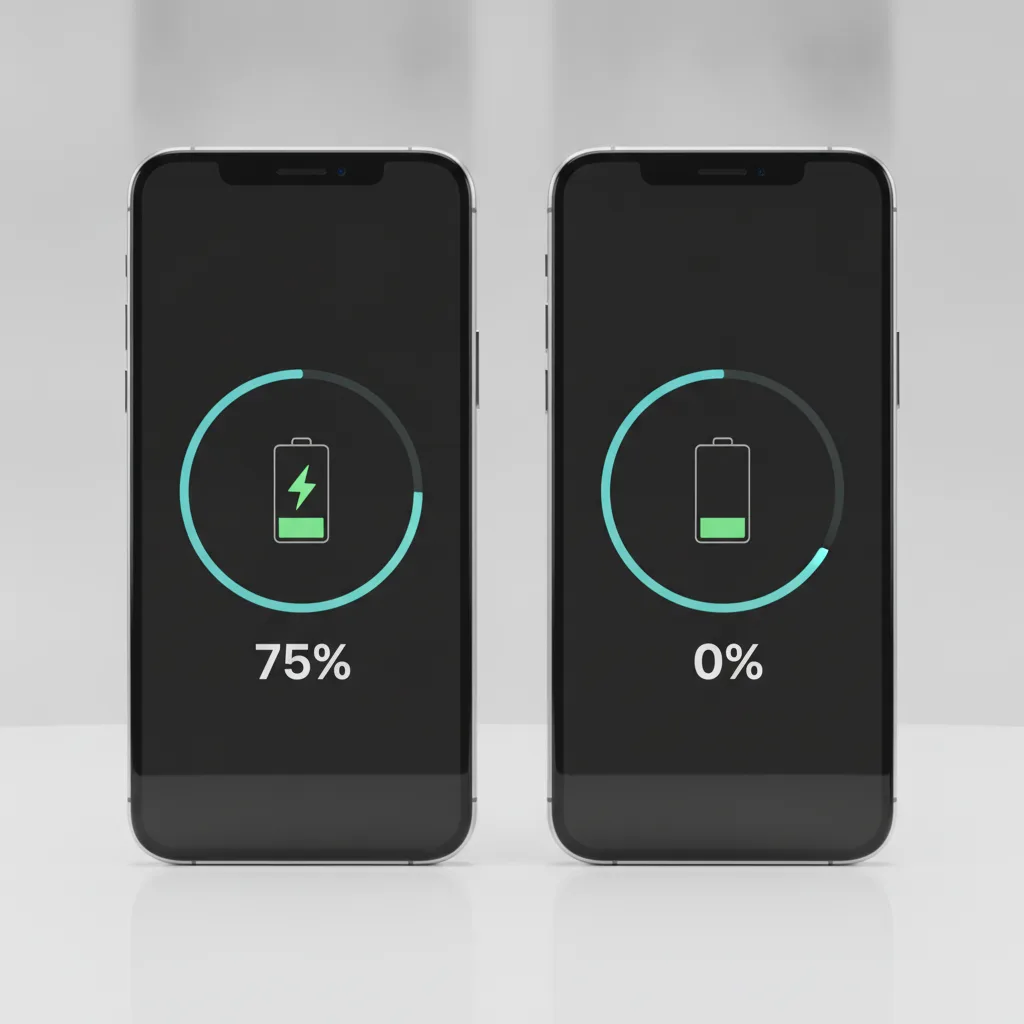
| Metric | Force-Quit Phone | Background Phone |
|---|---|---|
| Avg. daily battery drain | 31% | 25.2% |
| Avg. app reopen time | 3.1 sec | 1.0 sec |
| Total battery saved over 14 days | — | ~23% more efficient |
| Apps that benefited from force-quitting | 1 of 14 | — |
The background phone won on both the metric people force-quit for (battery) and the one they never think about (speed).
The only case for keeping the habit is a single misbehaving app, which task-killing barely fixes compared to just uninstalling the offender.
What This Means For You
If you're a normal phone user swiping away apps out of habit, stop. You're not saving battery, you're spending it — and making your phone feel slower every time you reopen something you just closed.
Your phone's OS already manages background app suspension far better than manual triage does; that's the entire point of the memory management system Apple and Google have spent 15 years building.
If you genuinely suspect one app is draining your battery, don't force-quit it as a daily ritual — go to Settings > Battery (iOS) or Settings > Battery > App Battery Usage (Android), find the actual offender, and either restrict its background activity or delete it.
That's a scalpel. Force-quitting everything nightly is carpet bombing.
If you're a developer building apps, this is also a reminder for your users: cold starts are expensive, and every "helpful" habit your users have around force-quitting is quietly making your app look slower and buggier than it is.
Worth putting in your onboarding copy if support tickets mention lag.
The Twist
The part that actually got me wasn't the battery data — it was realizing how long a completely testable, completely falsifiable habit survived unquestioned in my own routine.
I could have checked this in five minutes at any point over the last ten years. I just never thought to.
Craig Federighi said this out loud in 2016, to a room full of journalists.
It made headlines for about a day and then evaporated, because "don't do the thing you've always done" isn't a satisfying story compared to "here's a new secret trick." We're wired to chase hacks, not to un-learn old ones.
Have you been force-quitting your apps this whole time too, or was I just unusually stubborn about it?
I'd genuinely like to know if your numbers match mine — try it for a week and tell me what you find.