I Have Strong Feelings About the AC in Our AI House. Nobody Agrees.
In this article
Bottom line: Our five-person AI house burned through a $412 summer electric bill because we argued about the thermostat instead of measuring heat.
A four-GPU workstation drawing about 2.2 kW dumps roughly 7,500 BTU per hour into one room. That is a full window-unit's worth of cooling before anyone opens a laptop.
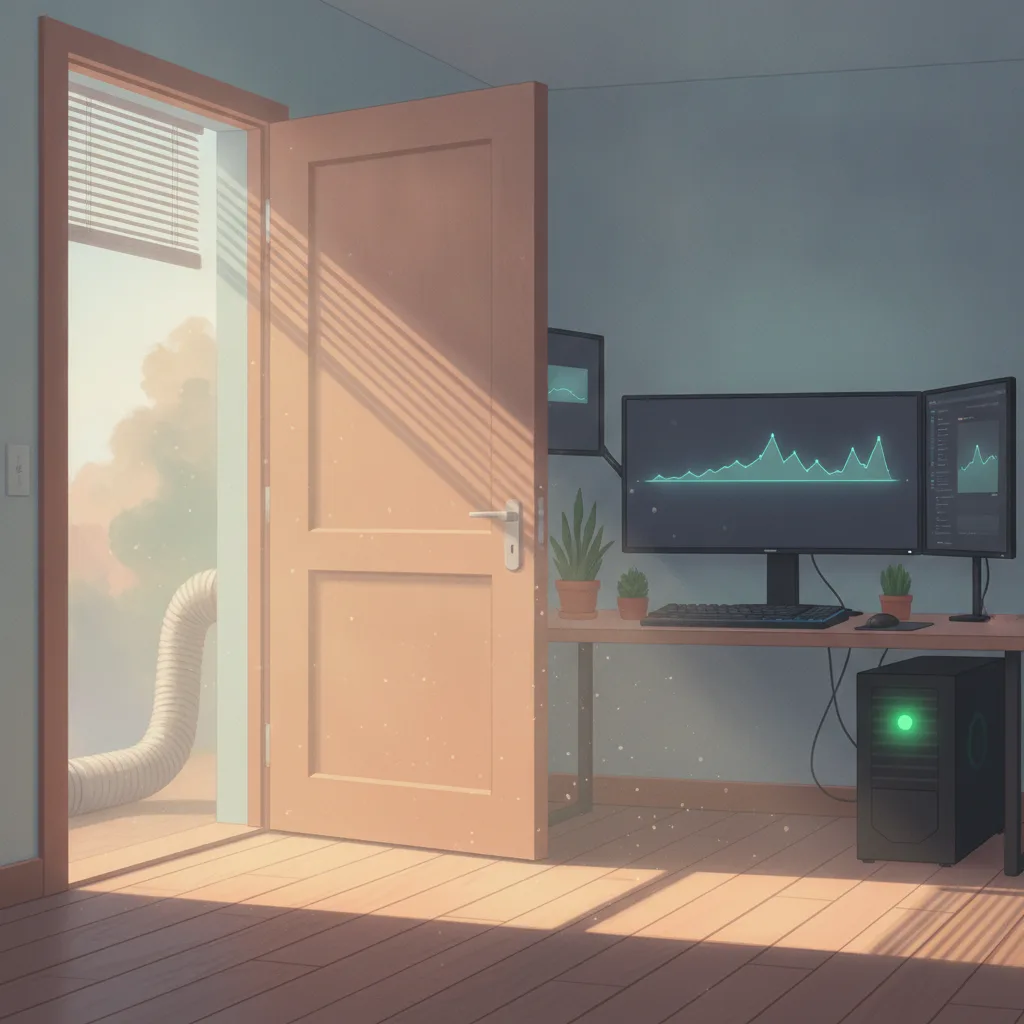
The fix wasn't a lower setpoint. It was treating the GPU box like a data center in miniature: isolate the heat, exhaust it, and cool the machine instead of the house.
Our thermostat has been set to 68°F and 76°F by different people in the same hour, and I'm the reason it's a crime scene. I spent three months insisting the problem was "the AC," and I was wrong.
The real culprit was a $9,000 box in the spare bedroom that nobody wanted to blame because we all love it.
If you run local models, fine-tune on your own hardware, or live with someone who does, this is for you. I'm about to save you roughly $400 and a few friendships.
The House, the Box, and the War
There are five of us in a rented three-bedroom. Everyone builds with AI, and most days the group chat is a mix of Claude 4.6 prompts, eval results, and complaints about the router.
In the spare room sits "the box": a workstation with four GPUs, a 64-core CPU, and a power supply that hums at a pitch I can feel in my teeth.
It runs fine-tunes overnight and serves a local inference endpoint we all hit during the day. It's the most useful thing in the house, and it's also a space heater.
The war started in June. Dani, who works from the room next to it, kept lowering the thermostat. Priya, who works in the living room, kept raising it.
I kept lecturing both of them about "airflow" without knowing what I was talking about.
Here's the embarrassing part. I'd shipped production infrastructure for years, and I still argued from vibes. I never once wrote down a number.
Stop Arguing About the Setpoint. Measure the Heat.
Eventually I did what I'd tell any junior engineer to do on day one: I looked at the load. Every watt a computer draws becomes heat in the room, with no exceptions. Electricity in, heat out.
The math took me four minutes:
- 4 GPUs at about 450 W each: 1,800 W
- CPU, fans, drives, power supply losses: roughly 400 W
- Total under full load: about 2.2 kW
- Heat output: 2.2 kW × 3,412 BTU/hr per kW ≈ 7,500 BTU/hr
A typical 8,000 BTU window air conditioner exists to cool a bedroom.
Our box was producing nearly that much heat by itself, in a bedroom, during a heat wave, while the central AC tried to cool a whole house through one undersized vent.
I'd been blaming the thermostat for a heat source it was never sized to handle.
For scale, a single Nvidia DGX H100 system is rated at around 10.2 kW. That's why data centers think in racks and kilowatts per square foot, and why they've spent decades obsessing over cooling.
We had a tiny version of the same problem and zero of the engineering.
The Data Center Lesson Nobody Applies at Home
Data center operators track a metric called PUE, power usage effectiveness. It's total facility power divided by the power that reaches the computing equipment.
A PUE of 1.5 means that for every watt of compute, you burn another half-watt on cooling and overhead.
The Uptime Institute's annual survey has put the industry average around 1.55 in recent years.
Hyperscalers do much better, but the average operator spends a real chunk of its bill just moving heat around. Cooling is a first-order cost of running AI, not a footnote.
Our house, by that measure, was a disaster. The central system was cooling three bedrooms, a kitchen, and a living room to remove heat from one machine. A good data center would never do that.
It would isolate the heat source and exhaust it directly.
That's the hot aisle, cold aisle principle in one sentence: never let hot exhaust mix with the air you're trying to keep cold.
We were mixing it on purpose, 24 hours a day, and paying for the privilege.
Why Everyone Disagreed (And Why They Were All Partly Right)
Here's what made it hard to fix. Every person in the house had a defensible position.
Dani (cool it down): Her room was genuinely hot. Next to the box, the temperature hit the low 80s on training nights.
Hot hardware throttles, and a throttled GPU wastes the electricity it's still drawing.
Priya (stop wasting power): The bill really was absurd. Lowering the setpoint across the whole house to protect one machine is a terrible trade.
Me (it's about airflow): Technically true, completely useless, and delivered with way too much confidence.
Sam (just turn the box off): Not a real option. Half of us depend on it.
Jordan (who stayed out of it): Wisest person in the house.
Nobody was wrong about their own problem. We were all optimizing locally against a shared system we hadn't modeled.
If you've ever sat through a production incident review where every team had a reasonable explanation and the site was still down, you know this feeling.

What Actually Fixed It
Here's what we did, in order of payoff. None of it was expensive.
1. Cap the power, not the temperature
This was the biggest win and cost nothing. You can set a power limit on Nvidia GPUs with a single command:
```bash sudo nvidia-smi -pl 320 ```
Dropping each card from 450 W to 320 W cut GPU heat output by roughly 30 percent (about 24 percent for the whole box).
Training throughput fell by only a few percent in our workloads, because GPUs past a certain point trade a lot of watts for very little speed.
Your numbers will differ by model and card, so benchmark your own jobs before and after.
2. Exhaust the heat out of the house
We rigged a duct from the case's rear exhaust toward the window, with a small inline fan and a flap to stop backdraft. Not pretty, and it works.
Ducting hot air outside beats cooling it afterward every time, and it's the same principle as the hot aisle.
3. Give the box its own cooling
We borrowed a spot cooler, a portable AC with an exhaust hose, and pointed it at the room instead of the house. The central system finally had a normal load again.
Dani's room dropped about six degrees under load, and the rest of the house stopped fighting the thermostat.
4. Schedule the heavy jobs
Fine-tunes now run overnight, when ambient temperatures are lower and our electricity rates are cheaper. A cron job and a queue turned an argument into a policy.
We kept the inference endpoint always on, since it idles at a fraction of the training draw.
5. Log it
I added a cheap temperature and power logger and a dashboard. Now when someone says "it's hot," we look at a graph instead of trading opinions.
Measuring turned a personality conflict into an engineering ticket.
The Reality Check
I don't want to oversell this. Here's what didn't work or is still unresolved.
The duct hack is a rental-house kludge, and I wouldn't recommend it to anyone with a landlord who inspects things.
Our spot cooler is also loud, and it uses electricity itself, so it doesn't make heat disappear. It moves heat out of the room, and it spends power doing that.
Power-capping isn't free either. If your workload is memory-bound, you might lose nothing. If it's compute-bound, you might lose more than a few percent. Test it.
And the bigger picture is uncomfortable. Our little house is a toy version of a real problem.
Data centers draw enormous power, a large share of it going to cooling, and the people building the next generation of models aren't arguing about 68 versus 76.
They're arguing about whether the grid can support them. A box in a spare bedroom doesn't solve that. It just makes you feel it in your electric bill.
I also want to be honest about the part I got wrong. I spent three months sure it was a thermostat problem because that's the part of the system I could see.
Most infrastructure incidents go the same way. The visible control gets the blame, and the real cause sits in a room nobody wants to criticize.
What You Should Actually Do
If you run serious GPU hardware at home or in a small office, here's the short version.
1. Calculate your heat load before you buy a cooler. Watts × 3.412 gives you BTU per hour. If that number exceeds what your room's cooling can handle, no setpoint will save you.
2. Power-cap your GPUs. Benchmark at 100%, 85%, and 70% of the default limit, and pick the knee of the curve.
3. Isolate and exhaust. Keep hot air from mixing with the air you're paying to cool.
4. Schedule the big jobs for off-peak hours. Cheaper power and cooler air are a free double win.
5. Measure. One logger will end more arguments than any house meeting.
Before you start another thermostat fight, check what's actually generating the heat. It's almost never the AC's fault.
One Last Thing
Our bill dropped from $412 to $271 the month after these changes, and Dani hasn't touched the thermostat since. Priya now gets to be smug, which I consider a fair price.
So here's what I'm curious about. If you run local models at home or in a shared space, who in your house or office ends up paying for the heat?
And has anyone solved this more elegantly than a duct, a spot cooler, and a lot of apologies?