I Submerged My PC in Liquid for 30 Days. I Wasn't Ready For This.
By Andrew — Founder of Signal Reads. Builder, reader, occasional contrarian.
Bottom line: I ran a $5,500 desktop—featuring an RTX 5090 and Core Ultra 9—fully submerged in engineered dielectric fluid for 30 continuous days.
While the thermal performance was astonishing, keeping the GPU under 51°C during sustained local LLM training, the physical reality is a nightmare.
Capillary action caused fluid to wick through every connected cable, destroying peripherals and ruining my hardwood desk.
Single-phase immersion cooling is the unavoidable future for AI data centers by late 2027, but trying to bring it into your home office right now is an expensive, catastrophic mistake.
Stop buying custom water-cooling loops. I’m serious.
After spending the last month living with a fully submerged, liquid-cooled computer in my home office, I realized the entire enthusiast cooling industry is selling us a highly aesthetic lie.
I’ve been building high-end workstations for over fifteen years.
I’ve bent the hardline acrylic tubing, I’ve installed the $300 custom water blocks, and I’ve chased single-digit temperature drops like every other hardware addict.
But we are all treating the symptom while ignoring the disease.
Modern silicon is running hotter than ever. The TDP (Thermal Design Power) of flagship components has completely detached from reality.
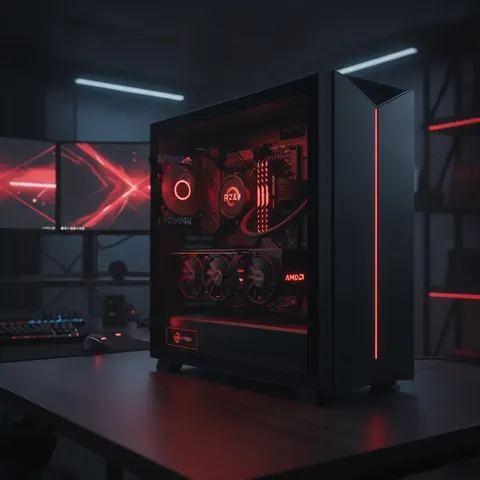
We are trying to cool 600-watt GPUs with essentially the same physics we used in 2010—just with bigger fans, thicker radiators, and louder pumps.
It’s completely absurd. So, as of early May 2026, I decided to stop playing the game.
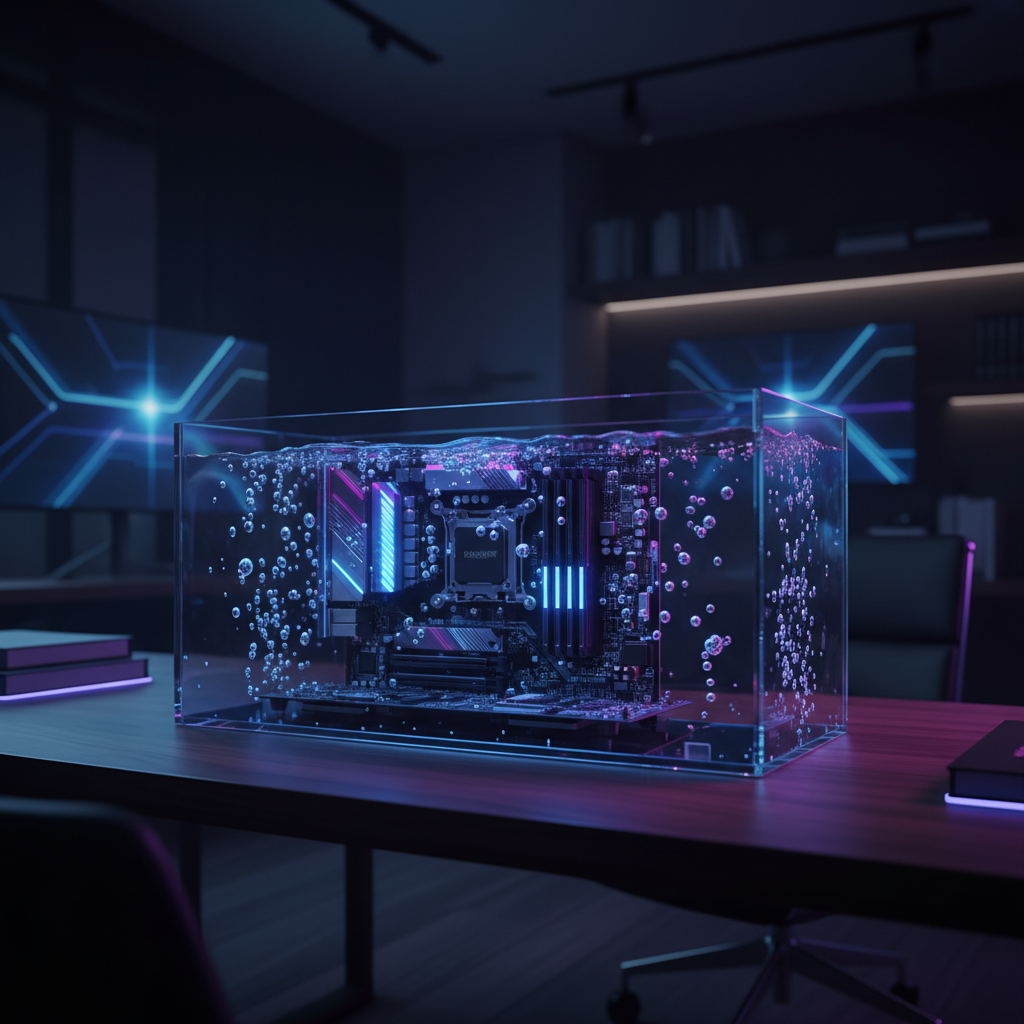
I bought a specialized acrylic tank, ordered ten gallons of engineered dielectric fluid, and completely submerged my primary workstation.
I thought I was seeing the future of computing. Instead, I accidentally built a $5,500 mess that destroyed my peripherals and ruined my office floor.
The Lie of "Advanced" Air and Water Cooling
I get it. Every tech influencer and hardware YouTuber loves to show off their sponsor-provided, hardline water-cooled builds.
They look like glowing futuristic engines, and five years ago, they actually made practical sense.
But here is what the hardware industry doesn't want you to think too hard about: a custom water loop is just air cooling with extra steps.
Whether you have a $50 air cooler or a $1,200 custom dual-loop water setup, the fundamental mechanism is exactly the same.
You are moving heat from a small piece of silicon to a larger surface area (a heatsink or radiator), and then you are blowing ambient room air across that surface to carry the heat away.
Water is just the transport mechanism. You are still ultimately limited by the ambient temperature of your room and the sheer volume of air you can force through a radiator.
As components like the RTX 5090 push past the 600W barrier, the only way to dissipate that heat is brute force.
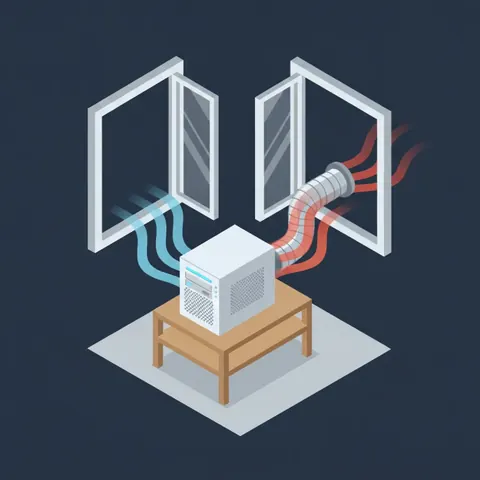
This means massive, heavy cases. It means 140mm fans spinning at deafening RPMs. It means your home office turning into a sauna after thirty minutes of local AI inference or compiling a large codebase.
We have hit the physical limits of traditional thermal transfer, and the industry’s only solution is "make it bigger."
The 30-Day Immersion Experiment
If you want to actually solve the thermal problem, you have to remove air from the equation entirely. You have to put the silicon directly into the coolant.
This is called immersion cooling. It’s what Meta and Microsoft are desperately trying to scale for their massive AI clusters right now.
The components sit directly in a non-conductive, dielectric fluid that absorbs heat hundreds of times more efficiently than air.
I wanted this in my house. I bought a specialized, leak-proof acrylic chassis designed for open-bath immersion.
I sourced an expensive synthetic fluid—similar to the legacy 3M Novec, but compliant with the new 2026 PFAS environmental regulations.
I took my Core Ultra 9 285K, my massive GPU, stripped off all their fans and heatsinks, and slowly lowered the raw, exposed PCBs into the liquid.
Hitting the power button for the first time while your motherboard is underwater violates every instinct you have as an electronics owner. But it booted.
And for the first five days, I thought I had discovered a cheat code for computing.
Day 1 to 5: The Thermal Miracle
The performance data was genuinely shocking.
Under normal air cooling, my Core Ultra 9 would idle around 38°C and immediately spike to 95°C under a heavy multi-core load, thermal throttling almost instantly.
Submerged in the fluid, the CPU idled at 24°C. When I hit it with a sustained, 100% synthetic load for two hours, the temperature flatlined at 48°C and refused to go higher.
The GPU results were even more ridiculous. I ran a local 70B parameter LLM for six straight hours, pushing the VRAM and tensor cores to their absolute maximum. The GPU never crossed 51°C.
But the most profound change wasn't the temperature. It was the absolute, dead silence.
There were no fans ramping up. There was no pump whine. I was pulling 800 watts from the wall, processing massive workloads, and the machine made literally zero noise.
The fluid simply absorbed the heat and slowly transferred it to a massive passive radiator attached to the tank. It felt like magic.
Day 12: The Capillary Catastrophe
The magic lasted exactly twelve days. That’s when the physics of liquids decided to remind me why we don’t do this at home.
If you submerge a PC, you still have to plug things into it. DisplayPort cables, USB cables for your keyboard and mouse, ethernet cables.
These cables plunge directly into the fluid to connect to the motherboard I/O.
What I didn't account for—and what no one warns you about on forums—is capillary action.
The dielectric fluid is incredibly thin; its viscosity is much lower than water. Over the course of a week, this fluid began to physically wick its way UP the inside of the cables.
It traveled under the rubber insulation, bypassing the connectors entirely.
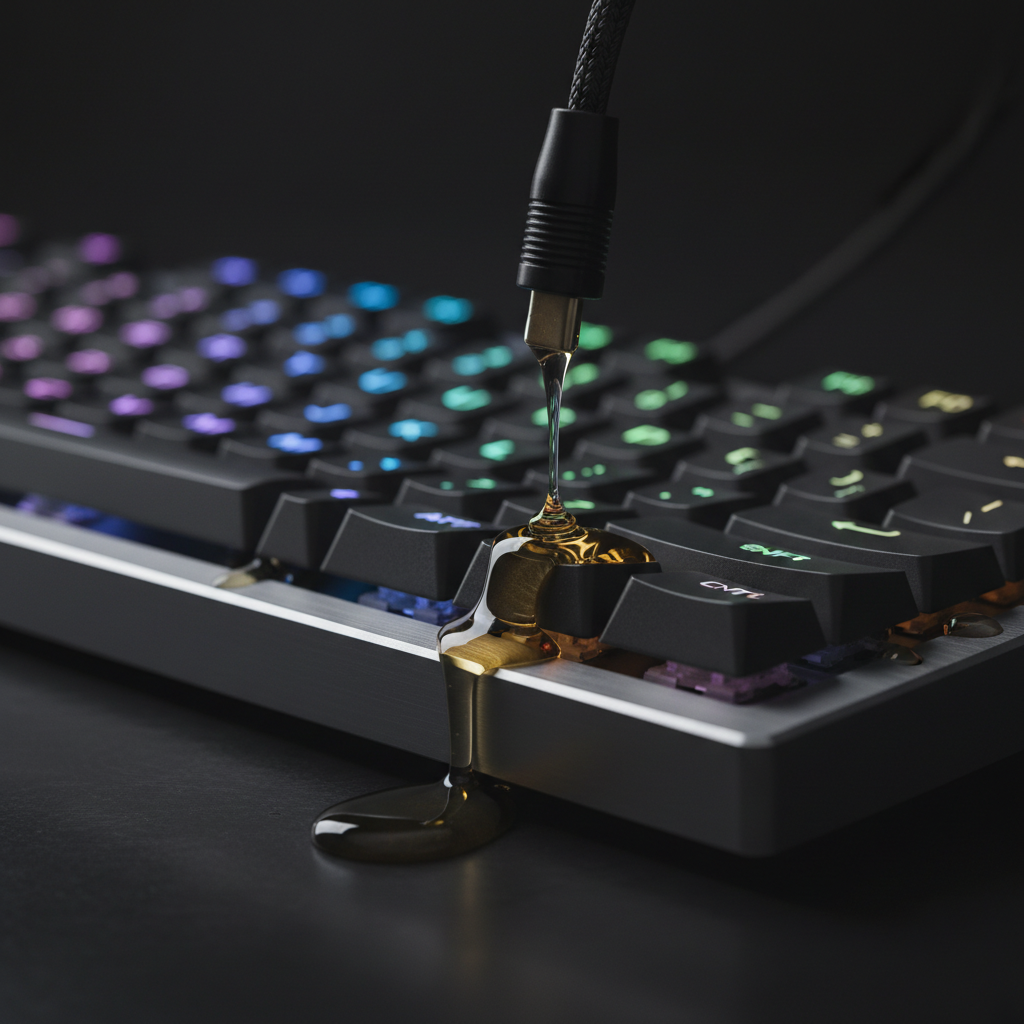
On day twelve, my $200 mechanical keyboard suddenly stopped working. I picked it up, and a steady stream of oily synthetic fluid dripped out of the chassis onto my desk.
The fluid had traveled three feet up the braided USB cable, straight into the keyboard’s PCB.
Over the next week, the fluid wicked through my DisplayPort cable and ruined the input board on a $1,000 OLED monitor.
It traveled down the ethernet cable and pooled inside my network switch, shorting out half the ports.
The Hardware Tax Nobody Mentions
I tried to fix the cable situation by sealing the ends with silicone, but the damage was done. And the nightmare was just beginning.
On day twenty, I needed to swap a failing NVMe drive. In a normal PC, this takes 45 seconds. You unscrew a heatsink, pop the drive out, and put a new one in.
In an immersion rig, you have to power down, put on chemical-resistant gloves, and pull a dripping, slippery motherboard out of a tank of synthetic oil.
You have to let it drip-dry for an hour over a plastic bin.
Because the fluid leaves a microscopic residue, you can’t just snap a new drive in.
You have to meticulously clean the M.2 slot with high-percentage isopropyl alcohol, hoping you don't push oily residue deeper into the pins. A simple part swap took me three agonizing hours.
I realized in that moment that I didn't own a computer anymore. I owned a deep fryer that ran Windows.
The Enterprise Reality: Why AI Needs The Tub
Here is the frustrating paradox: despite the absolute nightmare I experienced, immersion cooling is the only viable path forward for the tech industry.
By late 2027—about 18 months from now—you will see data centers fully transition away from air-cooled server racks. The power density of modern AI accelerators requires it.
When you have a server rack pulling 100kW to train the next iteration of multimodal AI, air cooling physically cannot remove the heat fast enough to prevent the silicon from melting.
Enterprise facilities can handle this. They have automated cranes to lift servers out of vats.
They have massive drainage systems, dedicated cleaning stations, and custom-sealed I/O ports that completely block capillary action.
They can afford the infrastructure required to contain the mess. You cannot.
The enthusiast hardware industry is going to try to sell you "home immersion kits" over the next two years. They will market it as the ultimate solution for silence and overclocking. Do not buy them.
They are selling you enterprise-level maintenance requirements without the enterprise-level budget to manage it.
What You Should Actually Do in 2026
Instead of trying to reinvent thermodynamics in your living room, we need to fundamentally change how we configure our hardware.
Stop running your components at their factory stock settings.
Motherboard manufacturers and chipmakers are currently engaged in an arms race, pushing silicon to the absolute ragged edge of stability just to win benchmark charts by 3%.
The answer right now isn't better cooling. It’s aggressive undervolting.
If you take a modern flagship CPU and manually restrict its power limit by 20%, you will lose perhaps 4% of your total benchmark performance. But your temperatures will drop by 20°C.
You do not need massive water-cooling loops. You do not need liquid immersion.
You need to stop letting hardware manufacturers force 300 watts into a CPU for marginal gains that you will never notice outside of a synthetic test.
Optimize your silicon for efficiency, buy a high-quality dual-tower air cooler, and accept that your computer is going to make a little bit of noise when it works hard.
The Uncomfortable Truth
I drained the tank yesterday. I spent eight hours scrubbing components with alcohol, desperately trying to salvage thousands of dollars worth of hardware.
My desk is ruined, my network switch is in the garbage, and my home office still smells faintly of synthetic chemicals.
We are obsessed with optimization. We want the lowest temperatures, the highest clocks, the quietest fans. But at some point, the pursuit of optimization becomes a localized disaster.
How many hours and how many dollars have you spent trying to cool your PC, when you could have just capped the power limit in the BIOS in thirty seconds?
When was the last time you asked yourself if chasing a 5°C drop was actually worth the complexity you brought into your life?
Have you ever ruined a piece of hardware because you couldn't leave well enough alone, or is it just me? Let's talk in the comments.