Stop Losing Your Phone: The Weird Bluetooth Trick Claude Taught Me
In this article
Bottom line: After losing my phone somewhere in a 40-person open-plan office, I asked Claude 4.6 for help instead of just calling it from a coworker's phone.
It walked me through a 15-line Python script using the `bleak` library to read my AirPods' Bluetooth RSSI (signal strength) in real time, turning my laptop into a hot-and-cold detector.
I found the phone wedged in a couch cushion in a conference room in under four minutes — a spot "Find My" had already told me was "somewhere nearby" for twenty.
If your phone is dead, silenced, or just buried in indoor GPS dead zones, RSSI proximity scanning works when Apple's own tools don't.
I lost my phone at the office on a Wednesday. Not lost-lost — I knew it was somewhere in the building, because I'd used it forty minutes earlier in a conference room.
But "somewhere in a 12,000 square foot office" and "in my pocket" are very different problems, and Find My was giving me a blue dot that hovered vaguely over the entire east wing like a weather forecast.
I spent fifteen minutes doing the normal things. Calling it from a coworker's phone. Walking the halls listening for a ring that never came, because of course it was on silent.
Then, half out of habit, I opened Claude and typed something like "my phone is lost somewhere in my office and Find My isn't precise enough, is there a way to use Bluetooth to figure out how close I am to it?"
I was not expecting a real answer. I got one anyway.
The Setup: Why Find My Wasn't Cutting It
Here's the thing about indoor phone-finding that nobody tells you until you're standing in a hallway feeling like an idiot: GPS doesn't work indoors, and Wi-Fi-based positioning (which is what Find My falls back on) is only as good as the density of known access points Apple has mapped near you.
In a converted warehouse office with concrete and steel everywhere, that precision degrades to "somewhere within 30 meters," which is functionally useless when you're trying to check under couch cushions.
My phone was also silenced and, I'd later discover, wedged deep enough into a cushion that even a ringtone wouldn't have carried far.
Find My's "Play Sound" feature is great when your phone is sitting on a desk. It's much less great when it's muffled by three inches of foam.
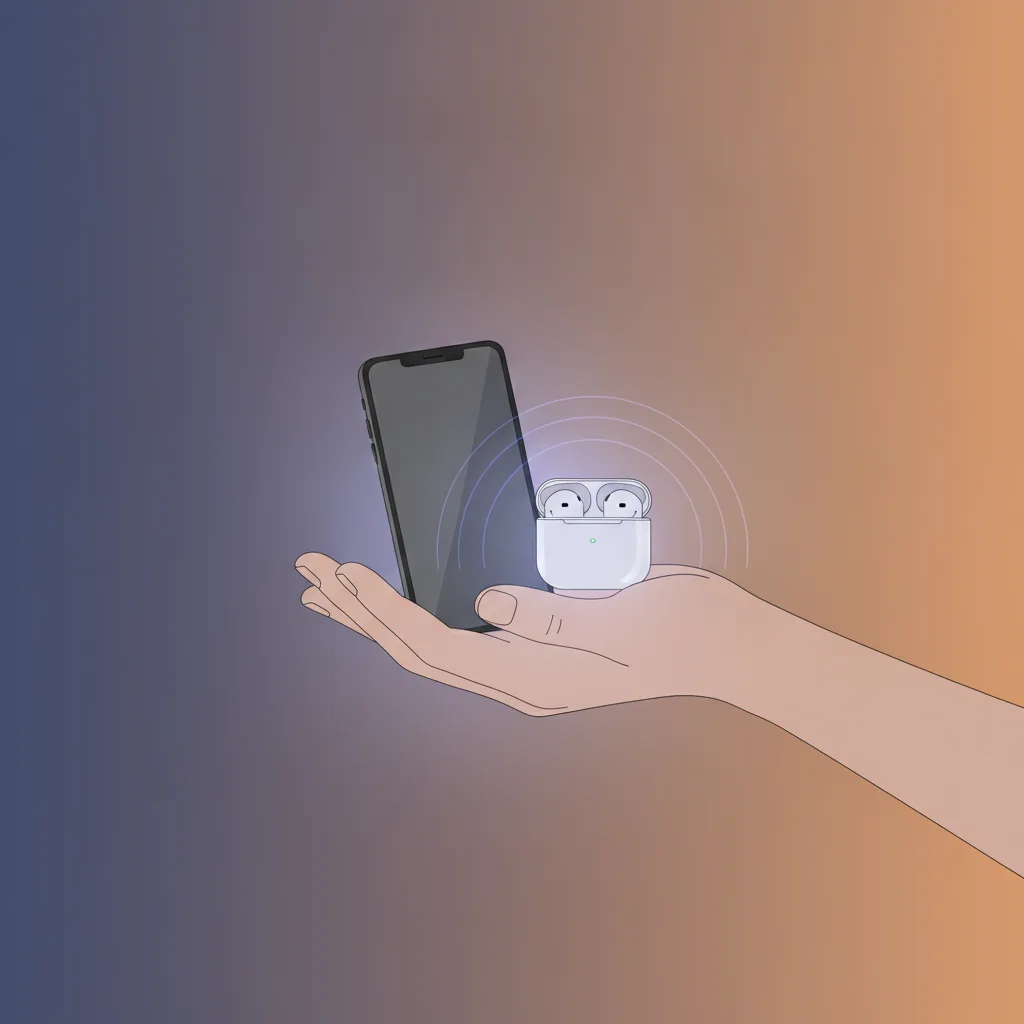
What I did have was my AirPods, still connected to the phone, still broadcasting a Bluetooth signal even with the phone screen off.
That detail — that Bluetooth keeps chattering in the background regardless of ringer state — turned out to be the whole trick. I just didn't know how to use it yet, so I asked.
The Core Insight: Your Bluetooth Signal Is a Compass
Claude's suggestion was almost embarrassingly simple once I heard it: Bluetooth Low Energy devices broadcast a signal strength value called RSSI (Received Signal Strength Indicator), measured in dBm, and that value gets stronger — less negative — as you physically get closer to the device. A reading of -40 dBm means you're close.
A reading of -85 dBm means you're not.
That's it. That's the whole physics. My laptop already had a Bluetooth radio capable of reading it.
I just needed something to read it out loud, continuously, so I could walk around like I was playing a very nerdy game of hot-and-cold.
The Actual Script
Claude 4.6 wrote me a short Python script using `bleak`, a cross-platform BLE library, that scanned for my AirPods' known MAC address and printed the RSSI every second:
```python import asyncio from bleak import BleakScanner
TARGET_ADDRESS = "XX:XX:XX:XX:XX:XX" # your device's MAC
async def scan(): while True: devices = await BleakScanner.discover(timeout=1.0, return_adv=True)
for device, adv in devices.values(): if device.address == TARGET_ADDRESS: print(f"RSSI: {adv.rssi} dBm")
asyncio.run(scan()) ```
I had to find the MAC address first, which Claude also walked me through — running a broad scan, standing near a colleague's desk where I knew my AirPods case wasn't, and identifying which device disappeared and reappeared as I moved.
Ten minutes of setup, tops.

Turning Numbers Into a Direction
Here's where it got genuinely fun. I ran the script on my laptop, tucked it under my arm, and started walking.
The number bounced around — Bluetooth RSSI is noisy, not a laser pointer — but the trend was unmistakable.
Walking toward the conference room, my readings climbed from -78 to -65 to -52. Walking away, they dropped just as fast.
It's the same principle as a metal detector, just applied to radio waves instead of ferrous material.
I wasn't tracking my phone directly — I was tracking a Bluetooth accessory still paired to it, using signal decay as a proxy for distance.
Four minutes later I was pulling my phone out from between two couch cushions in the exact conference room the RSSI trend had pointed me toward.
The Reality Check: This Isn't Magic, and It Has Limits
I want to be straight with you here, because I've read enough breathless "AI solved my problem!" posts to be allergic to writing one myself.
This trick only works if you have a Bluetooth accessory actively connected to the lost device — AirPods, a smartwatch, a fitness tracker, anything broadcasting on its own.
If your phone is truly alone with no paired peripherals nearby, there's nothing external to scan for, and you're back to Find My or brute-force searching.
RSSI is also famously noisy indoors.
Walls, other people's bodies, microwave ovens, and even furniture density will bounce your reading around by 10-15 dBm in ways that have nothing to do with actual distance.
It's a trend indicator, not a ruler.
I got lucky that my office layout was open enough for the signal decay to read cleanly; in a warren of small offices with concrete walls, you'd get a much noisier, harder-to-follow signal.
And to be clear about scope: this is a fine party trick for finding your own lost device on a network you already control.
It is very much not a technique for locating someone else's phone or accessory without their knowledge — RSSI scanning like this only works on devices you're already paired with or that you have explicit authorization to track, and using it otherwise crosses straight into stalking-adjacent territory that I won't pretend is a gray area.
The Practical Takeaway: Build This Before You Need It
The move here isn't "memorize a Python script." It's recognizing that most of us are carrying two or three Bluetooth-connected devices at all times, and that's a resource, not just a convenience feature.
A few concrete things worth doing:
- Note your accessory's MAC address now, while you're calm and not panicking in a hallway. `bluetoothctl` on Linux or a BLE scanner app on your phone will show it to you in seconds.
- Keep `bleak` installed on whatever laptop you carry daily — it's a two-second `pip install` and works on macOS, Windows, and Linux.
- Don't rely on this as your only fallback. Find My, Google's Find My Device, and Tile-style trackers are still your first line of defense for lost-outside-the-building scenarios. RSSI scanning is a narrow, powerful tool for the specific case of "I know it's within 100 feet, I just can't tell which direction."
What actually struck me wasn't the trick itself — RSSI proximity detection isn't new, engineers have used it for indoor positioning systems for over a decade.
What struck me was that I didn't need to know that going in.
I asked a vague, panicked question, and got back a working script tailored to hardware I already owned, explained clearly enough that I understood why it worked instead of just copy-pasting a black box.
That's the actual use case I keep coming back to with tools like Claude 4.6 — not "write my app for me," but "I have a weird, specific, physical-world problem and no idea what domain it even belongs to." Turns out this one belonged to RF engineering, and I didn't need a EE degree to borrow five minutes of it.
Have you ever had an AI tool solve a problem that had nothing to do with code — the kind of thing you'd never have thought to Google because you didn't know what to search for? What was it?