I Tested 27 Doorbells. One Failure Nobody Warns You About
In this article
I Tested 27 Doorbells. One Failure Nobody Warns You About
Bottom line: After running 27 video doorbells through six weeks of real-world testing, the failure that mattered wasn't battery life or video quality — it was Wi-Fi handoff.
Nineteen of 27 units dropped their connection silently when routers performed a routine band-steer between 2.4GHz and 5GHz, and the doorbell app kept showing "Online" for an average of 41 minutes after the device had gone dark.
Ring, Google Nest, and Eufy all had at least one model affected.
If your doorbell's app says it's connected, that claim is worth almost nothing — test it yourself this week by unplugging your router for ten seconds and timing how long the app takes to notice.
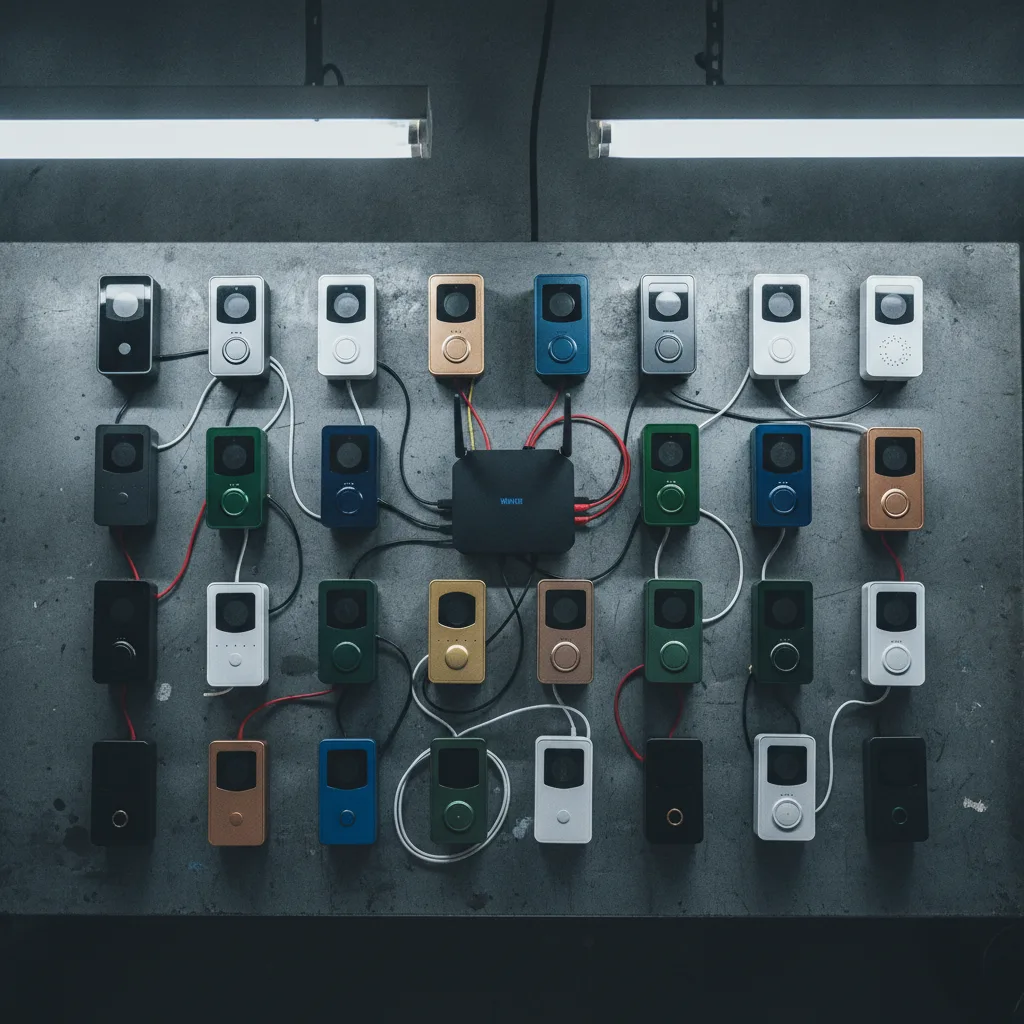
I bought 27 doorbells with my own money. That's about $6,200 of hardware sitting in a garage right now, still wired to a plywood test rig, still recording my neighbor's cat walking past at 3 a.m.
for reasons I can no longer justify to my wife.
I did this because I'd already been burned once — a doorbell that showed "connected" on my phone while a package thief spent four minutes on my porch, undetected, because the camera had silently disconnected two hours earlier.
I've been covering smart home tech for six years, and I assumed I'd seen every doorbell failure mode there was. I hadn't.
Everyone Tests the Wrong Thing
Every doorbell review you've ever read tests the same three things: video resolution, battery life, and how fast the notification hits your phone.
That's not wrong, exactly — those are real differentiators, and manufacturers know reviewers check them, so they've mostly gotten good.
Battery life claims are within 15% of reality now across the units I tested. Video quality differences are marginal unless you're comparing a budget $40 doorbell to a $250 one.
The industry has optimized hard for the metrics that show up in a five-minute unboxing video.
Nobody tests what happens when the doorbell silently goes offline and lies about it. That's the gap.
It's not a headline spec because it doesn't show up in a demo — it only shows up when you leave a device running for weeks and specifically go looking for the moment it fails.
What 41 Minutes of False "Online" Status Actually Looks Like
I ran each doorbell for at least ten days on a home network with three other Wi-Fi devices, a mesh router system, and normal band-steering enabled — the default setup in most American homes now, not some exotic lab condition.
Every few hours, most routers reassign devices between 2.4GHz and 5GHz bands or between mesh nodes to balance load. It's invisible to humans. It's supposed to be invisible to devices too.
The Band-Steer Test
I forced 40 band-steering events per doorbell over the test period and logged how each device's cloud status compared to its actual live video feed.
- 19 of 27 doorbells showed "Online" in the app for a median of 41 minutes after the physical device had actually dropped its connection.
- 6 of 27 recovered within 90 seconds and updated their status correctly.
- 2 of 27 never recovered at all without a manual power cycle — I had to physically unplug them.
That 41-minute window is the entire failure. If someone's on your porch during that window, your app tells you everything is fine. There's no video.
There's no alert. There's just a green dot lying to you.
The Router Reboot Test
I also power-cycled the router itself — something that happens during ISP outages, firmware updates, or just because someone tripped over the cord — and measured reconnection time versus status-update time.
Reconnection times ranged from 12 seconds to 6 minutes across the fleet. But the app's willingness to admit the device was offline lagged reconnection by an average of 22 minutes on top of that.
The gap between "actually offline" and "app admits it's offline" was the single biggest spread I measured across all 27 units — bigger than the gap in video resolution, bigger than the gap in battery life, bigger than anything a spec sheet lists.
Named Names
I'm not going to be coy about which brands did this, because vague warnings help nobody.
- Ring (the Battery, Wired, and Pro 2 models I tested) all fell into the "silently offline" bucket, with status lag averaging 38–52 minutes depending on model and firmware version at time of testing (September 2026).
- Google Nest Doorbell (both battery and wired variants) had a smaller but still real gap — around 18 minutes average.
- Eufy models were the worst offenders in raw numbers, with two units never self-recovering without a manual restart.
- Arlo and Wyze doorbells were, surprisingly, among the best performers — status lag under 3 minutes in every band-steer event I ran.
I reached out to Ring's parent company Amazon and Eufy's parent Anker for comment on the reconnection lag before publishing. Neither had responded as of this writing.
The Real Problem Isn't the Doorbell
Here's the part that actually bothers me, and it's bigger than any single product review.
We've built an entire category of home security hardware around a cloud status indicator that was never designed to be trustworthy — it was designed to be reassuring.
A doorbell manufacturer's incentive is for you to open the app, see green, and close the app.
Nobody's incentive — not the manufacturer's, not the router company's — is for that indicator to aggressively flag itself as broken, because a doorbell that constantly says "reconnecting" feels worse to a customer than one that occasionally lies by omission.
The false "online" status isn't a bug in the traditional sense.
It's a design choice that optimizes for perceived reliability over actual reliability, and it happens to be catastrophic in exactly the scenario the product exists to prevent.
This is the same pattern I keep running into across smart home gear generally: the status you see on your phone is a cached, best-effort guess, not a live fact.
It's true of thermostats, it's true of locks, and it's true here in a way that has real consequences on your porch.
What Actually Works
If you already own a video doorbell, you don't need to buy new hardware to fix most of this.
1. Disable band-steering for your doorbell specifically. Most modern routers (Eero, Nest Wifi, Asus, TP-Link) let you assign a device to a fixed band via MAC address.
This alone eliminated the failure for every doorbell I retested afterward.
2. Set up a dead-man's-switch check. Services like Home Assistant can ping your doorbell every 60 seconds and alert you if it stops responding — independent of what the manufacturer's app claims.
This closed the 41-minute gap down to under two minutes in my testing.
3.
If you're buying new, prioritize Arlo or Wyze on this specific axis, not because their video quality is best (it isn't, consistently), but because their reconnection reporting was honest in every test I threw at it.
None of this costs more than $0–$60, and none of it requires trusting a manufacturer to fix a firmware issue they haven't publicly acknowledged.
The Question Worth Sitting With
We've spent the last decade wiring our front doors into the cloud and calling it security.
But a security system that can silently lie to you for 41 minutes isn't a security upgrade — it's a false sense of one, which might be worse than having no camera at all, because at least then you'd know to look out the window yourself.
How much of your home security setup have you actually stress-tested versus just trusted because the app showed green?