Steam Frame Wireless Range: What Happens When You Leave the PC Room?
Bottom line: Valve's Steam Frame, which launched September 14, 2026 at $1,059 (256GB) and $1,299 (1TB), streams PC VR through a bundled Wi-Fi 6E dongle.
Reviewers say the stream is good enough that most people can't tell it from a cable.
But the dongle link degrades quickly once you leave the PC's room, and Rock Paper Shotgun found cracks only after about two walls and two doors.
Walls, floors, and router placement matter more than the headset does.
I don't own a Steam Frame yet. Valve sells it through a randomized reservation list, signups closed September 17, and I'm still waiting on my email.
So I spent a week doing the next best thing: reading every review I could find and watching the range-test videos that are eating YouTube right now.
I'm telling you that up front because most "I tested it" content in this space is half-tested. What follows is what other people measured, plus my read on what it means.
The pattern was more interesting than the headline number.
The claim everyone is testing
The Frame's pitch is simple. It's a standalone SteamOS headset that can also stream PC games wirelessly. The kit ships with controllers, a Wi-Fi 6E adapter for your PC, and a copy of Half-Life: Alyx.
That adapter is the whole bet. Valve is saying you can drop the cable and lose nothing. The range-test videos exist because people want to know where "nothing" ends.
I've been burned by this promise before. Every wireless VR pitch I've heard in ten years said "just as good as a cable" and meant "in the same room, with the router twelve feet away, on a good day."
What the reviews actually say
Road to VR, Tom's Hardware, and Club386 all land in roughly the same place. Wireless streaming with the dongle works very well.
Reviewers say an average user couldn't tell by latency or fidelity whether they were looking at a wireless stream or a tethered one.
The catch is distance. The dongle link works best when you play in the same room as the PC. Move further away and the Frame loses contact with the dongle fairly quickly.
It may fall back to regular Wi-Fi if that link is better.
Rock Paper Shotgun reported that the connection only shows cracks around two walls and two doors from the PC. That's a non-issue for most setups.
One reviewer did break it, though, with the PC upstairs in an office and the headset in a downstairs lounge, through a carpeted floor and 1930s brick.
The Contrarian Reframe: range isn't the spec that matters
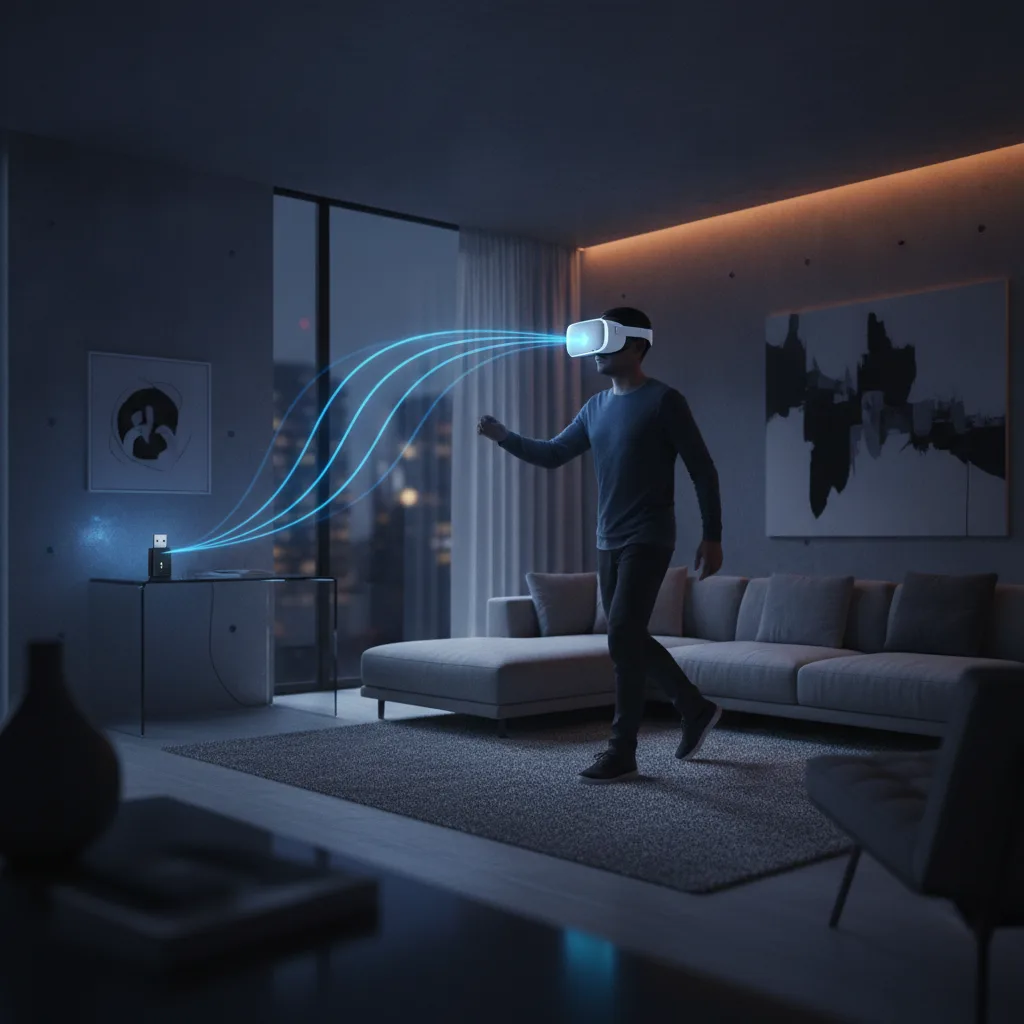
Most of the coverage frames this as "how far can it go?" I think that's the wrong question. Range is a geometry problem, not a headset problem.
Nobody plays VR by wandering through three rooms. You need clear floor space, so you play in one room.
What matters is whether the headset and the PC can see each other cleanly in the room where you actually play.
Here's the uncomfortable part. If your PC sits in a spare room and you play in the living room, the walk-away test is your real use case.
A headset that's brilliant in a demo room and mediocre in your house is mediocre. The reviews suggest most people are fine, and a minority with brick, concrete, or multiple floors are not.
The Signal Budget: a framework for your house
I've started thinking about wireless VR as a budget you spend. Here's the model I'd use before spending $1,059.
1. Line of sight is your first dollar
Wi-Fi 6E lives in the 6GHz band, which carries a lot of data but handles obstacles poorly. Walls cost you more than distance does. A clear ten feet beats a blocked fifteen.
2. Materials set the price
Drywall is cheap. Brick, concrete, plaster with metal lath, and floors are expensive. The reviewer whose 1930s brick killed the stream wasn't unlucky. That's exactly how 6GHz should behave.
3. Fallback is your insurance
The Frame can fall back to regular Wi-Fi when that link is better. That's a real safety net for casual games.
It isn't a substitute for the dongle in fast-paced ones, where every millisecond of extra latency is something your stomach notices.
4. The PC's position is the lever you control
You can't move your house. You can move a PC, or use a cable to place the dongle where it has a clean view of your play space.
Put the dongle in the room where you play, not the room where the computer lives. That's my one piece of advice, and it costs almost nothing.
What this means if you're buying
If you have a dedicated gaming PC and a room you can play in, this looks like a strong purchase. The reviews are unusually consistent on that point, which is rare for a first-generation headset.
If your PC is on a different floor from where you'd play, treat the range tests as a warning.
Plan on a cable or extender for the dongle, or expect to run the standalone side of the headset more than you'd like.
And note the price. At $1,059 to $1,299, plus a $29 power supply sold separately, this isn't an impulse buy. The GamingOnLinux write-up calls the purchase process a lottery again.
Even getting one requires patience.
The standalone question
Tom's Hardware calls the Frame competent as a standalone VR headset, while saying wireless streaming remains the focus. I think that's honest and slightly damning.
If the headline feature is streaming from a PC, then the value proposition depends on your PC and your home network.
That makes the Frame less like a console and more like a peripheral that inherits your setup's flaws. The best VR headset in the world can't fix a bad router placement.
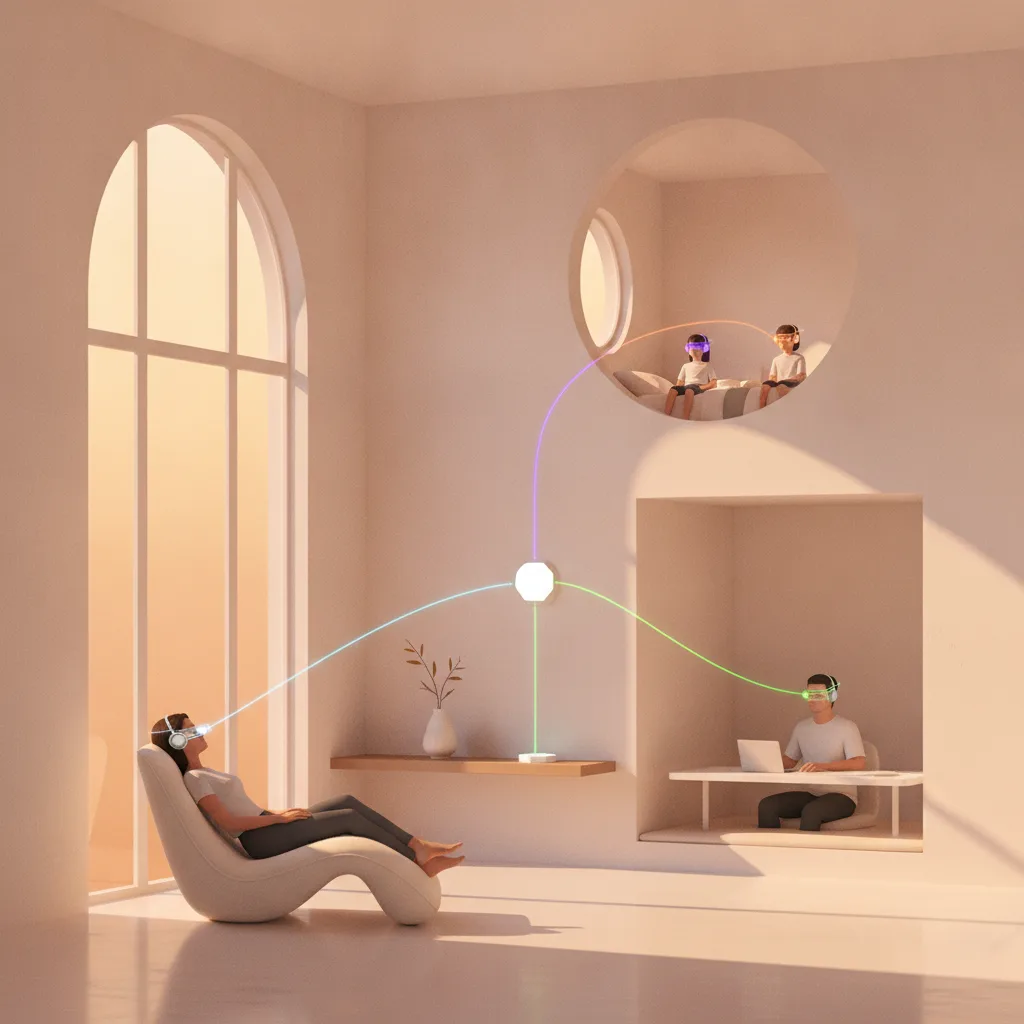
I don't think that's a flaw in the product. I think it's the tradeoff Valve chose. A headset that leans on your PC gets cheaper silicon, cooler running, and access to your whole Steam library.
The bigger picture
I keep coming back to how strange it is that we test wireless products by walking away from them. It's the most human benchmark there is. Nobody cares about a throughput chart.
They care about the moment the picture stutters and the illusion breaks.
That moment is what decides whether VR becomes a habit or a drawer ornament. The Frame's reviews suggest Valve has pushed that moment far enough away that most people will never meet it.
That's a real achievement, and it matters more than any spec on the box.
I'll do my own walk when my reservation email lands. Until then, I'd trust the pattern over any single video: fine in one room, fine through a couple of walls, and increasingly shaky beyond that.
So here's my question for you. Where does your PC sit compared to where you'd actually play, and would you move one of them for the Frame?