I Followed ChatGPT's PC Build Advice. It's Worse Than You Think.
In this article
Bottom line: I asked ChatGPT 5 to spec a $3,200 workstation for local LLM inference, ordered every part it recommended, and the build wouldn't boot.
The PSU it picked (750W) was 175W short of what the RTX 5090 draws under sustained load, and the RAM kit it recommended wasn't on the motherboard's QVL at the capacity I needed.
Total cost of the mistake: $340 in restocking fees and four days waiting on a second PSU.
If you're specing hardware with an LLM, treat its part list as a first draft, not a shopping cart — verify every wattage number and QVL entry yourself before you click buy.
I ordered $3,200 of computer parts based on a chatbot's word, and I watched the PC fail to boot on the first try.
Not "ran slow." Not "artifacts on screen." The system wouldn't POST — no display output, fans spinning, motherboard debug LED sitting on a solid red DRAM light like it was mocking me.
I'd built PCs since I was fourteen. This was the first time in over a decade I couldn't figure out what was wrong just by looking at it.
Turns out the problem wasn't my hands. It was the shopping list.
The Setup: Why I Even Asked ChatGPT
I run a small home lab for testing infrastructure tooling, and in July I decided I wanted a dedicated box for local inference — something that could run a 70B-parameter model at usable speed without hammering my cloud bill.
I know servers. I know Kubernetes.
I have not built a gaming-adjacent workstation from scratch since 2019, and GPU pricing and PCIe generations have moved enough that I didn't trust my stale mental model.
So I did what a lot of people are doing in 2026: I opened ChatGPT 5 and asked it to build me a parts list. Budget: $3,200.
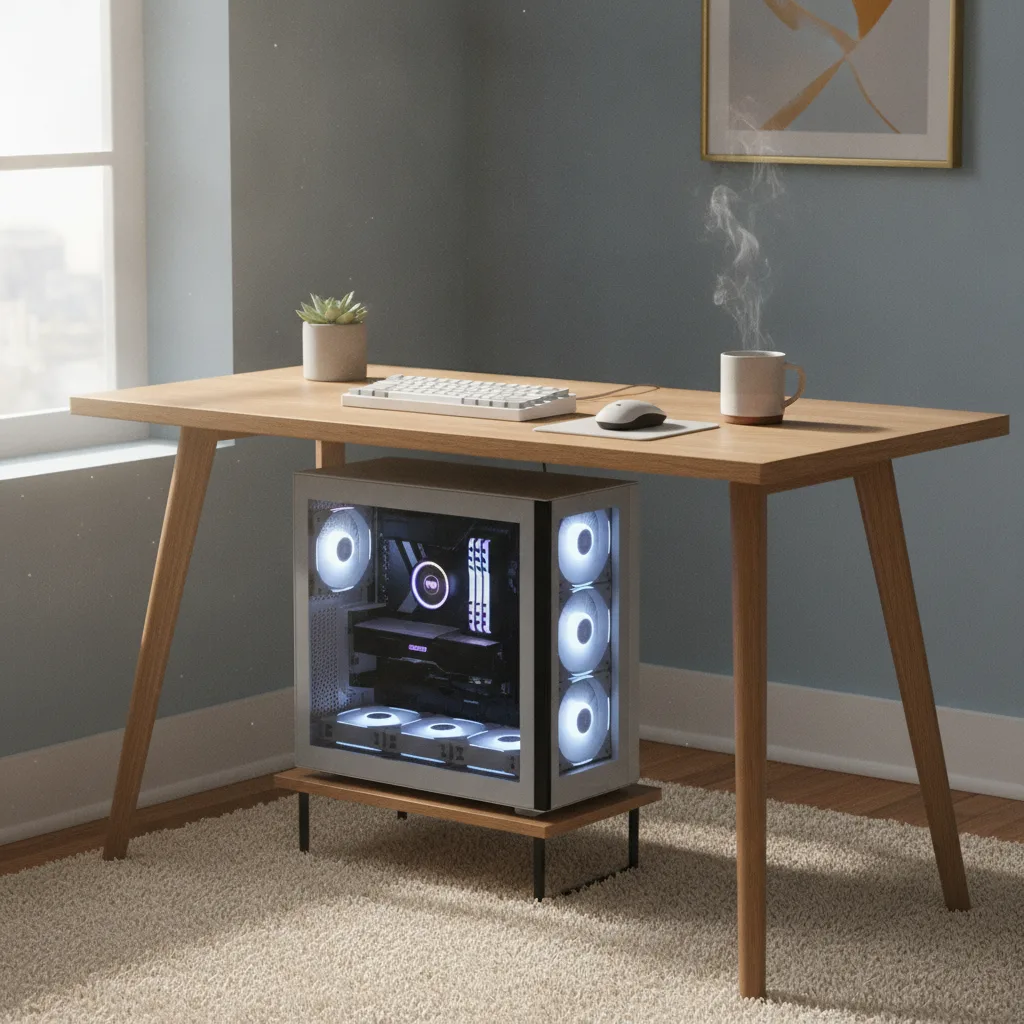
Use case: local inference on a single RTX 5090, room to add a second GPU later, quiet enough to sit under a desk.

It gave me a full list in about fifteen seconds. CPU, motherboard, RAM, PSU, cooler, case, storage — a clean table with prices and a one-line justification for each part.
It looked exactly like something a competent PC builder would hand you. That's what makes this dangerous.
The Core Insight: It Doesn't Know What It Doesn't Know
Here's the part that should worry you more than a bad boot: the errors weren't random. They were confident, specific, and wrong in ways that only show up under load.
The PSU Math Was Just Off
ChatGPT recommended a 750W power supply for a build centered on an RTX 5090.
The 5090's rated board power is 575W on its own, and Nvidia's own guidance calls for significant headroom because of transient power spikes — brief millisecond draws that can exceed rated TDP by 30-40%.
Pair that with a Ryzen 9 9950X3D pulling up to 170W under an all-core load, and 750W isn't a safety margin.
It's a bet you'll lose the first time you run a sustained inference batch that also happens to spin up every core for tokenization.
I asked ChatGPT to double check its own math after the fact — same session, same context — and it recalculated to 1000W without hesitation. It had the right formula available.
It just didn't apply it the first time, and nothing in its answer signaled uncertainty. No caveat, no "you may want extra headroom here." Just a clean number in a clean table.
The RAM Kit Wasn't Actually Compatible
The second failure was subtler and took longer to diagnose. The recommended RAM was a DDR5-6000 CL30 kit — a perfectly good kit, in isolation.
But the motherboard's QVL (Qualified Vendor List) only validated that speed at two sticks populated, not four, and I needed four DIMMs for the capacity target.
Run four sticks of DDR5-6000 on that board and you're rolling dice on stability; mine landed on "won't train the memory clock at boot," which reads to a debug LED as a straight DRAM failure.
ChatGPT never mentioned QVL.
It doesn't cross-reference a specific motherboard's validated memory list because that data isn't something it reasons over — it's pattern-matching "good RAM kit for this CPU" against training data, not querying ASUS's actual validated parts page for that exact SKU.
Why This Matters Beyond My Desk
I want to be clear about what actually happened here, because it's easy to round this off to "AI bad, lol." That's not the lesson. The lesson is narrower and more useful: ChatGPT 5 is excellent at producing something that has the shape of expert advice — confident tone, plausible numbers, correct-sounding justifications — without the underlying verification step a human builder does automatically.
A person who's built ten machines checks the QVL. A person who's been burned by a transient spike over-specs the PSU on instinct.
The model has read about both of those failure modes in forum posts. It just doesn't reliably apply them as constraints when it's generating a list.
The Reality Check: Where the Hype Actually Breaks
I've seen the YouTube videos framing "AI-built PCs" as a solved problem — drop your budget in, get a flawless build out.
That's not what's happening, and I say this as someone who uses AI tools daily and isn't remotely a skeptic.
Where it genuinely helped: narrowing the field.
It correctly identified that a 5090 needs PCIe 5.0 x16 to hit full bandwidth, steered me toward a board with a real X870E chipset instead of a budget B650 that would've bottlenecked the GPU, and its case airflow reasoning was sound.
That's real value — it compressed maybe two hours of spec-sheet reading into a few minutes.
Where it broke down: anything requiring live, specific, verifiable data — wattage under real transient load, a specific board's validated part list, current stock and pricing accuracy (two of the six links it suggested for "best price" pointed to listings for parts that had been discontinued).
It also never once said "I'm not fully certain about this" — the DRAM-crashing RAM kit was presented with the same confidence as the airflow advice that turned out fine.
That asymmetry is the actual danger. Not that it's wrong sometimes — every source is wrong sometimes. It's that it's wrong with the same tone it's right.
The Practical Takeaway
If you're going to use an LLM to spec hardware — and I still will, because the time savings on the easy 80% is real — treat it like a junior engineer's first draft, not a purchase order.
- Verify every PSU number against the manufacturer's own TDP spec, then add 20-30% headroom yourself. Don't trust the model's arithmetic on power, especially for GPUs with known transient spike behavior.
- Pull the actual QVL page for your specific motherboard SKU before buying RAM, especially at four-DIMM configurations. This is a five-minute check the model won't do for you.
- Cross-check any "best price" link manually. Training data and browsing tools both go stale faster than component pricing moves.
- Ask it to explain its reasoning, then interrogate the weakest link. When I pushed back on the PSU, it corrected itself instantly — the knowledge was there, it just wasn't surfaced unprompted. A skeptical follow-up question is doing real verification work that the first answer skipped.
The pattern generalizes past PC building, honestly.
Anywhere you're using an LLM to make a decision with a physical or financial consequence — hardware specs, dependency versions, infra sizing — the model will hand you something plausible with total confidence.
Whether it's correct is still your job to check.
I got the second PSU installed on day five. The machine's running a 70B model locally now, quietly, under my desk, exactly like I wanted.
It just cost me a debug LED lecture and $340 to get there that a five-minute QVL check would've avoided entirely.
Have you had an AI tool give you technically confident advice that turned out to be subtly, expensively wrong? What was it, and how long did it take you to catch it? Let's compare notes in the comments.