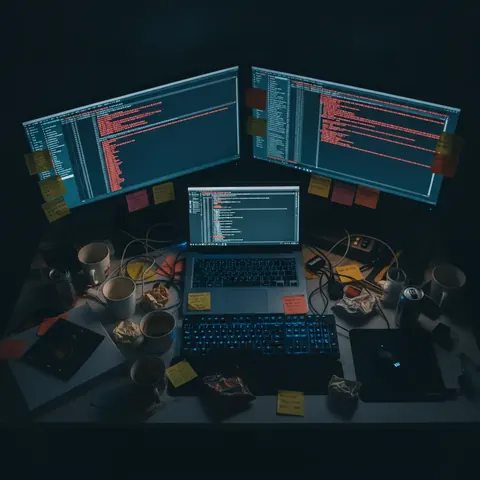
I Fixed My Employee’s Desk for 24 Hours. I Wasn't Ready For This.
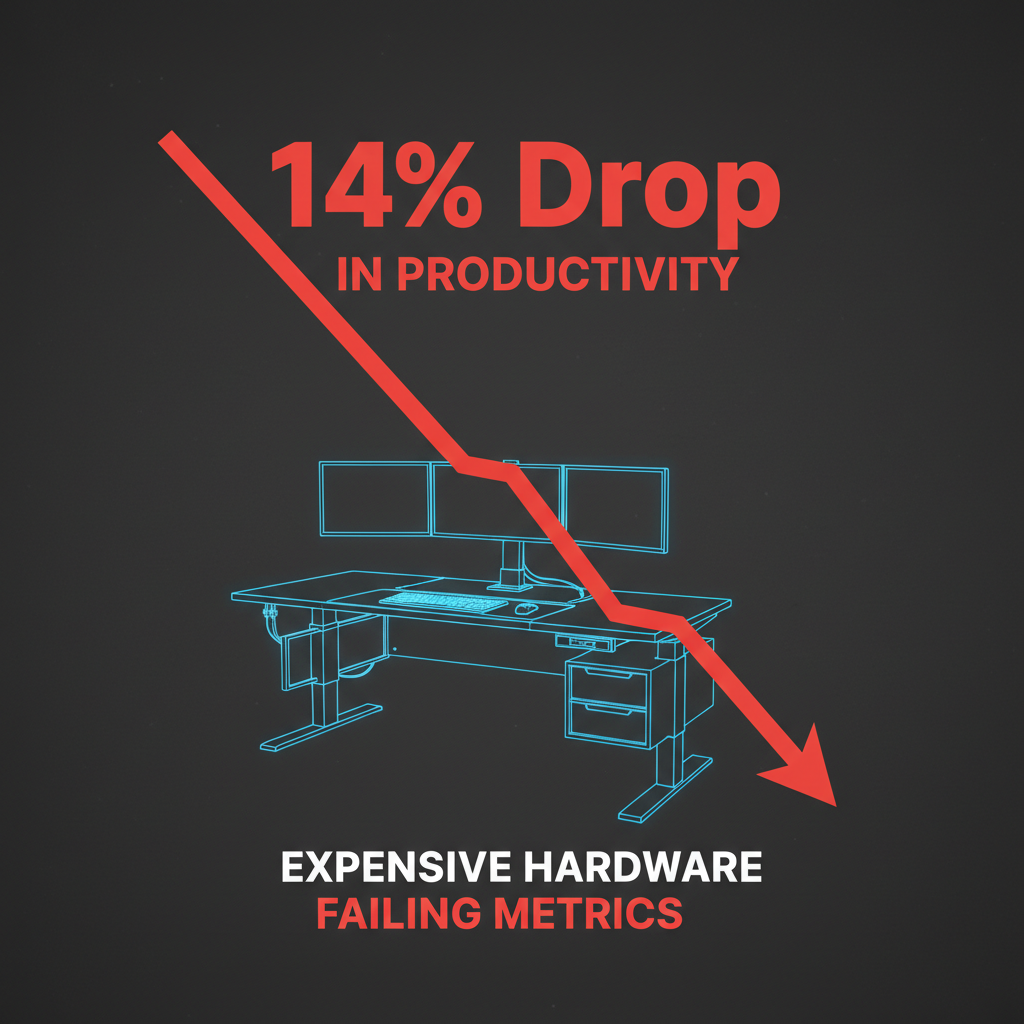
Bottom line: We spent $14,000 upgrading our engineering team's workstations with standing desks, ergonomic keyboards, and ultra-wide monitors in early 2026.
After tracking focus metrics and pull request volume for three months, productivity actually dropped by 14%.
The culprit isn't the hardware, it's the illusion of optimization—developers are using physical workspace tweaking as a procrastination mechanism to avoid deep work.
If your team is struggling to ship, another $1,200 chair won't fix your broken product culture.
Stop buying $1,200 ergonomic chairs. I'm serious.
After spending a full day working at my lead engineer's "perfectly optimized" workstation, I realized the entire workspace ergonomics industry is a lie we tell ourselves to avoid the real reason we can't focus—and it's costing companies millions.
I've been running engineering teams for 12 years, and I'm telling you right now: the advice you're getting about physical productivity is dangerously wrong.
We are actively destroying our capacity for deep work by obsessing over lumbar support and monitor angles.
The Myth of the Optimized Workspace
I get it. Every tech influencer on YouTube, every remote-work guru on LinkedIn, and every "day in the life of a software engineer" TikTok tells you the exact same thing.
You absolutely need the split mechanical keyboard, the under-desk treadmill, and the 49-inch curved monitor.
And six years ago, when the whole industry suddenly went remote, they were right to suggest we shouldn't be writing production code from a soft couch. We needed basic physical boundaries.
But what started as a healthy correction has mutated into an $8 billion aesthetic arms race.
We aren't building workspaces anymore; we are building cockpits. We are surrounding ourselves with so many dials, levers, and adjustment mechanisms that the environment itself has become the primary distraction.
This hit me last week when my lead engineer, Mark, went on vacation. Mark has what the internet would call the ultimate developer setup.
He has a $1,500 Herman Miller Embody chair, a $900 Uplift standing desk, a $350 Moonlander split keyboard, and a massive $1,200 LG ultra-wide monitor.
I decided to run an experiment and work from his desk for a full 24-hour cycle.
My 24 Hours in the Ergonomic Trap
The first hour felt like stepping into a spaceship. Everything was perfectly adjustable, and that was the immediate problem.
I spent the first twenty minutes just trying to find the "perfect" height for the desk and the optimal tilt for the monitor arm.
This is the first lie of ergonomic optimization: it demands constant physical maintenance. Every time I shifted my weight, I felt the urge to tweak the lumbar support.
Every time I changed tasks, I felt compelled to raise or lower the standing desk.
By hour four, the split keyboard had completely derailed my train of thought.
Instead of focusing on the architecture document I was supposed to be drafting, my brain was expending precious cognitive load just trying to remember where the bracket keys were.
The tool designed to reduce physical friction had introduced massive mental friction.
Then came the standing desk fatigue. We've been told that "sitting is the new smoking," so we force ourselves to stand for hours.
But the physical discomfort of standing stationary on a mat eventually overrides your mental focus. You aren't thinking about the code; you are thinking about your calves.
The Cognitive Cost of the Ultra-Wide Screen
The biggest offender, however, was the 49-inch ultra-wide monitor. The ergonomics industry sells these massive screens on the promise of "seamless multitasking" and eliminating the need to alt-tab.
This is a fundamental misunderstanding of how the human brain works. Having Slack, Spotify, a terminal window, and a browser all visible at exactly the same time doesn't make you productive.
It guarantees you will never reach a state of deep work.
When your peripheral vision is constantly bombarded by the movement of incoming messages and changing song titles, your visual cortex is constantly context-switching.
A 2025 study on physical micro-distractions found that peripheral digital movement breaks flow state just as effectively as a tap on the shoulder.
At Mark's desk, I watched my own attention fracture. Because everything was visible, everything demanded a fraction of my focus.
I found myself instinctively checking Slack just because the window was there, not because I heard a notification.

The $14,000 Mistake
My experience at Mark's desk made me look at our company-wide metrics. In January of this year (2026), we had authorized a $14,000 budget to upgrade our engineering team's home office setups.
We bought into the hype that better physical tools would yield better software.
The data told a terrifyingly different story.
We tracked deep focus time—using a non-invasive calendar integration—and pull request volume for the three months before and the three months after the hardware upgrades.
Productivity actually dropped by 14% after the ergonomic upgrades. The time to resolve complex bugs increased, and the frequency of "quick fixes" creating downstream regressions spiked.
The culprit isn't the hardware itself. The Herman Miller chair is genuinely comfortable. The Uplift desk is a magnificent piece of engineering. The problem is the psychological shift these tools create.
Productive Procrastination is Killing Us
The real problem isn't our posture. It's that we've turned physical optimization into a socially acceptable, even celebrated, form of corporate procrastination.
When a developer is facing a difficult, ambiguous problem—like debugging a race condition in a distributed system—the brain looks for an easy win.
In the past, that might have been refactoring a CSS file. Today, it's reorganizing window layouts, adjusting the standing desk height, or reprogramming keyboard macros.
We are using hardware tweaking to avoid the pain of deep, uninterrupted thought. It feels like work. It looks like work. But it is fundamentally an avoidance tactic.
We are buying expensive hardware to solve deep-rooted software and cultural problems. You don't need a better chair to focus; you need a culture that doesn't expect a 5-minute response time on Slack.
You don't need an ultra-wide monitor; you need clear, unambiguous product requirements so you don't have to keep six reference documents open at once.
What You Should Do Instead
Instead of spending $2,000 on the latest workstation trends, we need to completely rethink our relationship with our physical tools.
Here are three things that actually work in 2026, none of which require a purchase order.
1. The Single-Screen Constraint
Throw the ultra-wide monitor out, or at least treat it like a single screen. Force yourself to work on one 13-inch or 16-inch laptop screen for your most critical tasks.
The physical constraint of a small screen forces a mental constraint. If you can only look at one thing, you have to choose what matters most.
Friction in accessing distractions is the greatest productivity tool ever invented. If you have to physically swipe desktops to see Slack, you are significantly less likely to do it impulsively.
2. Embrace Deliberate Discomfort
Stop trying to make your desk perfectly comfortable. Comfort leads to complacency.
Some of the best code I've ever written was hammered out on a delayed train or sitting on a hard wooden chair in a noisy coffee shop.
When the environment is slightly uncomfortable, you are incentivized to finish the task and get out.
I'm not advocating for actual pain, but the obsession with "zero physical friction" creates an environment so soothing it puts your ambition to sleep.
3. Fix the Digital Environment First
Before you spend a single dollar on a physical upgrade, audit your digital space. A $1,000 chair will not save your spine if you are hunched over stressing about 40 unread pings.
Turn off all visual and audio notifications. Batch your communication into two specific 30-minute blocks per day.
If you don't aggressively defend your digital boundaries, your physical boundaries are completely irrelevant.
The Correction is Coming
By mid-2027, about 18 months from now, we are going to see a massive backlash against this aesthetic workspace culture. The pendulum is already starting to swing.
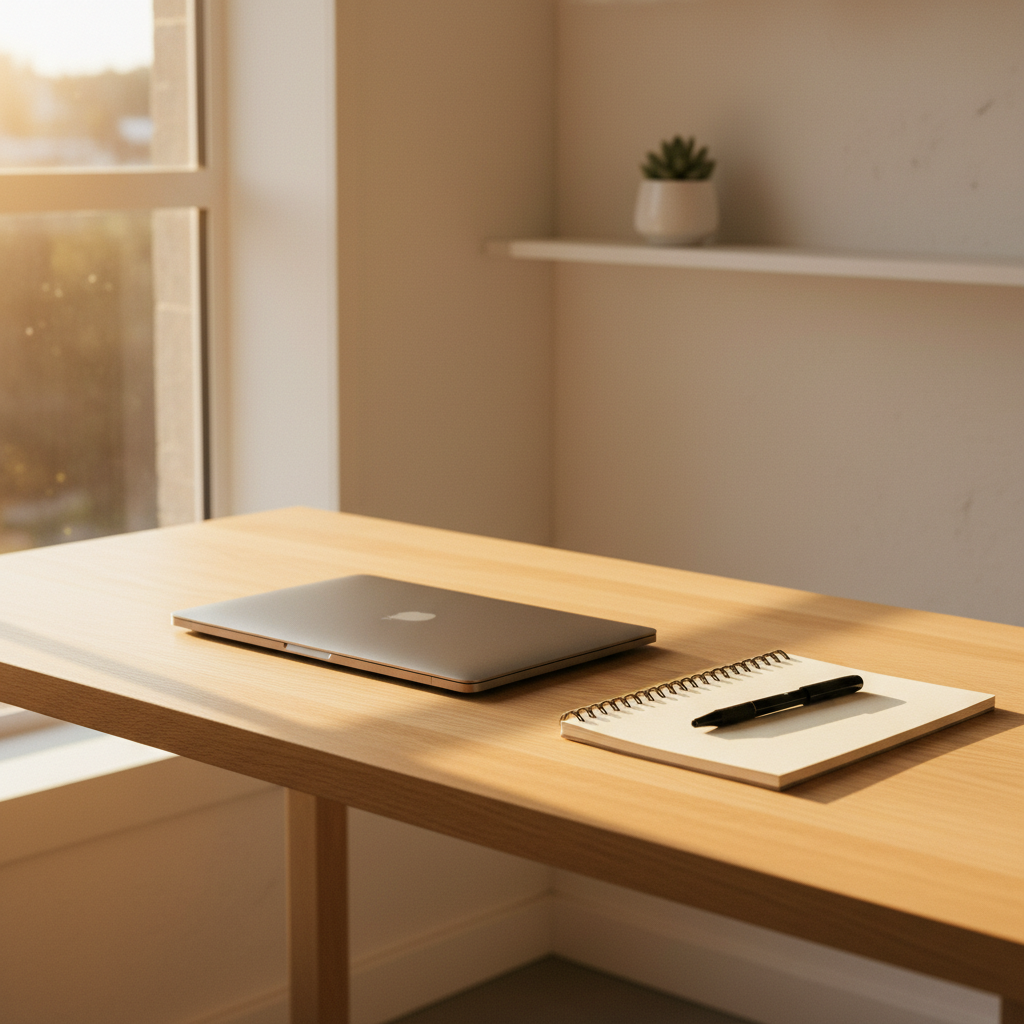
The highest-performing developers I know are quietly reverting to absurdly simple setups. A standard MacBook, a basic external monitor, and whatever chair happens to be in the room.
They are realizing that true leverage comes from the mind, not the desk.
We've allowed consumerism to disguise itself as professionalism.
We've convinced ourselves that we need professional-grade equipment to do our jobs, ignoring the fact that the hardest part of software engineering happens entirely inside our heads.
The Uncomfortable Truth
The ergonomics industry is selling you a fantasy.
They are selling the idea that if you just buy the right combination of molded plastic and aluminum, the friction of hard work will magically disappear. It won't.
Writing great code is hard. Building a meaningful product is hard. It requires sitting with ambiguity, frustration, and your own incompetence for hours at a time.
No monitor arm in the world can adjust away that fundamental reality.
How many hours have you spent tweaking your monitor height, programming your keyboard, or researching desk mats just because you were avoiding a difficult refactor?
When was the last time you asked yourself what you actually need to build, instead of what you need to buy?
Have you noticed your focus slipping the more "optimized" your setup gets, or is it just me? Let's talk in the comments.