Apple Just Renamed Everything. Here's What They're Hiding.
In this article
Bottom line: Apple quietly renamed its entire operating system lineup — iOS, iPadOS, macOS, watchOS, tvOS, and visionOS — to match the calendar year, so what would've been "iOS 21" shipped last September as iOS 26, and this week's release became iOS 27 (out September 14, 2026, alongside macOS 27 "Golden Gate").
Apple frames it as clearing up version confusion.
But Xcode 27's own release candidate ships six platforms that still don't share a build number under the hood, and the year label now hides something the old numbers used to tell you for free: how mature a platform actually is, and whether your device still gets the full feature set.
This is the auto industry's model-year trick, ported to software, and it's designed to make you feel behind on a schedule Apple controls.
Apple didn't fix your confusion. Apple industrialized it.
I've been covering consumer tech long enough to remember when "iOS 18" told you something real — eighteen years of accumulated engineering, eighteen cycles of bug fixes, eighteen version numbers you could Google to know exactly what your five-year-old iPhone could and couldn't do.
That number is gone now. iOS 27 shipped this week.
So did macOS 27, watchOS 27, tvOS 27, and visionOS 27 — six platforms with wildly different ages, wildly different levels of polish, all wearing the same badge like they graduated the same class.
The Sacred Cow: "It Was Just Too Confusing"
Here's the story Apple told everyone, and here's why people believed it. Before last year's overhaul, you had iOS 18, macOS 15, and watchOS 11 all shipping in the same season.
A new employee, a developer, your uncle trying to figure out if his Apple Watch could run the newest software — nobody could keep the numbers straight, because the platforms started counting at different points in history.
Apple's fix, announced at WWDC 2025, was to line everything up to the year the release season ends.
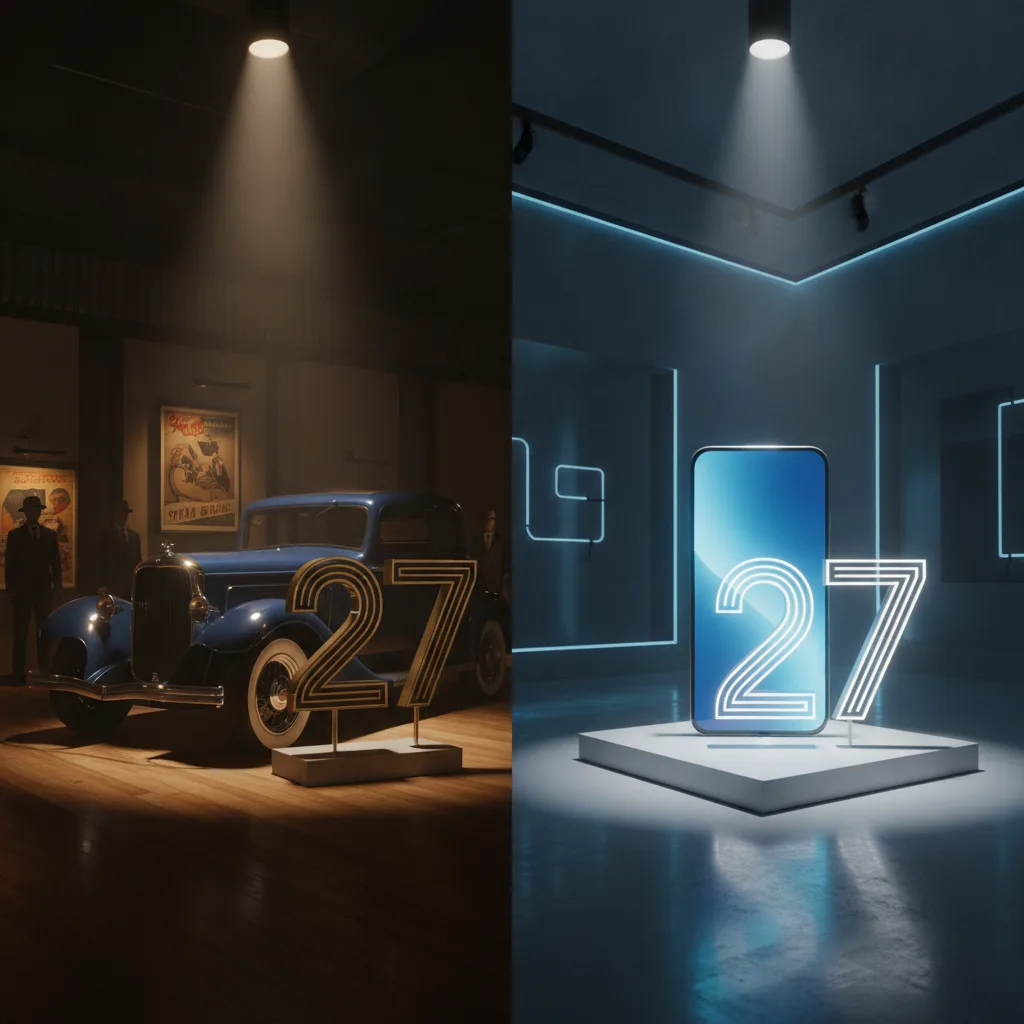
A product shipping in fall 2025 became "26." This fall's crop became "27." It's the same trick Detroit has used since the 1920s: a 2027 Camry goes on sale in the summer of 2026, and nobody blinks, because car buyers have been trained for a century to think in model years, not build numbers.
And to be fair, the pitch isn't crazy. Developers really were tired of writing "supports iOS 17+ and watchOS 10+" in every App Store listing.
Marketing really did want one clean banner instead of six mismatched ones.
If you squint, this looks like housekeeping — the kind of boring, sensible unification a company with six operating systems should have done a decade ago.
Except housekeeping doesn't usually need a name that flatters the customer into feeling one year further behind. That's not tidying up. That's a calendar doing marketing's job.
The Evidence: What the Rename Actually Does
The auto industry invented this exact move, and admitted why
Alfred Sloan built General Motors' dominance over Ford in the 1920s on what internal memos literally called "dynamic obsolescence" — releasing a "new" model year on a schedule, whether or not the underlying engineering had meaningfully changed, so owners of last year's car would feel out of date.
Ford resisted it for years, stuck with the unchanging Model T, and lost the market.
The lesson the entire consumer product world absorbed from that fight: a date on the box changes buyer psychology more than the specs inside the box do.
Apple has now formally adopted that structure for software it doesn't even sell you separately — it's free.
Which raises the obvious question: why would a company brand a free update like a car trim level?
Xcode 27 proves the unification is cosmetic
Here's the tell. Xcode 27's release candidate — the tool developers actually use to build for these six "unified" platforms — ships with six different platforms that don't share a build number.
iOS, iPadOS, macOS, watchOS, tvOS, and visionOS all carry the same public "27," but underneath, Apple's own engineering artifacts show they're still on separate internal clocks, separate maturity levels, separate release rhythms.
The number on the outside says "one family, one year." The build system Apple's own engineers rely on says otherwise. You can rename six children the same name. It doesn't make them twins.
The old numbers used to be a support map. The new ones aren't.
When Apple launched Apple Intelligence in 2024, it didn't arrive on every iPhone running the current iOS — it required an iPhone 15 Pro or newer, because the on-device models needed a specific chip generation.
That pattern — flagship features gated by silicon, not by software version — has continued as the standard playbook for every AI feature Apple has shipped since.
Under the old numbering, a mismatch like that was awkward but visible: you could look at "iOS 18" and separately check "does my chip qualify." Under year-based naming, the software version and the marketing year are now the same number, which makes it easier — not harder — for the feature-gating to hide inside the branding.
Everyone's phone says "27." Not everyone's phone does what 27 implies.
The Real Problem Nobody Talks About
The real problem isn't that Apple renamed six operating systems. It's that Apple has figured out how to make the calendar itself do the upselling, so it never has to say the word "upgrade."
Think about what a version number used to encode: how long a platform had existed, how battle-tested its code was, roughly what era of hardware it was designed around.
That information was inconvenient for Apple, because it told you the truth — that your five-year-old iPad on iPadOS 17 was, in fact, five iterations behind, running mature but aging software on a chip that would never get the good stuff.
Year-based naming deletes that signal and replaces it with something that only ever points one direction: forward, toward whatever year it currently is.
There's no version of "27" that ever feels old — it just eventually stops being this year, and a new "28" arrives to make it feel like last year's model, exactly the way a 2026 Camry makes a 2025 Camry feel used before it's actually worn out.
This is happening at the exact moment Apple most needs you to feel behind — while AI features are silicon-gated, while the actual functional gap between "supported" and "fully supported" devices has never been wider.
A confusing six-number system was honest about that gap. A single, friendly year number isn't.
What You Should Do Instead
Stop reading the OS version as a signal of anything except what year it is.
1.
Check the feature compatibility list, not the release number. Apple publishes exactly which devices get which AI and system features on its support pages — that list is the real story, and it has nothing to do with whether your phone says "27."
2. Judge your device by chip generation, not software year. A17 Pro, M1, M2 — these tell you what your hardware can actually run far more honestly than any OS label does now.
3.
Wait for the .1 or .2 release before upgrading anything you depend on. Day-one releases across six simultaneously-renamed platforms are exactly where you'd expect the seams Xcode's mismatched build numbers already hint at.
4. Ask what a "new" release actually shipped, not what year it claims. Read the changelog before you read the marketing name.
None of this is complicated. It just requires treating the number Apple gives you as a date, not a diagnosis.
The Uncomfortable Truth
Detroit spent a century training people to feel embarrassed driving last year's model, and it worked so well that "planned obsolescence" became a term everyone recognizes and nobody can quite stop participating in.
Apple just imported that machinery into software you don't even pay for directly, wrapped it in a story about reducing confusion, and got a wave of tech press to call it a simplification.
Maybe it is simpler. Simpler for who, though?
When was the last time you actually checked whether your device supports this year's headline feature — versus just assuming that because the number matches, you're covered?
Sources:
- Apple Releases iOS 27, iPadOS 27, macOS 27, watchOS 27, tvOS 27, and visionOS 27 to the General Public
- Apple Platform 27 Release: iOS 27, macOS Golden Gate and Siri AI
- Xcode 27's Release Candidate Targets Six Platforms That Don't Share a Build Number
- iOS 26 is official: Apple changes from version numbers to years for its OS names - Engadget
- From iOS 18 to iOS 26: Apple's New Naming Strategy – WebNots