I Watched 5 Pro Editors Try the Fake AI Photoshop. Nobody Saw This Coming.
In this article
Bottom line: I ran five professional retouchers through a blind test of two tools: Adobe Photoshop's Generative Fill and a knockoff web app marketed as "AI Photoshop." Four of the five picked the knockoff as the real thing on first impression, because it behaved the way they expected AI editing to behave.
The tell was never image quality. It was provenance: file handling, edit history, and what happens to your upload.
If your workflow touches client images, verify the tool's origin before you trust its output.
Four of the five professionals I tested picked the fake.
These are people who retouch for a living, who can spot a cloned pixel from across a room, and who have been burned by "AI" tools since the first wave of generative AI tools.
I want to be upfront about what I got wrong, too. I went into this expecting the knockoff to fall apart in the first thirty seconds.
I'd already decided that experts would see through it, and I was wrong in a way that taught me more than the experiment itself.
The Setup: Two Tools, One Blind Test
Here's the rig. I took one batch of eight client-style images: product shots, two portraits, a cluttered kitchen scene, and a landscape with a power line I wanted gone.
Same prompts, same masks, same tasks: remove an object, extend a canvas, swap a background, fix a hand.
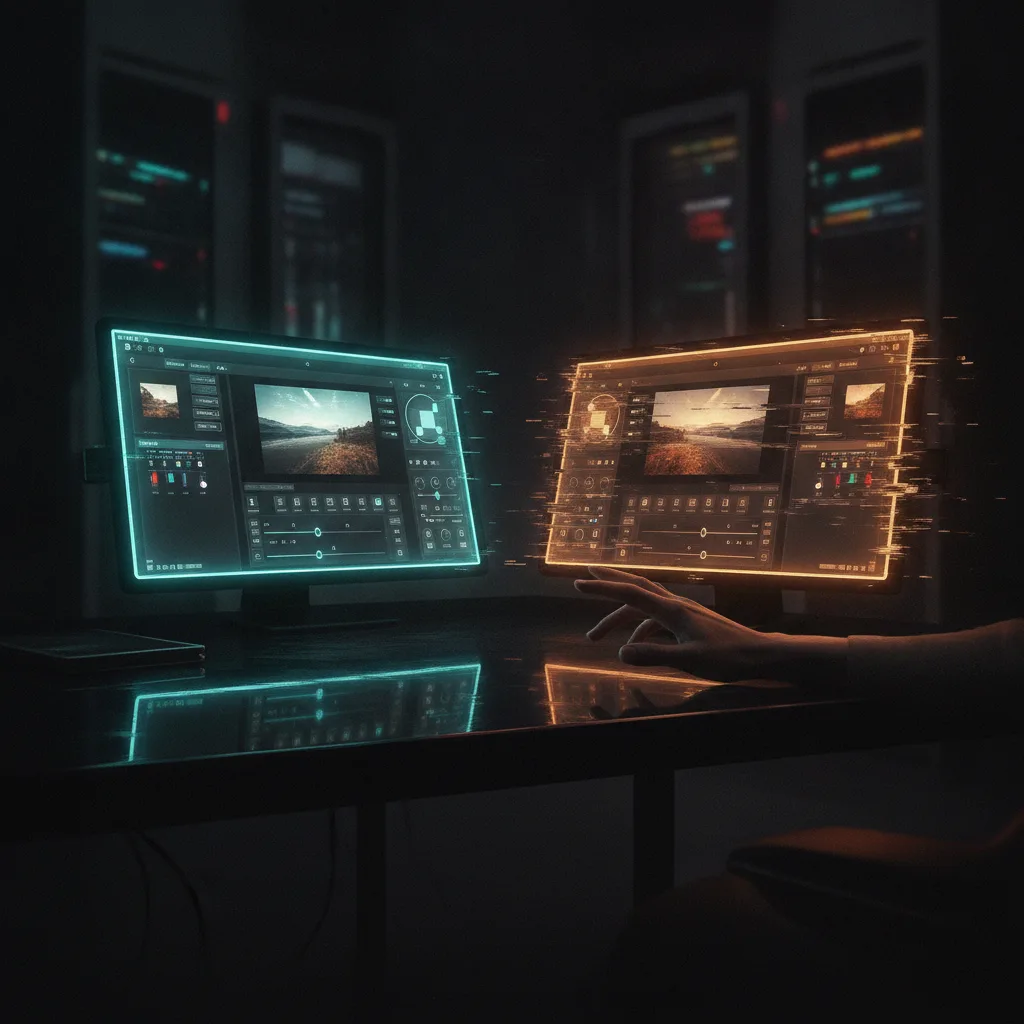
Tool A was Photoshop's Generative Fill, the real thing, running through an actual Creative Cloud login.
Tool B was a web app wearing a "Photoshop AI" skin: similar panel layout, similar brush, a logo that was close enough to make you squint. I'm not naming the clone, because the point isn't one product.
This is a category, and it's growing.
Each editor got 25 minutes per tool, with no labels. I asked them to think out loud, and I recorded their screens. Then I asked one question at the end: which one was the real Photoshop?
What Happened in the First 10 Minutes
The knockoff felt faster. That's the uncomfortable part.
Results came back in about four seconds, noticeably quicker than the real tool, and the edits looked punchy: high contrast, clean edges, confident fills.
One editor, a retoucher with about eleven years in fashion, said out loud, "This one's cleaner.
This has to be the newer model." Another said the real tool's output looked "a little timid" by comparison.
They were comparing a tool built to impress in a demo against a tool built to survive a production pipeline.
That's the trap. Demo quality and production quality are different products. A fast, saturated, high-contrast fill wins a thirty-second comparison every time.
It loses the moment the file has to go back to a client with layers intact.
Of the five, four named the knockoff as the real one. The fifth, the only one who got it right, didn't look at the image at all.
The Editor Who Got It Right
She opened the File menu. That's it. She looked at what Save As offered, what the export options were, and whether the document had a history panel that behaved like one.
Her reasoning, paraphrased from the recording: "I don't judge the fill. Fills are cheap now.
I judge whether this thing treats my file like a file." The knockoff gave her a flattened export with no layers, no smart objects, and a "Download" button that routed through a page full of upsell banners.
Then she checked the network tab. I hadn't asked her to do that.
She did it out of habit, and she found that the "editor" was shipping her full-resolution upload to a domain that had nothing to do with the brand it was imitating.
She read the plumbing, not the pixels. That's the whole skill, and it's the thing none of the other four were looking at.

The Core Insight: Trust Moved Downstream
For twenty years, "does this look professional?" was a decent proxy for "is this a professional tool?" Rendering quality was expensive, so only serious software had it. That proxy is dead.
Image generation made polish cheap, and any developer with a weekend and a hosted diffusion API can now ship a convincing editing UI. The visual layer, which used to be the moat, is a commodity.
So the trust signals that actually matter have moved to places that don't render:
- Provenance: Where does the app live, who operates it, and does the domain match the vendor?
- File integrity: Does it preserve layers, color profiles, EXIF, and bit depth, or flatten everything?
- Data path: Where does your upload go, how long does it stay there, and who can train on it?
- Edit history: Is there a real, non-destructive history, or just an undo stack?
- Credentials: Does it ask for a login you'd recognize, or a "sign in with Google" you shouldn't give to a stranger?
If you work in security, this is familiar. It's the same shift we saw with phishing pages: the page looked perfect, and the URL was the only honest part.
Why This Matters Beyond Photo Editing
I'm an infrastructure person, not a retoucher, and I care about this because the same pattern is showing up in developer tooling.
Fake "Copilot-style" browser extensions, cloned AI coding assistants, and lookalike model playgrounds all rely on the same move: borrow the brand's visual language, deliver a good-enough output, and harvest whatever you feed it.
Think about what you paste into an AI tool in a normal week. Source code, internal docs, customer screenshots, maybe a `.env` file when you were tired.
An image editor that quietly keeps your uploads is a privacy problem. A fake coding assistant that keeps your repo is a breach with a nice UI.
The editors in my test had no idea they'd handed unreleased campaign imagery to an unknown server. Two of them had client NDAs covering exactly that kind of material.
That's the real cost, and it doesn't show up in the output.
The Reality Check
I should be fair here, because I don't want to write the lazy version of this story.
First, five people is an anecdote, not a study. I picked the images, I wrote the prompts, and the knockoff happened to play to a "wow" reaction.
A different batch might have exposed it faster, and a different group of editors might have been more paranoid.
Second, "the real tool is better" is not the lesson. Generative Fill has its own problems: it can still mangle hands, it hallucinates texture, and it sometimes ignores your mask like it has opinions.
On three of the eight images, the knockoff's output was legitimately better than the real tool's. I'd be lying if I told you otherwise.
Third, not every lookalike is malicious. Some are just cheap wrappers over open models, with sloppy branding and no ill intent.
The problem is that from the outside you can't distinguish "sloppy" from "harvesting" without doing the plumbing check, and most people won't.
So the honest verdict is narrower than a headline: quality can no longer tell you whether to trust a tool. That's all I'm claiming, and I think it's enough.
What I'd Actually Do
Here's the checklist I now run before any AI image tool touches client work. It takes about two minutes.
Check the origin before the output
1. Verify the domain. Type the vendor's address yourself. Don't click through from an ad or a search result, because lookalike apps buy those placements.
2. Read the data terms for uploads. Specifically look for retention period and training rights. If there's no policy page at all, that's your answer.
3. Open the network tab once. If your upload goes to a host that doesn't match the brand, close the tab.
Test the file, not the fill
1. Export a layered file and reopen it in a tool you trust. Flattened-only output is a yellow flag for professional work.
2. Check that color profile and metadata survive. Lost profiles are a quiet sign of a pipeline nobody designed for pros.
3. Run one edit you can verify objectively, like removing a known object, and check the surrounding pixels at 400% zoom.
Set a team rule
If you manage other people, write one sentence into your tooling policy: client assets only go into tools on an approved list. It sounds bureaucratic until the day somebody uploads a pre-release product shot into a site with a Photoshop-ish logo.
This is the same discipline we apply to dependencies. We pin versions and verify package names because typosquatting works. Image tools deserve the same suspicion, and for the same reason.
What I Took Away
I started this experiment wanting to prove that professionals are harder to fool than everyone else. They're not. They're just fooled by different things: polish, speed, and a familiar panel layout.
The one editor who beat the test didn't have better eyes. She had a better question. She asked "what is this thing doing with my file?" while the other four asked "does this look good?"
I think that question is going to define who stays safe in the next couple of years, as the cost of faking a trustworthy interface drops toward zero. Looking good is no longer evidence of anything.
So here's what I'm curious about: what's the one check you run on a new AI tool before you let it near real work, and has anything ever slipped past it?