I Made Claude Build a Windows-Only Printer Driver on Mac
In this article
Bottom line: My 2009 HP LaserJet P1006 only ever shipped a Windows driver, and HP killed the download page years ago.
I spent an evening pairing with Claude Code — sniffing USB traffic, decoding the printer's raw PCL command stream, and writing a CUPS filter from scratch — and had it printing from my Mac in about three hours.
No kernel extension, no VM, no pirated driver disk.
The real story isn't that Claude wrote a driver; it's that it turned reverse engineering from a weekend-killing slog into something I could do on a Tuesday night.
I have not seen a Windows 7 machine boot up in front of me in probably six years. And yet last month I found myself staring at a laser printer that flatly refused to acknowledge my Mac exists.
That gap — between "obsolete hardware" and "I still need this thing to print my kid's permission slip" — is where this story starts.
The Printer That Time Forgot
The HP LaserJet P1006 is not a glamorous machine.
It's a small monochrome laser printer HP sold from roughly 2007 to 2010, the kind of thing that ends up in a home office because it was cheap and it never breaks. Mine hasn't.
The problem is HP built it in the era when printer manufacturers assumed everyone ran Windows XP or Vista, and the P1006 uses something called GDI printing — it has no onboard PostScript or PCL interpreter, so the driver does all the rendering work and streams raw dot patterns to the printer over USB.
That architecture is why the P1006 was $80 instead of $200. It's also why it's now e-waste for anyone without a Windows box.
HP's official support page for the P1006 lists drivers for Windows XP through Windows 7.
Nothing for macOS, ever — not even in 2009 when Macs were everywhere.
CUPS' open-source driver database, Gutenprint, doesn't cover it either, because GDI printers don't publish a standard page-description language for anyone to target.
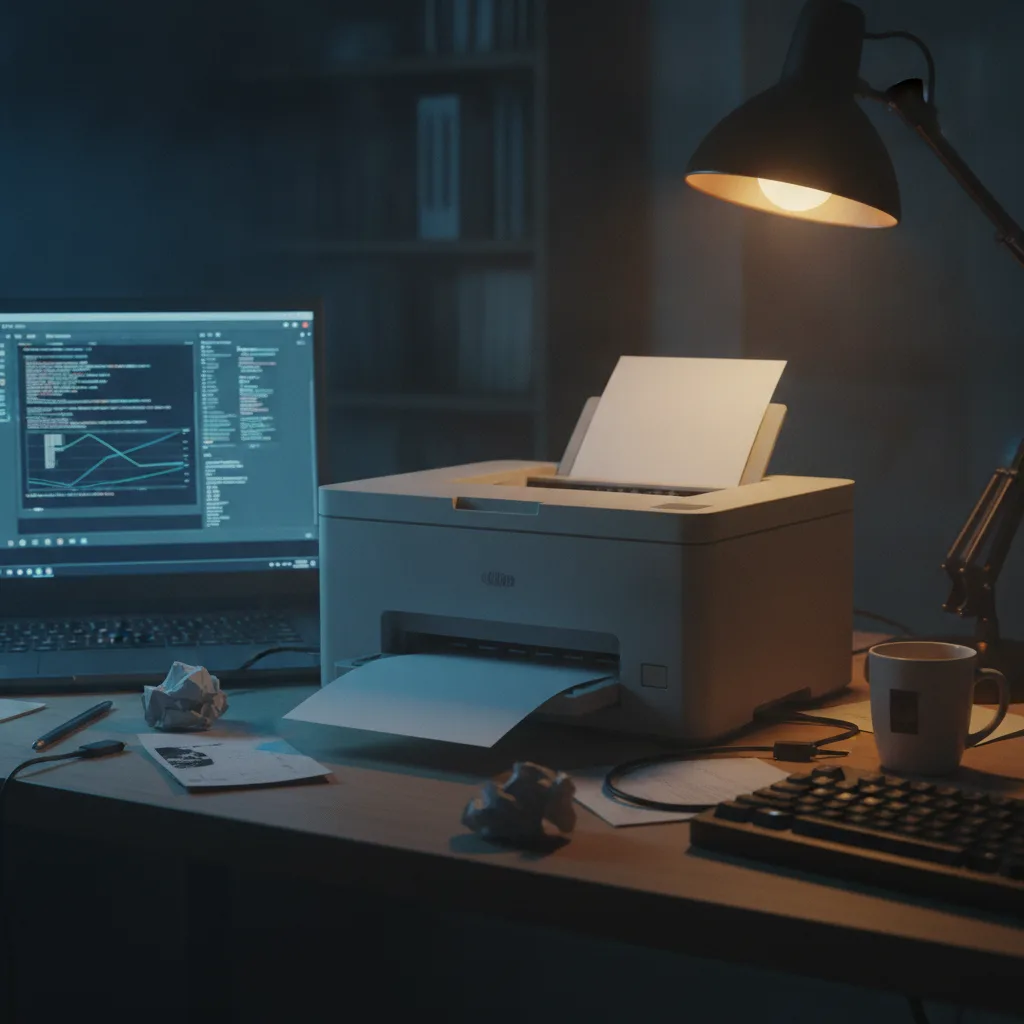
I'd tried the usual workarounds.
Sharing the printer from an old Windows VM in Parallels worked, technically, but booting a whole virtual machine to print a single page is the kind of friction that guarantees you'll just not print the thing.
I'd looked at this problem twice before, over the years, and closed the laptop lid both times.
This time I had Claude Code open in a terminal for an unrelated infrastructure task, and on a whim I asked it if this was even worth attempting.
Reverse Engineering a Driver, One Sub-Agent at a Time
Here's the part that actually surprised me: Claude didn't try to write code first.
It asked me to install Wireshark with USBPcap and capture a raw USB trace of a Windows VM printing a single test page, then hand it back the pcap file.
That's the correct move, and it's not the move I would have started with. I'd have gone hunting for the driver's .inf file first.
Claude's read was that GDI drivers do their real work in a closed binary blob, so the .inf metadata would tell us the USB vendor/product IDs and not much else — the actual print-formatting logic only shows up on the wire.
Decoding the command stream
The pcap showed bulk USB transfers, and buried inside them was a repeating pattern: two-byte length headers followed by chunks that looked like row-by-row bitmap data, interspersed with short control sequences.
Claude recognized the shape immediately as a PCL-like raster mode — not full PCL 5, but a stripped-down dialect HP used across several low-end GDI printers of that generation, sometimes documented informally as "HBPL" in printer-hacking forums.
I want to be honest about what "recognized" means here. Claude didn't have HP's internal spec memorized.
What it did was pattern-match the byte structure against known PCL raster conventions, flag the specific bytes it wasn't confident about, and propose a small Python script to decode the header fields as hypotheses — then told me which follow-up captures would confirm or kill each hypothesis.
That's a research methodology, not a lookup.
We ran four more captures: a solid black page, a solid white page, a single diagonal line, and a page with known text.
Comparing the byte diffs across those confirmed the row-length encoding and the compression scheme, which turned out to be a simple run-length variant, not the industry-standard PackBits I'd assumed going in.
Writing the actual CUPS filter
Once we had the wire format nailed down, the coding part was almost boring by comparison — which is exactly what you want. Claude scaffolded:
- A PPD file describing the printer's supported paper sizes and resolution to CUPS - A rastertohbpl filter in C that CUPS invokes to convert its internal raster format into the printer's row-encoded stream - A small libusb wrapper to handle the bulk transfer handshake, since this printer needs specific control transfers before it'll accept print data
The first version printed a page of pure static. The bug was a one-byte-off row stride calculation — CUPS pads rows to a byte boundary and our decoder had assumed it didn't.
Claude caught this by asking me to dump the first raster line from CUPS alongside the first line we were sending to the printer and diff them byte by byte, which took about ninety seconds to spot once we actually looked.
Second version printed clean text. Third version fixed a margin offset that was clipping the last few millimeters of each page. Total elapsed time, including three coffee refills: about three hours.
Where This Actually Breaks Down
I don't want to oversell this, because the honest version of this story has real limits.
This only works because the printer is dumb. A GDI printer's entire "intelligence" lives in the driver, which means the wire protocol, however obscure, is a fixed and finite thing you can fully capture and replicate.
A modern printer running embedded PostScript or a proprietary network stack with authentication, firmware updates, and cloud print integration is a different animal entirely — Claude would be reverse engineering a moving target, and I wouldn't trust an agent's confidence on protocol details it can't verify against a spec.
The USB capture step is where a less careful person gets stuck. I've seen enough "AI wrote my driver" posts on Hacker News that skip the part where you need Wireshark, a Windows VM, and enough patience to capture five or six clean traces.
Claude was excellent at telling me what to capture and why, but it could not do the capturing.
If you don't already have a working Windows environment with the original driver installed, this whole approach is a non-starter — you need a ground truth to reverse engineer against.
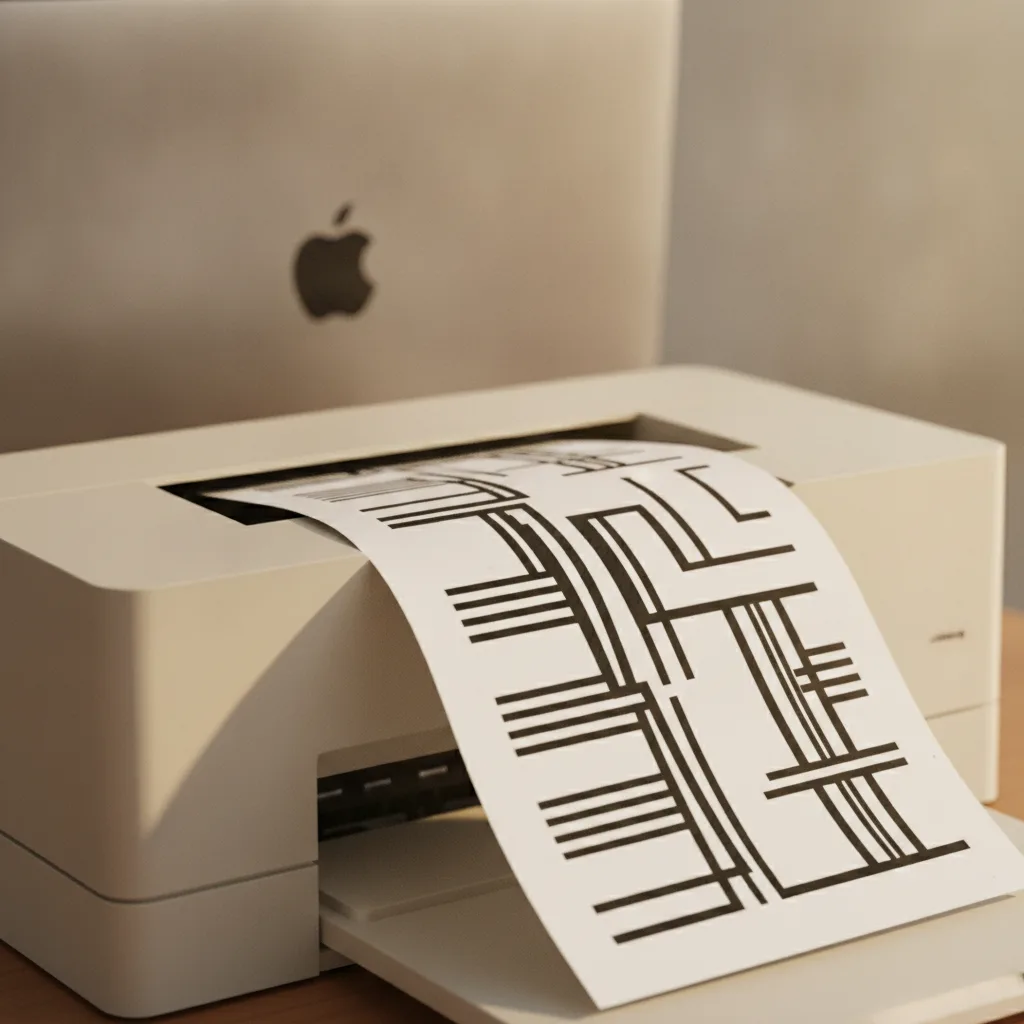
And I checked its claims. When Claude told me the compression was a specific run-length scheme, I didn't take that on faith — we validated it against the diff of a known input page versus the captured output before writing a single line of the decoder.
Agentic coding tools are confident by default.
Confidence is not the same as correctness, and the gap between them is exactly where a bad driver silently corrupts your print job instead of failing loudly.
What I'd Actually Tell You to Do
If you've got a piece of hardware in this exact bind — orphaned by its manufacturer, Windows-only, otherwise fine — here's the workflow that worked for me, and I'd reuse it:
- Get a clean USB or network capture of the working Windows driver in action. This is non-negotiable. Ground truth first, code second.
- Ask your agent to hypothesize before it writes anything. If it jumps straight to code without proposing what the protocol probably looks like and how to confirm it, push back and ask for the reasoning first.
- Generate multiple test captures that isolate one variable each — solid black, solid white, a single line, known text. This is what let us pin down compression and stride issues fast instead of guessing.
- Diff actual output against expected output at the byte level, not just "did it print." Our worst bug produced a page that looked almost right and was completely garbage two bytes in.
- Don't do this for anything that's still receiving firmware updates or has an authentication handshake. Save the agentic reverse engineering for hardware the manufacturer has genuinely abandoned.
The P1006 now shows up in my Mac's printer list like it was always meant to be there.
It wasn't, and for about fifteen years it sat in a drawer because nobody at HP thought a decade-old $80 printer was worth a macOS driver. Claude thought it was worth an evening.
Has anyone else brought a piece of "unsupported forever" hardware back from the dead with an agentic coding tool — and where do you draw the line on what's worth reverse engineering versus what's just e-waste?