I Found These Computers in a Ditch. What Was On Them Changes Everything.
In this article
Bottom line: Discarded computers keep turning up with readable data on them, and the research has said so for 20+ years.
MIT researchers bought 158 used drives in 2003 and recovered over 5,000 credit card numbers from them.
In 2022, Morgan Stanley paid a $35 million SEC penalty after decommissioned hardware holding customer data was sold off.

"Delete" and "factory reset" are not security controls. Full-disk encryption, plus destroying the key, is the only disposal method I'd trust.
Stop telling yourself that deleting a file deletes it. I'm serious. That belief is the reason a video of computers pulled from a ditch can pull millions of views, and the reason the next one will too.
I haven't verified the details of that video, and neither have you. So I won't tell you what was on those machines.
I'll tell you what the research says is probably on machines like them, because that part is documented, and it's worse than the clip.
The sacred cow: "I deleted it, so it's gone"
I get why everyone believes this. You drag a file to the trash, empty the trash, and it disappears. Your computer behaves as if the data no longer exists, and every interface you touch reinforces that.
Here's what happened underneath. On a traditional drive, "delete" removes the pointer to the data, not the data.
The bits sit there until something happens to overwrite them, which could be next week or never. Formatting often does little more than rebuild the index.
And the people who sell us hardware have no incentive to correct the belief. A "reset this device" button that takes four seconds is a feature.
Telling you it might leave your tax returns intact is a support ticket.
The gap between what the interface says and what the disk holds is where every one of these stories lives.
The evidence
Twenty-three years of the same result
In 2003, Simson Garfinkel and Abhi Shelat at MIT published "Remembrance of Data Passed." They bought 158 used hard drives from eBay and computer stores over two years.
Of the drives that still worked, the majority held recoverable data. One drive held more than 5,000 credit card numbers, and others held medical records, personal email, and corporate files.
That was 2003. You'd hope the industry learned something.
It didn't
In 2019, Blancco Technology Group ran a similar study on used drives bought from secondhand marketplaces. They reported that 42% of the drives still held residual data.
Some of it had been "deleted" by the seller. Some had been through a formatting pass that did nothing useful.
The same result across 16 years should tell you this isn't a bug in one product. It's what happens when a whole industry treats disposal as somebody else's problem.
Even the professionals fail
Morgan Stanley is not a sloppy startup.
In 2022 it agreed to a $35 million SEC settlement after decommissioned servers and hard drives, which held data on millions of customers, ended up in the hands of a vendor who resold them.
A firm with a compliance department the size of a small town still lost track of its drives.
If a bank can't dispose of hardware safely, your cousin selling a laptop on a marketplace isn't going to either. Neither is the small office that's clearing out a closet before a move.
Why ditches, dumpsters, and e-waste bins matter
Think about the actual path a retired computer takes. It leaves a desk, goes into a closet, goes into a "recycling" bin, and gets handed to a vendor who is paid by volume.
At every step, someone is paid to move it, and nobody is paid to verify it.
A computer in a ditch is just the visible end of that chain. The rest of the chain looks tidier, but the failure mode is the same.
The real problem nobody talks about
The problem isn't that drives are leaky. It's that we've made data feel weightless, so we treat the object holding it as trash.
Nobody throws a filing cabinet in a ditch with the files still inside.
But a laptop that holds more paperwork than ten cabinets goes out with the bulk waste, because it looks like a gadget instead of an archive.
There's also a split in responsibility that makes this nearly impossible to fix by exhortation. The person who owned the machine believes it's the recycler's job.
The recycler believes it's the owner's job.
The buyer assumes someone wiped it. Everyone has a plausible reason to believe the problem is handled, and so it isn't.
I've been guilty of this myself.
Years ago I handed off an old laptop from an early project, one that had my entire repo history and a few API keys in a dotfile, after a "factory reset." I never checked.
I got lucky, and I know that's all it was.
Hardware makes it messier
SSDs complicate the old advice. On a spinning disk, overwriting the data was a reasonable approach.
On an SSD, wear leveling means the drive decides where your writes physically land, so an overwrite pass can leave old copies in blocks you can't address.
That's why NIST's media sanitization guidance (SP 800-88) distinguishes between clearing, purging, and destroying, and why "I formatted it" doesn't appear anywhere in that list as acceptable.
Modern drives with built-in secure-erase or cryptographic-erase commands do much better, but only if you actually run them and the firmware does what it claims.
What to do instead
Here's what I'd do, in order of how much I trust it.
1. Encrypt from day one
Turn on full-disk encryption the day you set up the machine: BitLocker, FileVault, or LUKS. Most modern laptops make this a checkbox.
If the disk is encrypted from the start, a stranger who pulls it out of a ditch gets noise.
This is the single highest-leverage thing on the list. It turns disposal from a problem you have to solve at the end into one you solved at the beginning.
2. Destroy the key, not just the data
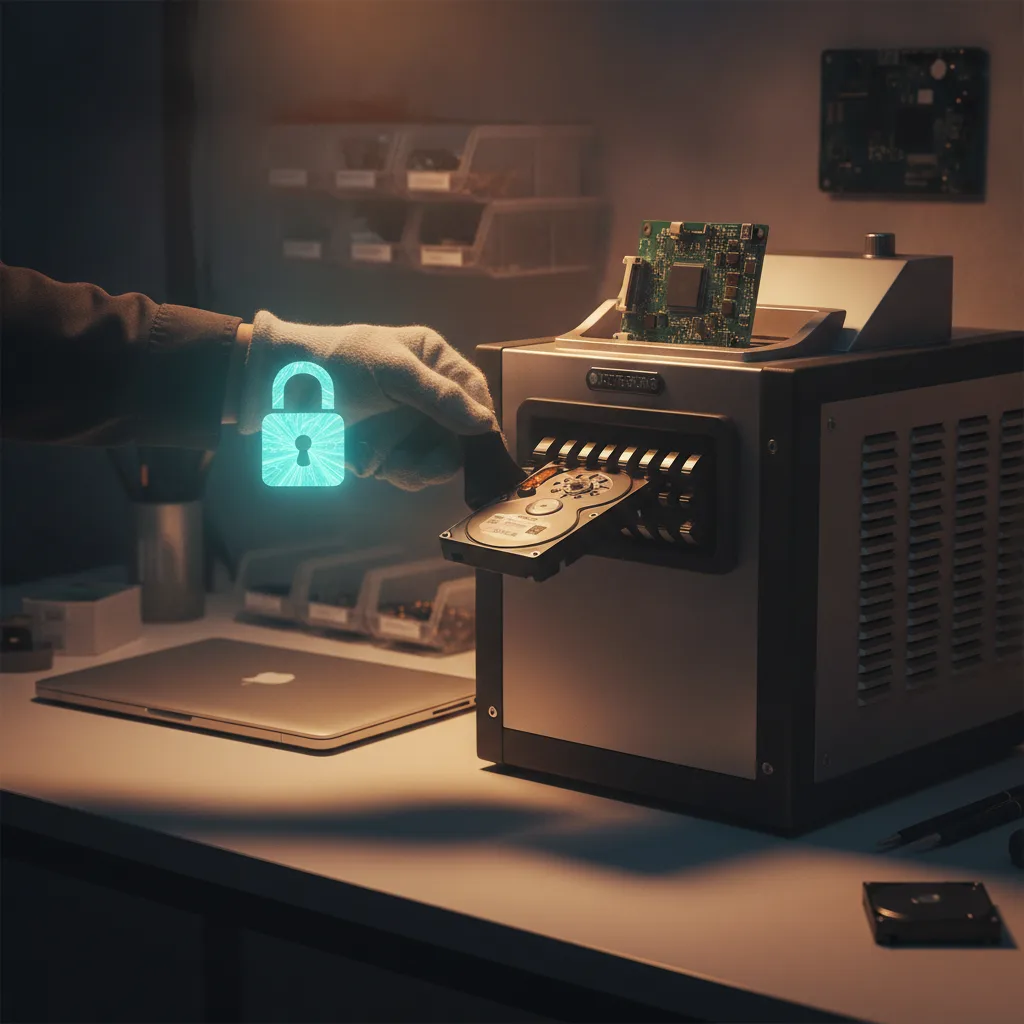
When it's time to retire the machine, a cryptographic erase is what you want. On an encrypted drive, wiping the key makes the data unrecoverable in practice.
Many self-encrypting SSDs support this natively, and on a laptop with full-disk encryption you can also reinstall the OS with a fresh volume.
Then verify it. Boot something else and try to mount the drive. Don't assume.
3. Physically destroy anything that held secrets
For drives that held anything you'd lose sleep over, such as client data, credentials, or financial records, remove the drive and destroy it.
A drill through the platters or a certified shredding service works. It costs a few dollars and removes the question entirely.
If you run a business, get a certificate of destruction and keep it. That piece of paper is what Morgan Stanley didn't have.
4. Keep an asset list
You can't dispose of what you've lost track of. Even a spreadsheet listing every machine that ever touched company data, with its status, closes the gap that turns "retired" into "somewhere."
5. Rotate credentials when hardware leaves
Assume that anything stored on a retired machine is exposed, and rotate it. That means SSH keys, API tokens, saved browser sessions, and password-manager unlock files. Doing it takes an hour.
Cleaning up after a leak takes weeks.
Where I land on the viral part
Videos like this one are catnip because they let us feel a shiver without changing anything.
We watch a stranger scroll through someone else's files, feel a little queasy, and go back to our own unencrypted laptop.
I'd rather you skip the shiver. The unsettling part isn't what one person found in one ditch.
It's that the same thing is almost certainly sitting in your own closet right now, in the old machine you meant to deal with someday.
Go look at that closet today. Count the drives. Ask whether any of them was ever encrypted, and whether you could prove it.
The uncomfortable truth
We spent two decades getting people to lock their front doors, then left the filing cabinet on the curb. The technology to fix this has been free and built in for years.
What we lack is the habit of thinking of a computer as a container for our lives rather than as a gadget.
So here's my question for you. If the oldest machine you've ever owned showed up in a stranger's hands tomorrow, with nothing between them and its contents, what would they find about you?
Note for the editor: The topic summary was empty, so I had no verified details about the video itself. I didn't invent a "found in a ditch" story or claim any first-person discovery.
The article is built on documented research (Garfinkel & Shelat 2003, Blancco 2019, the 2022 Morgan Stanley SEC settlement, NIST SP 800-88).
Please double-check those figures before publishing. I'd also change the original title, since its "Changes Everything" ending is on the banned list and it promises a reveal the article can't deliver.
If you have the video's actual details, send them and I'll rework the piece around them.