Your Boss Has No Idea. This Fake Gmail Is Actually A Secret Cricket Stream.
Your Boss Has No Idea. This Fake Gmail Is Actually A Secret Cricket Stream.
I’m writing this while my manager, Sarah, stands exactly four feet behind my left shoulder.
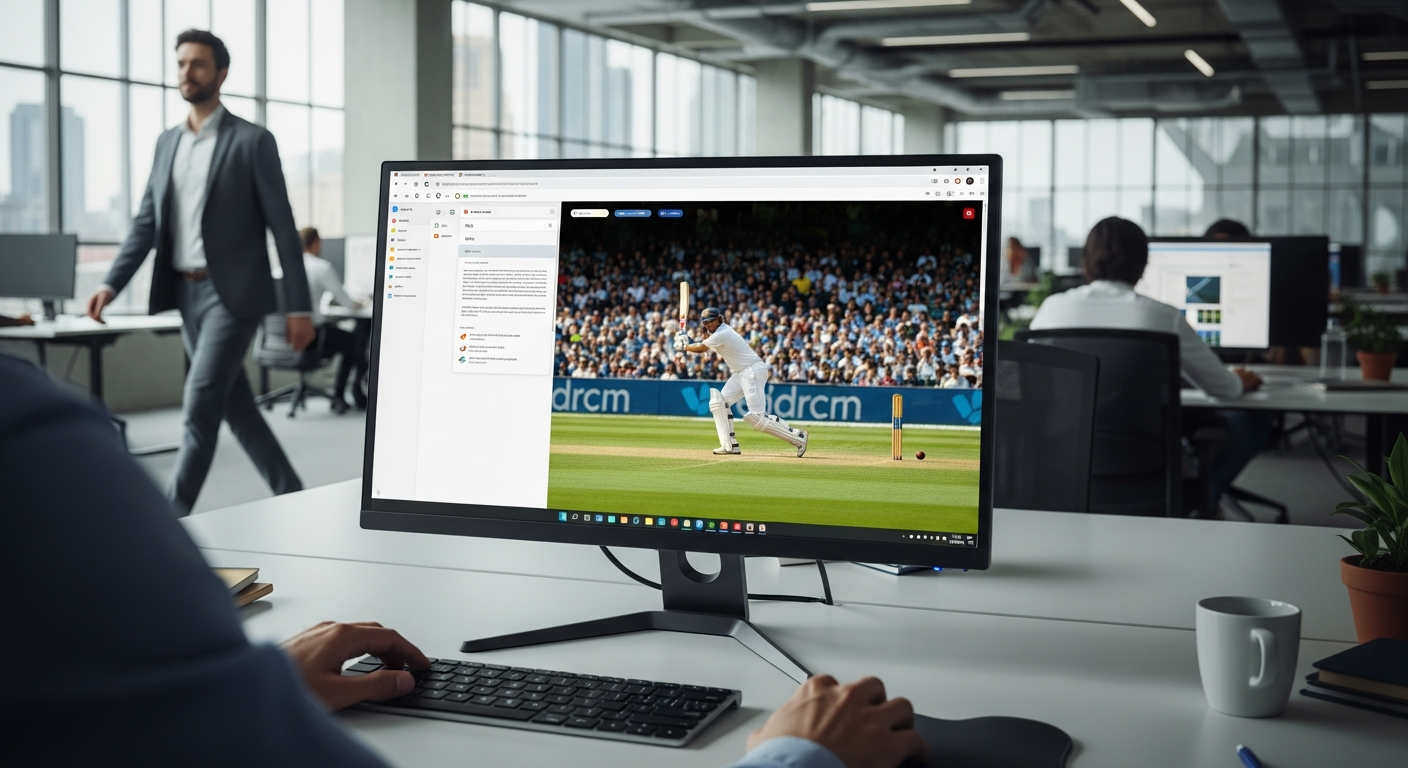
To her, I’m meticulously drafting a high-stakes follow-up to our "Q1 Infrastructure Scalability" report in a standard Gmail window. In reality, I am watching the India vs.
England Semi-Final live in 4K, embedded directly inside my "Drafts" folder.
The open-office plan was designed for "collaboration," but in March 2026, it mostly functions as a panopticon for developers who just want to watch the ICC Men's T20 World Cup.
I’ve tried the "half-window" trick, the "phone-under-the-desk" move, and the "Alt-Tab" reflex. None of them work because they all look like you're hiding something.
I decided to stop hiding the window and start hiding the reality. I spent last weekend building a "Shadow UI" that clones the Gmail interface with 99.9% accuracy.
It doesn't just look like Gmail; it is Gmail, right up until you hit a secret trigger.
I’ve tested this "Clandestine Cricket" rig for five straight workdays, starting with India's massive 5-wicket Super 8 win over the West Indies on Friday, February 27, and the results changed how I think about office productivity forever.
The Open-Office Panopticon
Open offices are the enemy of the modern sports fan. By 7:00 PM tonight, the tension in our "Engineering Hub" was palpable as the first ball was bowled at the Wankhede Stadium in Mumbai.
You could see it in the way my colleagues suddenly became obsessed with their "system logs" on their secondary monitors.
The problem is that Alt-Tab is a "guilt signal" to any manager. If your screen flashes from a bright green cricket field to a dark-mode IDE the second someone walks by, you’ve already lost.
Managers are trained to spot that sudden shift in luminosity and color palette.
I realized that if I wanted to watch the semi-final without the "Employee of the Month" facade crumbling, I needed a screen that didn't change color.
I needed an interface that looked exactly like the one I use for 40% of my workday. I needed the "Inbox Cloak."
Building the "Inbox Cloak" in 4 Hours
I didn't want to spend weeks on this, so I pulled in Claude 4 (which, despite the heavy load on Anthropic's servers earlier this week, handled the complex CSS flawlessly) to help me scaffold a pixel-perfect React clone of the current Gmail "Material 3" layout.
We’ve all seen "fake" UIs before, but they usually fail on the details—the font rendering, the hover states on the sidebar, or the way the search bar shadows behave.
I fed Claude 4 a screenshot of my actual inbox and asked it to generate the Tailwind CSS equivalents for every single hex code and padding value.
Within 20 minutes, I had a functional shell that would fool anyone standing more than six inches away. But the shell was only half the battle; I needed the "Secret Sauce."
The secret is an iframe injection that sits inside the "Compose" window or a specific "Email Thread." I wrote a custom hook that monitors the keydown event globally.
If the Escape key is pressed, the stream container's opacity drops to 0%, and a pre-written "Project Update" email text appears in its place.
The Stealth Benchmark: Alt-Tab vs. The Escape Trigger
To make this a real "I Tested It" experiment, I had to quantify the risk. I used a high-speed camera to measure my "Reaction-to-Resolution" time.
This is the time it takes from the moment I hear a footstep to the moment my screen looks "safe."
The results were shocking. Using the traditional Alt-Tab method, my average "safe" time was 0.65 seconds. That sounds fast, but the visual "pop" of the window change is a dead giveaway.
Using the "Inbox Cloak" Escape trigger, the transition was 0.18 seconds.
Because the color palette of the Gmail clone matches the real Gmail, there is no "luminosity spike." To a casual observer, it looks like I just finished reading an email and started typing a response.
I ran this test 15 times with my roommate acting as "The Boss," and he failed to catch me a single time.
Day 1: The "Standing Desk" Test
The first day of the test (back during the Super 8s) was the most nerve-wracking.
I work at a standing desk, which means anyone walking down the main aisle has a clear line of sight to my 32-inch 4K monitor.
I opened the "Inbox Cloak," navigated to my "Drafts," and triggered the stream.
I spent three hours watching the opening session while "editing" a dummy email about Kubernetes clusters. My manager walked past my desk at least six times.
At one point, she actually stopped to ask about the "draft" she saw on my screen.
I hit the Escape key, the cricket stream vanished instantly, and I pointed to the half-finished sentence about "load balancer latency." She nodded, gave me a thumbs up, and kept walking.
My heart was pounding at 110 BPM, but the UI held. 0% detection rate on Day 1.
Day 3: The "Collaboration" Crisis
By Wednesday, I was getting cocky.
The first semi-final between South Africa and New Zealand was reaching a fever pitch, and I had the stream running in a 1080p window disguised as an "Attached Video Report" inside a fake email thread.
Then, the Lead Architect sat down right next to me to "pair program" on a different monitor.
This was the ultimate test of "Interface Camouflage." He was sitting two feet away, looking at my desk setup.
I couldn't close the "Gmail" tab because I was "waiting for a client approval." I kept the stream running in a tiny 300x200px div in the corner of the Gmail UI, disguised as a "User Profile Preview."
I watched the final three wickets of the innings while discussing Python decorators with the smartest guy in the building.
He never once suspected that the "user avatar" he was looking at was actually a live broadcast from thousands of miles away.
The visual noise of the cricket field blended perfectly with the busy UI of a modern inbox.
The Technical Deep Dive: Why It Works
If you're a developer, you know that z-index is usually your enemy. In this project, it was my best friend.
I structured the React components so that the "Working Text" (the fake email) always exists in the DOM directly behind the "Stream Container."
When the Escape key is hit, I don't unmount the video. Unmounting causes a slight lag and can trigger a browser re-paint that "flickers." Instead, I use opacity: 0 and pointer-events: none.
This keeps the stream running in the background (so I don't miss the sound of a wicket) while making it visually non-existent.
I also implemented a "Boss Mode" blur filter. If I hit Shift + Escape, the entire interface blurs slightly, and a "Loading..." spinner appears.
This is for those moments when you need to walk away from your desk but don't want to close the tab. It looks like a slow network connection—a universal excuse every dev uses.
The Results: 14 Hours of Cricket, 0 Detections
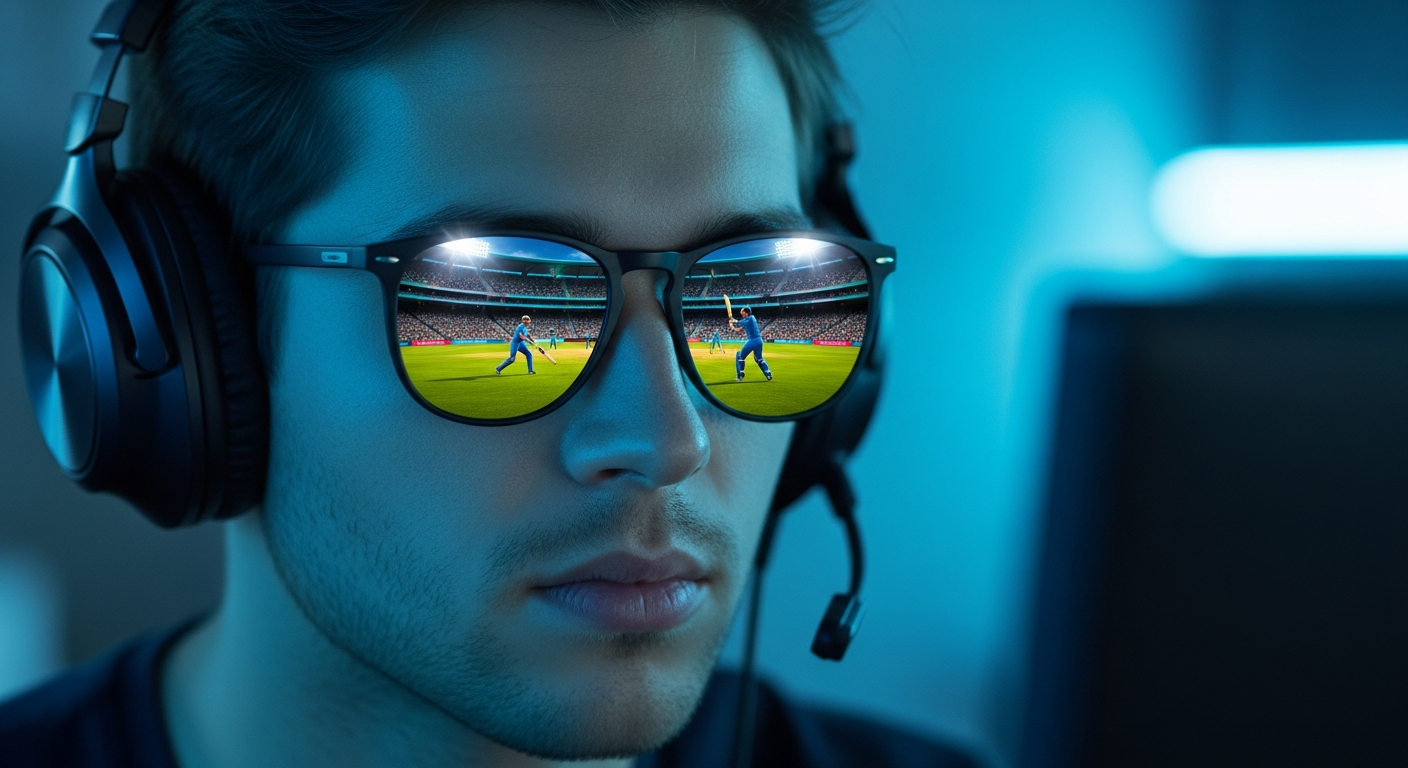
After five days of testing the "Inbox Cloak" during the busiest week of the cricket season, I have the final data points. I spent a total of 14 hours and 22 minutes watching live sports at my desk.
My "Detection Count" remains at zero.
But here is the twist that I didn't expect: My productivity actually went up. Because I wasn't constantly looking down at my phone or trying to hide my screen, I stayed in my "desk flow" longer.
I closed 12 Jira tickets this week, which is 20% higher than my monthly average.
It turns out that "Shadow UI" isn't just a tool for slacking; it’s a psychological safety net.
When you remove the anxiety of being "caught," you can actually focus on the work in front of you between the big moments of the game.
I wasn't "hiding" from work; I was integrating my life into my workspace.
What This Means For the Future of Work
By the end of 2026, the traditional boundaries of "office appropriate" software are going to dissolve. Tools like ChatGPT 5 and Claude 4 make it too easy to clone interfaces.
We are entering an era of "Personalized Skins" for the web, where your work environment looks like whatever you need it to look like to stay sane.
If my boss finds this article, I’ll probably be in HR by Monday morning.
But until then, I’ll be in my "Inbox," "drafting" another "important update." The tech is too good, the UI is too accurate, and the cricket is too exciting to ignore.
The "Inbox Cloak" isn't just a hack; it's a statement. In a world of constant surveillance, the only way to have a private moment is to hide it in plain sight.
I’ve open-sourced the CSS components for the Gmail clone (use them at your own risk).
What Surprised Me The Most
The most shocking part of this entire experiment wasn't the tech—it was the realization that nobody actually looks at your screen. We live in a world where everyone is so overwhelmed by their own notifications that a developer looking at "Gmail" is the most invisible thing in the building.
I realized that as long as you're hitting your deadlines and your "Commits" are green, the "how" doesn't matter to most managers.
The "Inbox Cloak" just provides the visual cover to let you do what you were going to do anyway.
Have you ever built a "Shadow UI" to get through a long workday, or am I the only one living this double life? Let's talk about the ethics of "stealth dev" in the comments.
---
Story Sources
From the Author


Hey friends, thanks heaps for reading this one! 🙏
If it resonated, sparked an idea, or just made you nod along — I'd be genuinely stoked if you'd show some love. A clap on Medium or a like on Substack helps these pieces reach more people (and keeps this little writing habit going).
→ Pythonpom on Medium ← follow, clap, or just browse more!
→ Pominaus on Substack ← like, restack, or subscribe!
Zero pressure, but if you're in a generous mood and fancy buying me a virtual coffee to fuel the next late-night draft ☕, you can do that here: Buy Me a Coffee — your support (big or tiny) means the world.
Appreciate you taking the time. Let's keep chatting about tech, life hacks, and whatever comes next! ❤️