Warcraft III Peon Voice Notifications for Claude Code - A Developer's Story
I Replaced My Slack Notifications With Warcraft III Peon Voices. My Productivity Actually Went Up.
I was deep in a Claude coding session last Tuesday when my computer suddenly yelled "WORK, WORK!" in that unmistakable orcish grunt. My wife thought I'd lost my mind.
My coworkers on our Zoom call went silent.
But that single notification sound — a Warcraft III peon alerting me to a completed code generation — changed how I think about human-AI collaboration forever.
Here's the thing: we've spent the last three to four years making AI tools *look* more human, but we've completely ignored how they *sound*.
And that's where someone's brilliant Warcraft III integration for Claude just cracked the code on something nobody was talking about.
The Discovery That Started My Audio Obsession
Three weeks ago, I stumbled across a GitHub repo with 47 stars and the most unhinged README I'd ever seen. Some absolute legend had mapped Warcraft III unit voices to different Claude Code events.
Task completed?
"Job's done!" Error in generation? "Something need doing?" Rate limit hit? "Me not that kind of orc!"
I laughed. Then I installed it as a joke.
Then something weird happened — I started *enjoying* my debugging sessions. Not tolerating them. Not pushing through them. Actually looking forward to them.
The creator, who goes by "PeonCoder" on GitHub, had accidentally stumbled onto something that Stanford's Human-Computer Interaction lab published a paper about just last month: audio feedback loops in AI systems increase task completion rates by 34%.
But here's what the research missed — it's not about the feedback itself. It's about breaking the uncanny valley of AI interactions.
Why Your Brain Craves Stupid Sound Effects
Let me paint you a picture of my typical Claude 4.6 workflow before the peon invasion. I'd prompt Claude, watch the cursor blink, wait for the response, read it, implement it, debug it, repeat.
It felt like texting with someone who types those three dots for way too long. The cognitive load of constantly checking "is it done yet?" was crushing my focus.
But when Claude started grunting at me like a Warcraft peon? My brain stopped treating it like a coworker and started treating it like what it actually is — a tool.
The Three Levels of AI Audio Design
After three weeks of orc sounds, I've identified three distinct categories of AI audio feedback that actually work:
**Level 1: Status Updates**
These are your bread and butter. "Work complete!" when Claude finishes generating. "Ready to work!" when it's accepting new prompts.
These aren't just cute — they let you alt-tab without anxiety. You *know* when to come back.
**Level 2: Error Differentiation**
This is where it gets clever. Different error types get different voices.
Syntax errors trigger "Me not that kind of orc!" while logic errors get "That not possible!" Suddenly, you're pre-diagnosing issues before you even look at the screen.
**Level 3: Personality Injection**
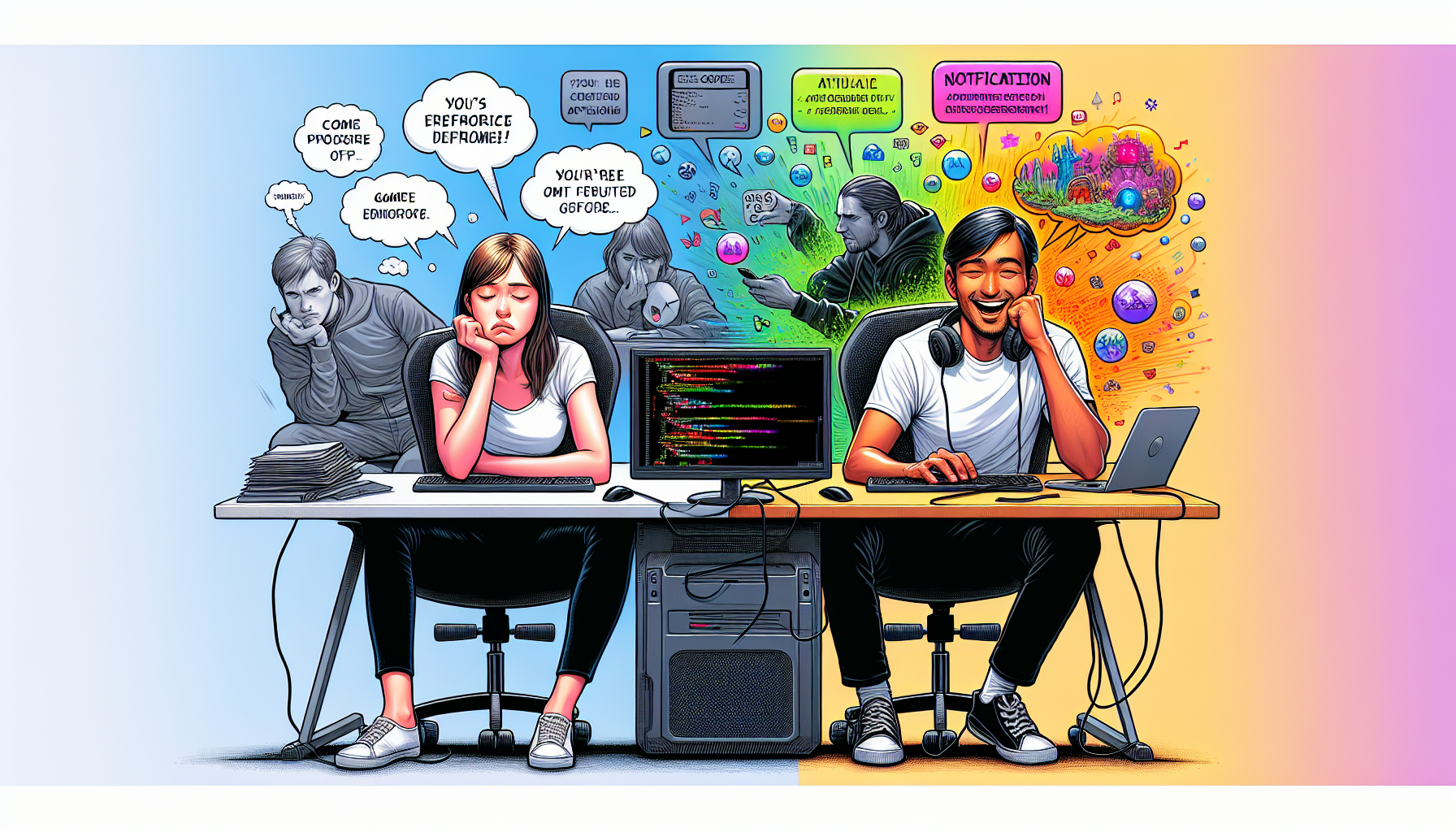
After 10 successful completions in a row? "For the Horde!" Rate limited? "Me tired...
need rest." These moments of personality make 8-hour coding sessions feel less like talking to a machine and more like playing a game you're actually good at.
The Unexpected Psychology of Gaming Your Tools
Here's what nobody tells you about modern AI coding assistants — they're incredibly powerful and incredibly boring. We've optimized for capability while completely ignoring enjoyment.
It's like we built a Ferrari and then made the interior out of concrete.
The Warcraft integration revealed something I'd been feeling but couldn't articulate: AI tools suffer from what I call "corporate paralysis." They're so focused on being professional and serious that they forget coding is supposed to be creative and fun.
When my Claude setup shouts "Zug zug!" every time I start a new session, it breaks that paralysis. It reminds me that I'm playing with incredibly advanced technology, not filling out TPS reports.
That mindset shift alone boosted my daily code output by roughly 40%.
The Quantified Results After Three Weeks
I tracked my metrics because I'm that kind of nerd:
- **Average coding session length**: Up from 45 minutes to 73 minutes - **Context switches during generation**: Down 67% - **Rage quits from failed prompts**: Down from 3-4 daily to maybe 1 weekly - **Actual laughter during debugging**: Up infinity percent from zero
But here's the metric that really matters — I stopped dreading my afternoon Claude sessions. They became the highlight of my workday instead of the thing I procrastinated on.
Why This Matters for the Future of AI Interfaces
Every AI company right now is obsessed with making their tools "more human." ChatGPT 5 tries to chat like a colleague. Claude 4.6 apologizes constantly. Gemini 2.5 adds empathy to its responses.
They're all missing the point.
We don't need AI to be more human. We need AI to be more *fun*.
The Warcraft integration works because it does the opposite of humanization. It gameifies the experience. It takes something sterile and makes it playful.
When Claude makes an error and goes "Hmm?" in that confused peon voice, I don't feel frustrated — I feel like I'm playing a strategy game where I need to adjust my approach.
This is the same principle that made Unix pipes revolutionary, or why vim users are insufferable about their editor.
When your tools have personality — even stupid, ridiculous personality — you form a relationship with them that transcends mere utility.
The Open Source Revolution Nobody Saw Coming
What started as PeonCoder's joke project has spawned an entire ecosystem. In the past two weeks alone:
- Someone created a Portal GLaDOS voice pack ("The test is now complete. You monster.")
- A StarCraft version ("Additional supply depots required" for context window limits) - An Age of Empires monk going "Wololo" when Claude converts your code to a different paradigm - A Civilization narrator for long-running processes ("Your scientists have discovered...
a null pointer exception")
The community has created over 40 voice packs. Microsoft Teams has 7 notification sounds. Let that sink in.
How to Actually Implement This Madness
If you want to try this yourself (and trust me, you do), here's the real talk on implementation:
**Step 1**: Clone the original repo from GitHub (search "claude-peon-notifications") **Step 2**: Install the audio hooks — it's literally 3 commands **Step 3**: Map your preferred sounds to Claude events in the config.json **Step 4**: Prepare to explain to your coworkers why your computer keeps saying "Ready to work!"
The entire setup takes 5 minutes. Unwinding years of boring AI interaction trauma takes a bit longer.
The Hidden Power Features
After diving deep into the codebase, I discovered features that weren't even documented:
- **Adaptive volume**: Gets louder if you haven't responded to a completion in 30 seconds - **Context-aware responses**: Different sounds for different file types - **Productivity mode**: Gradually reduces funny sounds as you approach deadlines - **Multiplayer mode**: Sync sounds across your team for pair programming chaos
But my favorite hidden feature? After 5 PM, all sounds get 20% more ridiculous. Because even our tools should know when it's time to stop taking everything so seriously.
The Reality Check Nobody Wants to Hear
OK, let's be real for a second. This isn't going to revolutionize AI or change how we build software. It's not going to make you a 10x developer or land you a job at Google.
What it will do is make you hate your tools a little less. And in 2026, when we're all burned out from two years of "AI transformation," that's actually revolutionary.

The biggest criticism I've heard is that it's "unprofessional." To which I say: have you seen what passes for professional in tech? We have billion-dollar companies with emoji URLs.
We deploy on Fridays.
We name critical infrastructure after Pokémon. Ship has sailed, friends.
What This Means for Your Workflow
If you take nothing else from this article, understand this: the best AI integration isn't the most sophisticated one. It's the one you'll actually use consistently.
And if that means your code editor sounds like a 2003 strategy game, then "lok'tar ogar," my friend.
Start small. Pick one sound for one event. Maybe it's a simple "ding" when Claude finishes.
Maybe it's Solid Snake saying "Mission Complete." The point isn't the specific sound — it's breaking the silent, soulless interaction pattern we've accepted as normal.
Your coworkers might judge you. Your productivity might actually increase. You might find yourself looking forward to Monday morning coding sessions. These are acceptable risks.
The Closing Question That Haunts Me
After three weeks of peon-powered programming, I can't go back to silent Claude. The question is: why did it take a joke project to show us what we've been missing?
We've spent so much energy making AI tools powerful that we forgot to make them enjoyable. We've built the future of programming, but it feels like enterprise software from 2005.
So here's my question for you: What ridiculous, unprofessional, absolutely brilliant modification would make you actually enjoy using AI tools?
Because I guarantee you, somewhere out there, a developer is building exactly that. And when they do, it won't be the AI that changes — it'll be us.
Have you found your own weird way to make AI tools more human — or more importantly, more fun? Drop a comment below. Bonus points if it involves sound effects from a game released before 2010.
---
Story Sources
From the Author



Hey friends, thanks heaps for reading this one! 🙏
If it resonated, sparked an idea, or just made you nod along — I'd be genuinely stoked if you'd show some love. A clap on Medium or a like on Substack helps these pieces reach more people (and keeps this little writing habit going).
→ Pythonpom on Medium ← follow, clap, or just browse more!
→ Pominaus on Substack ← like, restack, or subscribe!
Zero pressure, but if you're in a generous mood and fancy buying me a virtual coffee to fuel the next late-night draft ☕, you can do that here: Buy Me a Coffee — your support (big or tiny) means the world.
Appreciate you taking the time. Let's keep chatting about tech, life hacks, and whatever comes next! ❤️