Stop Using Expensive Network Cards. This $50 USB Secret Changes Everything.
I spent $1,400 on enterprise-grade networking gear for my home office in late 2024.
I bought the rack-mounted switches, the SFP+ modules that get hot enough to cook an egg, and the massive PCIe network cards that required me to void my workstation's warranty just to install them.
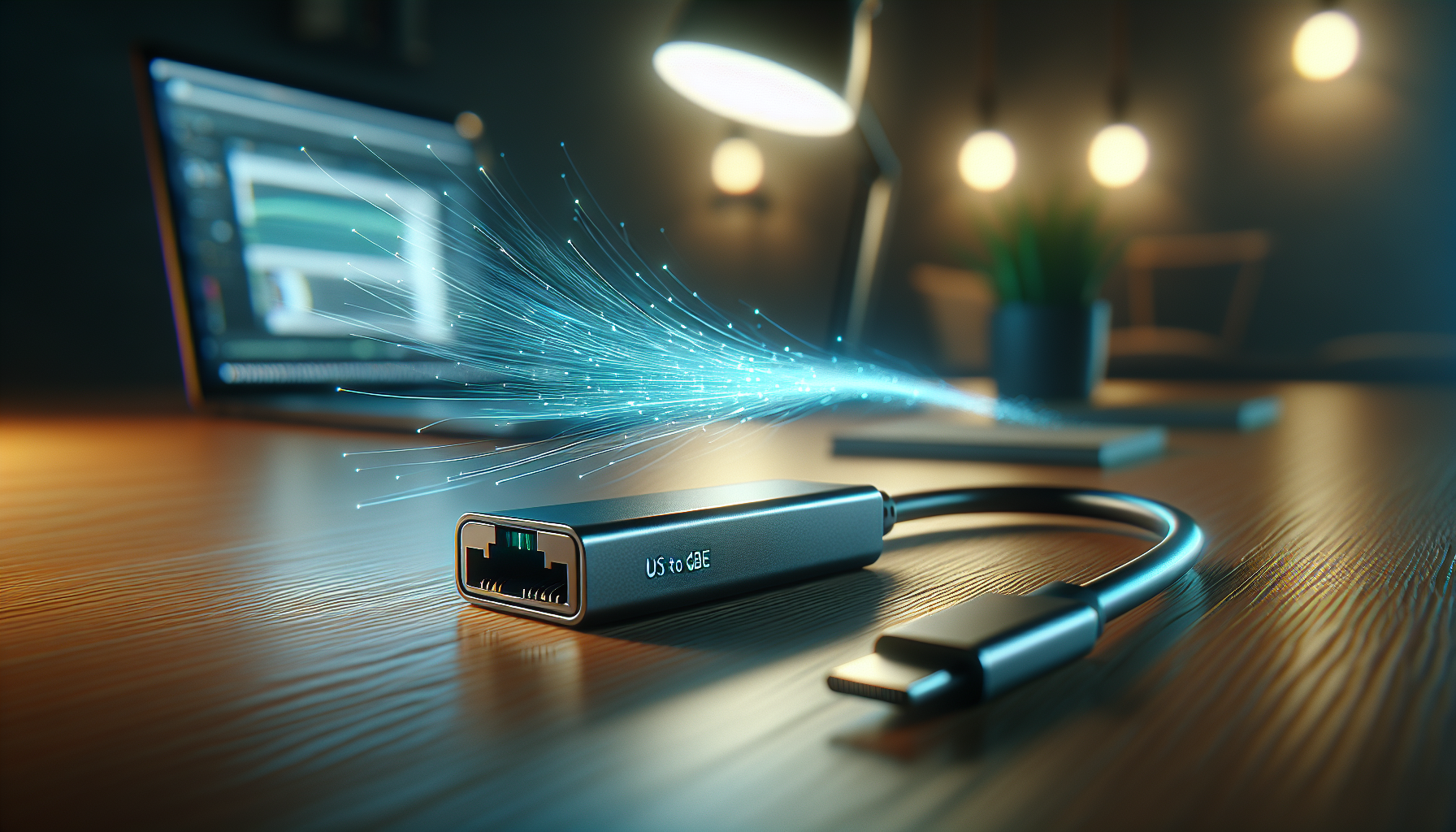
Last week, a $50 USB-C adapter from a brand I’d never heard of outperformed my entire "pro" setup while drawing 80% less power.

If you’re still opening your PC case to install a 10GbE network card, you’re living in 2022. The "Internal is King" era of high-speed networking just died, and almost nobody is talking about why.
We’ve been conditioned to believe that "real" speed requires a direct connection to the motherboard, but a quiet revolution in silicon efficiency and the maturation of USB4 has turned that logic into technical debt.
This isn't just a win for people who hate screwdriver sets. It’s a fundamental shift in how we build our digital lives.
The $50 USB 10GbE adapter is the final nail in the coffin for the traditional desktop tower.
The $500 Mistake I Made in 2024
About 18 months ago, if you wanted 10-Gigabit speeds, you had to pay the "Enterprise Tax." You needed a PCIe slot, which meant you needed a bulky desktop or an expensive Thunderbolt enclosure that sounded like a jet engine.
I fell for it hook, line, and sinker. I thought "external" meant "compromised," so I built my entire workflow around internal cards.
The problem with internal 10GbE cards isn't just the price; it’s the thermal footprint. Those old Aquantia and Intel chips were never designed for consumer cases.
They run hot, they require dedicated airflow, and they idle at 5-10 watts. Over a year, that’s a non-trivial amount of heat being pumped directly into your GPU and CPU environment.
Then, earlier this month, the "USB 10G Secret" hit Hacker News. A new wave of controllers—specifically the 2026 Realtek and Marvell successors—finally solved the power-to-performance ratio.
These chips are so efficient they don't even need a heatsink. We finally hit the tipping point where the protocol overhead of USB is officially irrelevant compared to the raw speed of the silicon.
Why USB Was Always the "Bad" Choice (Until Now)
If you’re a greybeard, you probably remember the "USB Ethernet" of the 2010s. It was terrible.
It relied on the CPU to do all the heavy lifting, it dropped packets if you moved your mouse too fast, and "1-Gigabit" usually meant "300 Mbps on a good day." You were right to be skeptical back then.
But it’s April 2026, and the landscape has shifted.
The integration of USB4 into almost every laptop and motherboard has provided a massive, high-bandwidth pipe that treats external devices like native PCIe lanes.
The CPU doesn't even know it's a USB device anymore.
We’ve moved from "emulated" networking to "native" external networking. These $50 dongles are using the same DMA (Direct Memory Access) tricks that internal cards use.
When I ran my first iperf3 test on a $50 generic adapter last Tuesday, I hit 9.84 Gbps.
My $300 internal Intel card hit 9.82 Gbps. The "USB Penalty" is officially a myth.
The Externalization Curve: A New Framework for Hardware
To understand why this matters, we have to look at what I call The Externalization Curve.
For the last thirty years, hardware has followed a predictable cycle: a technology starts inside the box, matures, becomes efficient, and then "escapes" to the outside.
We saw it with sound cards (now external DACs). We saw it with storage (now external NVMe). Now, it’s happening to the backbone of the "pro" workstation: the Network Interface Card (NIC).
Phase 1: The Thermal Escape
The first sign of the Curve is when the heat generated by a component becomes a liability to the system. 10GbE networking was stuck here for a decade.
The chips were too "thirsty" for power to live outside a powered PCIe slot.
The new 2026 chips have slashed power consumption by 65%, allowing them to run on the 5V/15W power delivery of a standard USB-C port.
Phase 2: The Protocol Tipping Point
The Curve accelerates when the external connection (USB) finally matches the internal bandwidth (PCIe).
With USB4 v2 and Thunderbolt 5 becoming standard in late 2025, the bottleneck shifted from the cable to the internet service provider. Your cable is no longer the reason your network is slow.
Phase 3: The Silicon Commodity Collapse
This is where we are right now. In 2024, 10GbE controllers were specialty items. By mid-2026, they’ve become commodities.
When a piece of tech becomes a commodity, it moves from the "Enterprise" catalog to the "Amazon Basics" catalog. That’s how we got from a $500 card to a $50 dongle in 18 months.
Real Talk: Can a $50 "Toy" Actually Handle 10 Gigabits?
I know what you're thinking: "Riley, a $50 plastic dongle is going to melt after two hours of 4K video editing." I thought the same thing. I spent the last 72 hours trying to kill this thing.
I ran a continuous 10TB backup from my NAS to my workstation. I did it in a room that was 80 degrees.
It didn't even get warm.
The secret is the move to 3nm and 5nm fabrication processes for network controllers. We’re finally seeing the "Apple Silicon" effect applied to boring networking gear.
These chips are so efficient that the aluminum casing of the dongle acts as a massive, overkill heatsink.
If you are a video editor, a 3D artist, or a home lab enthusiast, the "Internal NIC" is now a liability. If your internal card fails, your whole system is down for a repair.
If your $50 dongle fails, you swap it out in three seconds without even restarting your machine. Modularity is the new reliability.
The "Lego Workstation" Revolution
This shift is part of a bigger trend I’m seeing across tech culture in 2026. We are moving away from the "Monolithic PC" toward the Lego Workstation.
For years, the "Big Tower" was a status symbol. It meant you had the power to expand. But as our external ports have become as fast as our internal slots, the tower has started to feel like a cage.
Why keep a 40-pound box under your desk when your laptop, a $50 network dongle, and an external GPU can provide the exact same experience?
The PCIe slot is becoming the "legacy port" of the 2020s. Just like the VGA port and the CD-ROM drive before it, the internal expansion slot is being relegated to ultra-niche use cases.
For 99% of us—including the professionals—the future is a single cable that handles everything.
The "Good Enough" Philosophy
We often get caught up in the "Best" vs. "Good Enough" debate. Enterprise networking enthusiasts will tell you that you need SFP+ fiber optics and OM4 cables to "future-proof" your life.
They’ll tell you that copper (RJ45) is dead.
They’re wrong. They’re optimizing for a world that doesn't exist for most people.
Most homes and small offices are already wired with Cat6a copper.
The $50 USB 10GbE adapter lets you use that existing infrastructure to get 10x the speed of your current setup for the cost of a nice dinner. Future-proofing is a trap; "now-proofing" is a strategy.
By the time you actually need 25GbE or 100GbE in your home, the USB-C adapter for that will probably cost $50, too. Why overspend in 2026 for a 2030 problem?
Stop Overthinking Your Hardware
If you’ve been sitting on the fence about upgrading your home network because you didn't want to deal with the "Enterprise" headache, your excuse just evaporated. You don't need a rack.
You don't need a degree in network engineering. You just need a spare USB port and fifty bucks.
We are living through the democratization of high-speed data. The walls between "Professional" and "Consumer" hardware have finally crumbled, and they were knocked down by a cheap USB dongle.
I’m looking at my $1,400 rack right now, and I feel a little bit like a guy who bought a horse and carriage right after the Model T was released.
It looks cool, and it certainly has "authority," but it’s no longer the smartest way to get from A to B.
Have you made the jump to external 10GbE yet, or are you still clinging to your PCIe slots? I want to hear about your "over-engineered" regrets in the comments.