The Deeper Problem
Sure, you can keep your machine awake with a PowerShell script or a jiggling mouse. But that's thinking too small.
The real question isn't "how do I stop my computer from sleeping?" It's "how do I build systems that do meaningful work without me?"
That's what I figured out after years of babysitting machines, running scripts manually, and wishing things would just automate.
The Philosophy: Passive Income for Machines

Think about passive income. Money that flows while you sleep. You build it once, then it works forever.
Your machines should work the same way.
A script that runs every night and compiles reports. A service that monitors systems and alerts you at 3 AM if something breaks. Automated tests that catch bugs before humans ever see them.
Background jobs processing data 24/7.
That's not "keeping awake." That's smart automation.
The Keep-Alive Problem (and the Real Solution)
Most developers keep their machines awake for one of three reasons:
1. Running long processes that shouldn't be interrupted
2. Waiting for background jobs that should complete while they're away
3. Monitoring systems that need to stay responsive
Keeping the machine awake is a band-aid. The real solution is different for each case.
Case 1: Long-Running Processes
You're building something that takes 8 hours to complete. You don't want the machine sleeping halfway through.
Better solution: Run it on a server or in a container. Not on your laptop.
# Bad: Keep laptop awake for 8 hours
python train_model.py

# Good: Run in Docker on a remote server
docker run -d my-ml-trainer python train_model.py
Now your laptop can sleep.
The container runs on a proper server designed for this. You get the results via email or webhook.
Case 2: Background Jobs
You have work to do while you're away. Files to process. Emails to send. Data to sync.
Better solution: Task scheduling + queues.
# Use APScheduler + background workers
from apscheduler.schedulers.background import BackgroundScheduler
scheduler = BackgroundScheduler()
scheduler.add_job(sync_data, 'interval', hours=1)
scheduler.add_job(send_reports, 'cron', hour=9, minute=0)
scheduler.start()
These jobs run on a schedule.
The machine can sleep. When the scheduled time arrives, the job runs whether the machine was sleeping or not (if it's a proper service).
Case 3: Monitoring & Alerting
You need to monitor a system and react to problems. Stock prices. Server health. Email queue.
Better solution: Event-driven architecture.
# Don't poll every 5 minutes. React to events.
@app.route('/webhook/stock-alert', methods=['POST'])
def handle_stock_alert(data):
if data['price'] < THRESHOLD:
send_alert("BUY NOW!")
return 'OK'
Now external systems notify you when something changes. You're not polling.
You're reacting.
The Real Architecture: Always-On Services
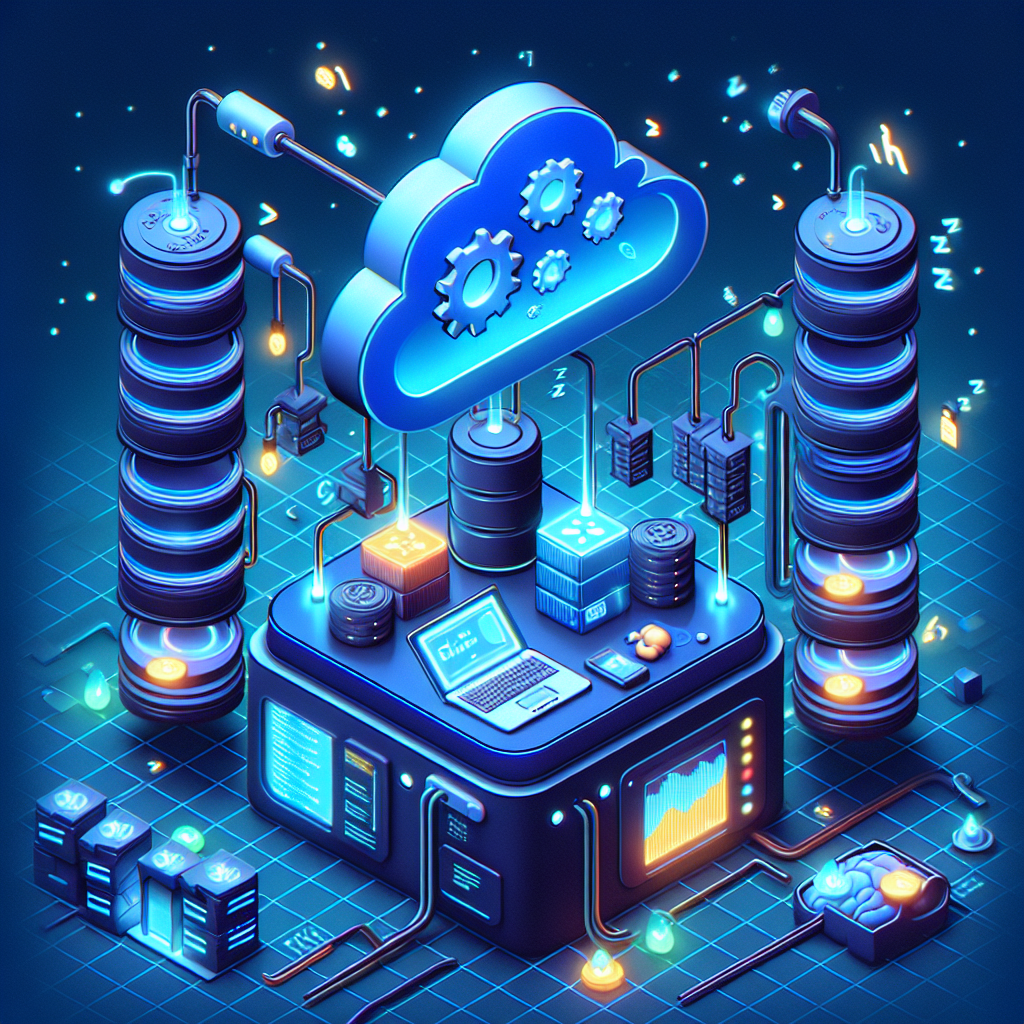
Here's what he actually built for himself:
Tier 1: The Task Queue
Redis + Celery. Jobs get added to a queue. Workers process them whenever they're free.
Work piles up? Queue grows. Work completes? Queue shrinks. No manual intervention needed.
Tier 2: The Scheduler
APScheduler runs on a always-on machine (or cloud service). Triggers daily reports, weekly cleanups, monthly archiving.
Every task runs on schedule, even if the main machine is sleeping.
Tier 3: The Monitor
Services check system health. If something breaks, alerts go out immediately.
Uptime monitoring. Error tracking. Performance metrics. All automatic.
Building Your First "Always-On" System
Step 1: Identify What Should Run Without You
What tasks do you do repeatedly? What could run on a schedule?
Step 2: Extract It Into a Function
def daily_report():
data = fetch_data()
report = generate_report(data)
send_email(report)
return "Report sent"
Step 3: Schedule It
scheduler = BackgroundScheduler()
scheduler.add_job(
daily_report,
'cron',
hour=9,
minute=0,
id='daily_report'
)
scheduler.start()
Step 4: Log Everything
You need visibility. When did it run? Did it succeed? What was the output?
def daily_report():
logger.info("Starting daily report")
try:
data = fetch_data()
report = generate_report(data)
send_email(report)
logger.info("Report sent successfully")
except Exception as e:
logger.error(f"Report failed: {e}")
The Paradigm Shift
The moment he stopped thinking about "keeping machines awake" and started thinking about "building autonomous systems," everything changed.
His laptop could sleep. His systems never did.
Work got done while he slept. Emails sent at optimal times. Backups completed automatically. Errors notified immediately.
That's not keeping-awake. That's infrastructure.
Advanced: Event-Driven Everything
The ultimate evolution: systems that react to events, not schedules.
File uploaded? → Process immediately
Email received? → Categorize and file
Error detected? → Alert and rollback
Data changed? → Invalidate cache and rebuild
No polling. No schedules. Just reactions to events.
The Honest Truth
Building autonomous systems is harder than keeping your machine awake. But the payoff is exponential.
You don't maintain it by jiggling the mouse. You maintain it by monitoring, logging, and improving.
You don't worry about whether the work got done. It either did, and you get the results, or it failed, and you get an alert.
That's the difference between a hack and a system.
Your Next Step
Don't keep your machine awake. Build a system that doesn't need it.
Start small. One task. One schedule. One notification. Then expand.
Soon you'll have infrastructure that works while you sleep. That's not efficiency. That's leverage.
—
The best script is the one you don't have to run. The best system is the one that runs itself.