I built Timeframe, our family e-paper dashboard
**Stop Building Smart Displays. My $80 E-Paper Dashboard Just Proved Why.**
I used to be a slave to the notification.
For years, I’d walk into our kitchen, glance at the "smart" display, and get instantly sucked into a vortex of headlines, social media alerts, and emails that had nothing to do with my family.
It felt like every piece of technology designed to *help* our home actually *stole* our attention.
I thought I needed more information, faster, until one weekend, armed with an $80 e-paper screen and a Raspberry Pi, I built something so intentionally "dumb" it completely rewired how my family interacts with information — and exposed the hidden cost of our screen-obsessed world.
The Problem We Didn't Realize We Had
By mid-2025, our home was a cacophony of digital "helpers." We had smart speakers barking weather updates, tablets displaying calendars, and phones buzzing with reminders.
Yet, ironically, we were more disorganized than ever. Crucial information like "who's picking up the kids?" or "what's for dinner?" got lost in the noise.
My wife and I would ask each other the same questions repeatedly, because the information was *somewhere* — on an app, in a calendar, in a text message — but never *present* and *glanceable*.
We were suffering from what I now call "Information Overload Fatigue," a condition where the sheer volume of accessible data paralyzes effective decision-making and steals precious moments of focus.
This wasn't just about efficiency; it was about presence. I’d catch myself scrolling through news headlines on the kitchen display while my daughter was trying to tell me about her day.
My wife would be checking her work calendar on her phone, missing a shared moment.
We had inadvertently designed a home where every surface vied for our attention, turning our shared spaces into battlegrounds for our focus.
The promise of the "smart home" had delivered convenience, but at the steep price of our collective attention span and family connection.
The Contrarian Truth: Less is More When It Comes to Information
Conventional wisdom tells us that a truly "smart" display needs to be interactive, full-color, and connected to everything.
We’re led to believe that more features, more vibrant visuals, and more immediate feedback loops are always better. But this is the lie that's costing us our focus.
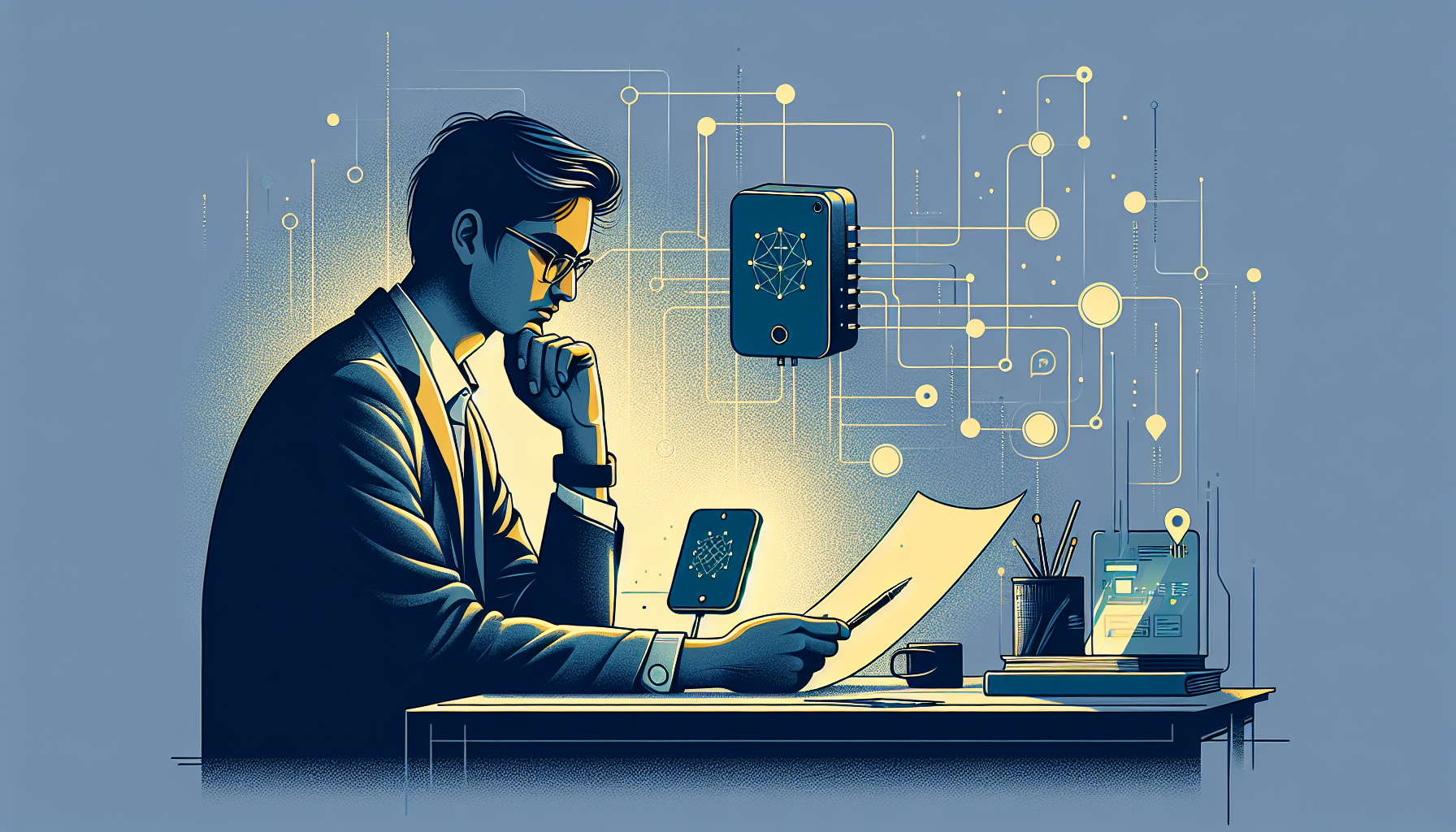
Our brains aren't designed to constantly filter a firehose of dynamic, attention-grabbing data. They crave clarity, stability, and *intentionality*.
When I started researching solutions, I kept coming back to e-paper. It’s monochrome, slow to refresh, and non-backlit — the antithesis of a modern smart screen. And that’s precisely its superpower.
The mainstream tech industry is obsessed with building screens that pull you *in*, demanding engagement. But what if the goal isn't engagement, but *enabling*?
What if the best display is one you can glance at, get the vital information, and then immediately *disengage* from, returning your focus to the real world?
This was the contrarian insight that birthed Timeframe. We don't need another screen to stare at; we need a portal to essential context that respects our attention.
The Glanceable Living System: A Framework for Intentional Information
Building Timeframe wasn't just about assembling hardware; it was about designing a philosophy for how information should exist in our shared spaces.
I developed what I call "The Glanceable Living System" – a three-part framework for creating truly useful, low-distraction information displays.
This system focuses on enabling quick comprehension without demanding interaction, freeing up mental bandwidth for what truly matters.
#### 1. Curate: The Information Filter
The first step is ruthless curation. Most smart displays are junk drawers of information.
The Glanceable Living System demands that you ask: What information is absolutely *essential* for my family's daily operations and well-being? For us, it boiled down to:
* **Family Schedule:** A consolidated view of everyone's calendar appointments for the next 48 hours. * **Local Weather:** Current conditions and a 3-day forecast (temperature, precipitation).
* **Key Reminders:** Non-time-sensitive but important notes (e.g., "Library books due," "Recycle day tomorrow").
* **Daily Quote/Affirmation:** A small dose of positive philosophy, chosen to uplift without demanding thought.
Notice what's *missing*: News feeds, social media updates, email counts, stock tickers, or anything that triggers an emotional response or invites endless scrolling.
The goal is to provide just enough context to act, without inviting distraction.
I wrote a small Python script that pulls from Google Calendar, OpenWeatherMap API, and a custom JSON file for reminders and quotes, then formats it for the e-paper display.
This intentional filtering is the bedrock of a truly useful information system.
#### 2. De-Interact: The One-Way Window
The second principle is to embrace the one-way window. Timeframe has no touch screen, no voice commands, no interactive elements. It's a display, not a portal.
This was a radical departure for me, as a developer who's always pushed for more interactivity. But for ambient information, interactivity is often a bug, not a feature.
Think about a clock. You glance at it, get the time, and move on. You don't try to tap it to set an alarm or scroll through past times.
Timeframe operates on the same principle. Information is presented clearly, concisely, and then it *stays put*.
This non-interactive nature forces the information to be well-designed and highly relevant, because there’s no way to "drill down" or "customize on the fly." It trains your brain to quickly extract what it needs and then let go, rather than engaging in an endless loop of checking and re-checking.
My Python script updates the display automatically every 15 minutes, ensuring freshness without demanding interaction.
#### 3. Contextualize: The Ambient Anchor
Finally, the information must be contextualized to its physical environment and human purpose. Timeframe sits in our kitchen, a central hub for family activity.
The information displayed is specifically relevant to *that space* and *that time of day*. It acts as an ambient anchor, subtly guiding our awareness without dominating it.
For example, seeing "Soccer Practice @ 4 PM" next to the current weather forecast (e.g., "Cloudy, 45°F") provides immediate, actionable context: "Okay, kids need jackets." This is far more effective than getting a notification on your phone that you have to unlock, find the calendar app, then open the weather app.
The e-paper’s static nature also makes it feel like a natural part of the room, almost like a framed picture, rather than another glowing screen demanding attention.
It's information designed to seamlessly blend into the background until it's needed, then provide immediate clarity.
Real-World Implications for Developers and Our Digital Future
What does a "dumb" e-paper dashboard built with a Raspberry Pi mean for the broader tech industry and our careers? It's far more profound than just a DIY project.
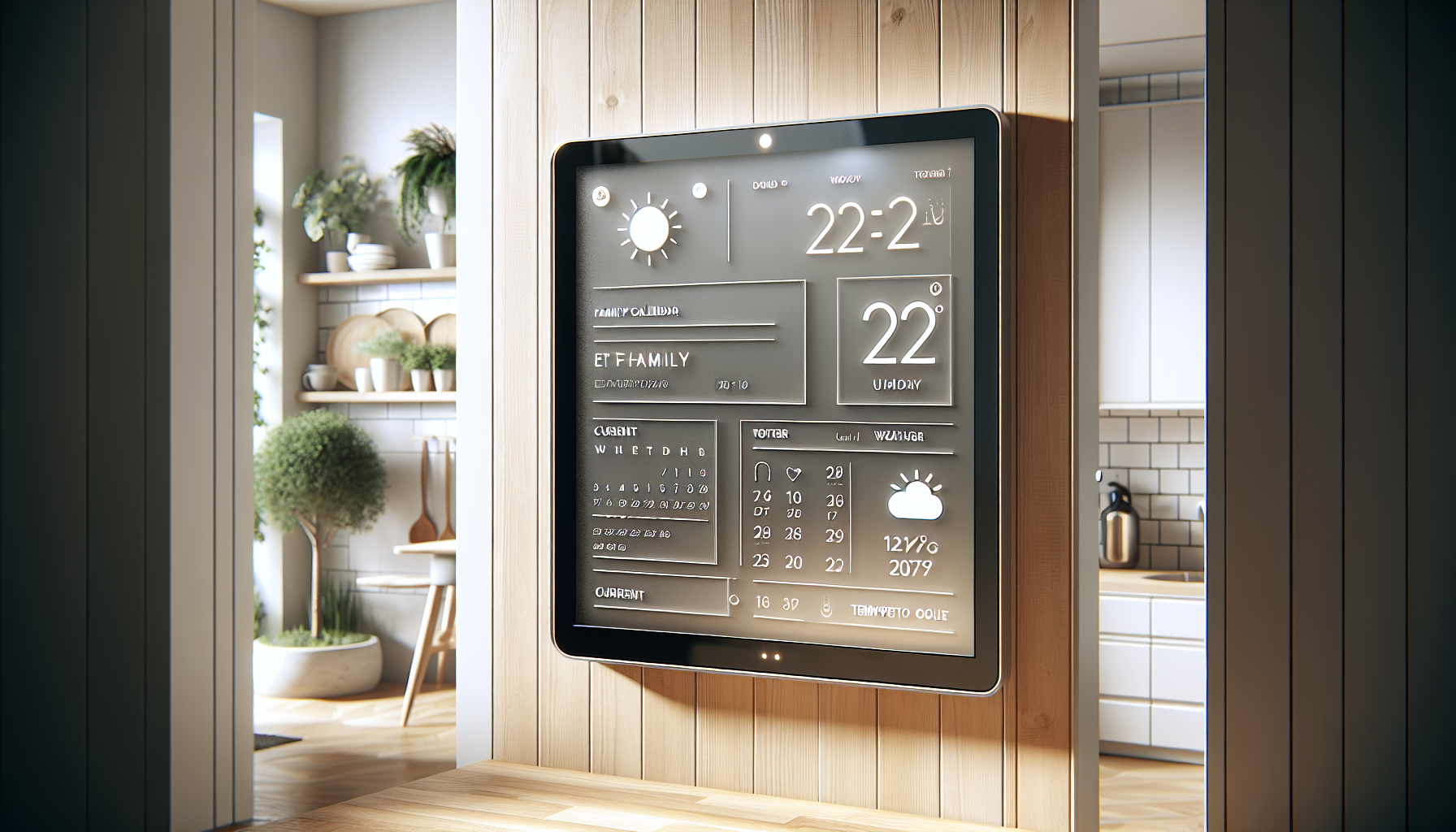
First, it highlights the immense value of **human-centric design over feature bloat**.
As developers, we're often pushed to add more features, more interactivity, more "intelligence." But Timeframe proves that sometimes, the most intelligent solution is the one that steps back and respects human attention.
This is a critical lesson for anyone building products, from enterprise software to consumer apps.
Prioritizing clarity and intentional disengagement can lead to more impactful, less intrusive technology.
Second, it underscores the growing need for **intentional information architecture**. Every company is grappling with how to deliver information without overwhelming users.
Projects like Timeframe offer a blueprint for creating "glanceable interfaces" — UIs designed for rapid comprehension and minimal interaction.
Imagine smart home devices that truly blend into the background, or even enterprise dashboards that deliver critical KPIs at a glance without inviting endless clicks.
This skill, of distilling complex data into simple, actionable visual cues, will be invaluable by 2027.
Finally, for backend and embedded engineers, this project showcases the power of **low-power, purpose-built devices**.
The Raspberry Pi and e-paper display are incredibly energy-efficient, capable of running on minimal power for extended periods.
As the IoT landscape continues to expand, the ability to design robust, single-purpose devices that *don't* require constant charging or complex maintenance will become a significant differentiator.
Thinking about system design for these constrained environments, where every byte and every refresh cycle matters, is a skill that translates directly into architecting resilient, sustainable systems.
The Bigger Picture: Reclaiming Our Attention in a Noisy World
Building Timeframe wasn't just a technical exercise; it was an act of rebellion against the attention economy.
It forced my family and me to confront how much of our lives were being dictated by the constant demands of our digital devices.
We've seen a tangible shift: fewer arguments about schedules, more spontaneous conversations, and a general sense of calm in our shared spaces.
My daughter now points to the e-paper screen to confirm her soccer practice, rather than asking me to check my phone. That, to me, is a victory for human connection over technological distraction.
The future of technology isn't just about making things "smarter" in the traditional sense.
It's about making them *wiser* — wiser about human psychology, wiser about our finite attention, and wiser about how they integrate into our lives without dominating them.
Timeframe is a small step in that direction, a testament to the idea that sometimes, the most advanced solution is the one that helps us disconnect and truly live.
What's the one piece of "smart" technology in your home that you suspect is actually making you less present, and how might a "dumb" alternative solve it? Let's talk in the comments.
---
Story Sources
From the Author



Hey friends, thanks heaps for reading this one! 🙏
If it resonated, sparked an idea, or just made you nod along — I'd be genuinely stoked if you'd show some love. A clap on Medium or a like on Substack helps these pieces reach more people (and keeps this little writing habit going).
→ Pythonpom on Medium ← follow, clap, or just browse more!
→ Pominaus on Substack ← like, restack, or subscribe!
Zero pressure, but if you're in a generous mood and fancy buying me a virtual coffee to fuel the next late-night draft ☕, you can do that here: Buy Me a Coffee — your support (big or tiny) means the world.
Appreciate you taking the time. Let's keep chatting about tech, life hacks, and whatever comes next! ❤️