Best AI Tools - A Developer's Story
Beyond the Hype: A Developer's Guide to AI Tools That Actually Ship Code
The Million Dollar Question Nobody's Asking
Here's something that keeps me up at night: we're drowning in AI tools. Every morning, my inbox explodes with "revolutionary" AI assistants, each promising to 10x my productivity.
Yet most developers I know are still using the same three or four tools they discovered a year or two ago. Why?
Because beneath the marketing noise and venture capital press releases, there's a brutal truth about AI tooling in 2026: most of it is solving problems we don't actually have.
The real challenge isn't finding AI tools—it's finding the ones that genuinely transform how we build software.
After spending months testing everything from code completion engines to AI-powered debugging assistants, I've noticed a pattern. The tools that stick aren't necessarily the most sophisticated.
They're the ones that slot seamlessly into existing workflows and solve real, painful problems that developers face every single day.
The Evolution from Toys to Tools
To understand where AI developer tools are heading, we need to acknowledge where they came from. The first wave, circa 2021-2022, was essentially GitHub Copilot and a thousand wannabes.
These tools treated AI as a faster autocomplete—impressive as a demo, but often more trouble than they were worth in production code.
Remember spending more time fixing AI-generated bugs than you saved writing the code? Yeah, we all do.
The second wave, which dominated 2024, is fundamentally different. These aren't just autocomplete engines on steroids; they're genuine development partners.
Tools like Cursor, Codeium, and Anthropic's Claude have shifted the paradigm from "AI writes code for you" to "AI helps you think through problems." The distinction matters more than most people realize.
What changed? Three things.
First, the underlying models got dramatically better at understanding context—not just the code you're writing, but the entire codebase, your commit history, even your documentation.
Second, the interfaces evolved beyond simple text completion to support genuine back-and-forth dialogue about architecture decisions and implementation strategies.
Third, and perhaps most importantly, these tools started respecting the developer's expertise rather than trying to replace it.

Project visualization
Consider how GitHub Copilot Chat fundamentally differs from the original Copilot.
Instead of just suggesting the next line, it engages in architectural discussions, explains complex code patterns, and even challenges your assumptions when appropriate.
This isn't incremental improvement; it's a complete rethinking of how AI fits into the development process.
The Tools That Are Actually Changing the Game
Let's cut through the noise and talk about what's actually working in production environments.
After extensive testing across multiple projects and team sizes, certain patterns emerge about which tools deliver genuine value.
**Cursor** has become the dark horse favorite among senior developers, and for good reason. Unlike traditional AI coding assistants, Cursor treats your entire codebase as context.
When you ask it to refactor a function, it understands not just the function itself but how it's called throughout your application, what tests depend on it, and even what your team's coding standards look like based on existing patterns.
The multi-file editing capability sounds simple on paper but is transformative in practice—it's the difference between an AI that writes code and one that actually refactors systems.
**Claude 3.5 Sonnet** (via the Anthropic API or console) has quietly become the go-to for complex architectural decisions.
While not technically a "developer tool" in the traditional sense, developers are using Claude for everything from designing database schemas to debugging race conditions in distributed systems.
What sets Claude apart is its ability to maintain context over extremely long conversations—you can paste in entire microservice architectures and get genuinely thoughtful feedback about potential bottlenecks or security concerns.
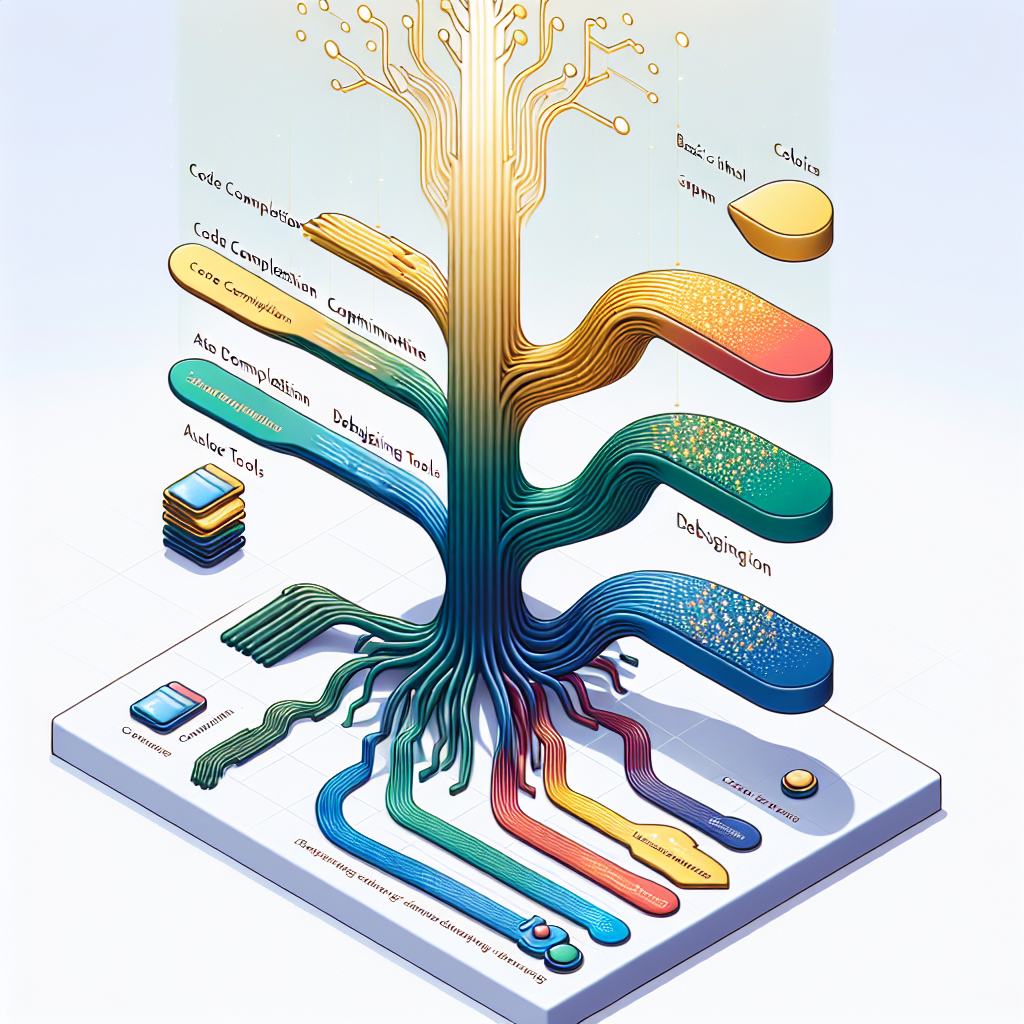
Project visualization
**Codeium** deserves attention for taking a different approach entirely. While everyone else was racing to build the most powerful model, Codeium focused on speed and privacy.
Their local deployment option means you can use AI assistance on proprietary code without sending anything to the cloud—a game-changer for enterprises with strict compliance requirements.
The trade-off in suggestion quality is surprisingly minimal, especially for common programming patterns.

Project visualization
**v0 by Vercel** represents something entirely new: AI that ships.
Instead of generating code for you to review and integrate, v0 generates complete, deployable React components with a focus on modern web standards and accessibility.
It's not trying to be a general-purpose coding assistant; it does one thing—UI components—and does it exceptionally well.
This specialization might be the future of AI tools: narrow, deep expertise rather than broad, shallow coverage.
The dark horse worth watching is **Sweep**, which takes AI assistance in a completely different direction. Instead of helping you write code, Sweep handles entire GitHub issues automatically.
You label an issue, and Sweep creates a pull request. It's not perfect—far from it—but for routine tasks like updating dependencies or fixing simple bugs, it's surprisingly effective.
Why Most AI Tools Fail (And What Winners Do Differently)
Here's the uncomfortable truth: most AI coding tools fail because they're built by people who don't actually write production code.
They optimize for impressive demos rather than daily workflow integration. The successful tools share three critical characteristics that their failed competitors miss.
First, they respect existing workflows. Cursor succeeded because it's just VS Code with AI superpowers—developers don't need to learn a new IDE or change their habits.
Compare this to tools that require proprietary editors or force you into specific project structures. The friction is fatal.
Second, they solve specific, painful problems rather than trying to be everything to everyone. V0 doesn't try to generate backend code or write your tests—it makes UI components. Period.
This focus allows it to be exceptional at its narrow domain rather than mediocre across many.
Third, and most critically, they understand that AI is a tool, not a replacement. The best AI tools amplify developer capabilities rather than trying to automate them away.
They make you faster at things you're already good at, rather than trying to do things for you that you don't understand.
The failures are instructive too. Remember Amazon's CodeWhisperer launch?
Technically impressive, but it felt like a product designed by committee to check enterprise boxes rather than solve developer problems.
Or consider the numerous "AI project managers" that promised to automatically break down requirements into tasks—they failed because they fundamentally misunderstood that requirement gathering is a human communication problem, not a technical one.
The Hidden Costs Nobody Talks About
The elephant in the room with AI development tools is cognitive overhead. Every AI suggestion requires evaluation. Every generated function needs review. This mental tax is real and often overwhelming.
The dirty secret is that many developers disable AI assistance when working on critical code because the cognitive cost of verification exceeds the time saved in generation.
There's also the skill atrophy problem. Junior developers using AI tools extensively may never develop the deep understanding that comes from wrestling with complex problems.
I've seen developers who can prompt their way to working code but can't debug it when something goes wrong because they don't understand what they've built.
This isn't the tools' fault, but it's a real consequence of their proliferation.
Security presents another challenge. AI tools trained on public code occasionally suggest patterns with known vulnerabilities.
More concerning is the tendency to expose sensitive information in prompts—I've seen developers paste entire config files with API keys into ChatGPT to debug deployment issues.
The tools themselves are becoming more security-aware, but user behavior remains a significant risk vector.
What This Means for Your Workflow Tomorrow
The immediate future of AI tooling isn't about revolutionary new capabilities—it's about integration and specialization.
Expect to see AI features embedded directly into existing tools rather than standalone products.
JetBrains' AI Assistant and Visual Studio's IntelliCode are early examples, but this is just the beginning.
Specialization will accelerate. Just as v0 owns React components, expect AI tools that exclusively handle database migrations, API documentation, test generation, or performance optimization.
These focused tools will deliver better results than general-purpose assistants because they can make stronger assumptions about your intent and context.
The real game-changer will be AI tools that understand your specific codebase and team conventions.
Imagine an AI that's been fine-tuned on your company's code, understanding your architectural decisions, naming conventions, and even your team's preferred patterns for handling edge cases.
This isn't science fiction—several startups are already working on this, and early results are promising.
For individual developers, the winning strategy is selective adoption. Choose one or two AI tools that genuinely accelerate your workflow and master them deeply.
Resist the temptation to chase every new release. The developers getting the most value from AI aren't using every tool—they're using the right tools exceptionally well.
The Next Chapter is Already Being Written
We're at an inflection point. The question is no longer whether AI will transform software development, but how quickly and completely.
The tools available today are powerful but primitive compared to what's coming.
The winners will be those that solve real problems, respect developer expertise, and integrate seamlessly into existing workflows.
The most exciting development isn't any single tool—it's the emerging ecosystem where AI assistants work together.
Imagine Cursor generating code that v0 turns into components while Sweep handles the pull request and an AI reviewer checks for security issues.
This orchestrated approach, where specialized AI tools handle different aspects of development, represents the real future.
For developers navigating this landscape, the key is pragmatism. Choose tools that make you more effective today while keeping an eye on what's emerging.
The AI revolution in development tools isn't coming—it's here. The question is whether you're using it to amplify your capabilities or just adding complexity to your workflow.
---
Story Sources
From the Author


Hey friends, thanks heaps for reading this one! 🙏
If it resonated, sparked an idea, or just made you nod along — I'd be genuinely stoked if you'd show some love. A clap on Medium or a like on Substack helps these pieces reach more people (and keeps this little writing habit going).
→ Pythonpom on Medium ← follow, clap, or just browse more!
→ Pominaus on Substack ← like, restack, or subscribe!
Zero pressure, but if you're in a generous mood and fancy buying me a virtual coffee to fuel the next late-night draft ☕, you can do that here: Buy Me a Coffee — your support (big or tiny) means the world.
Appreciate you taking the time. Let's keep chatting about tech, life hacks, and whatever comes next! ❤️